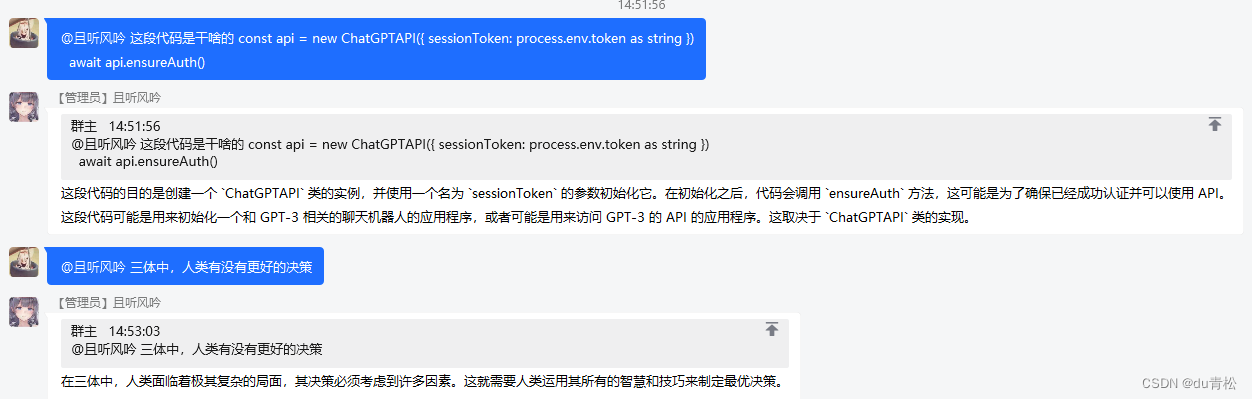
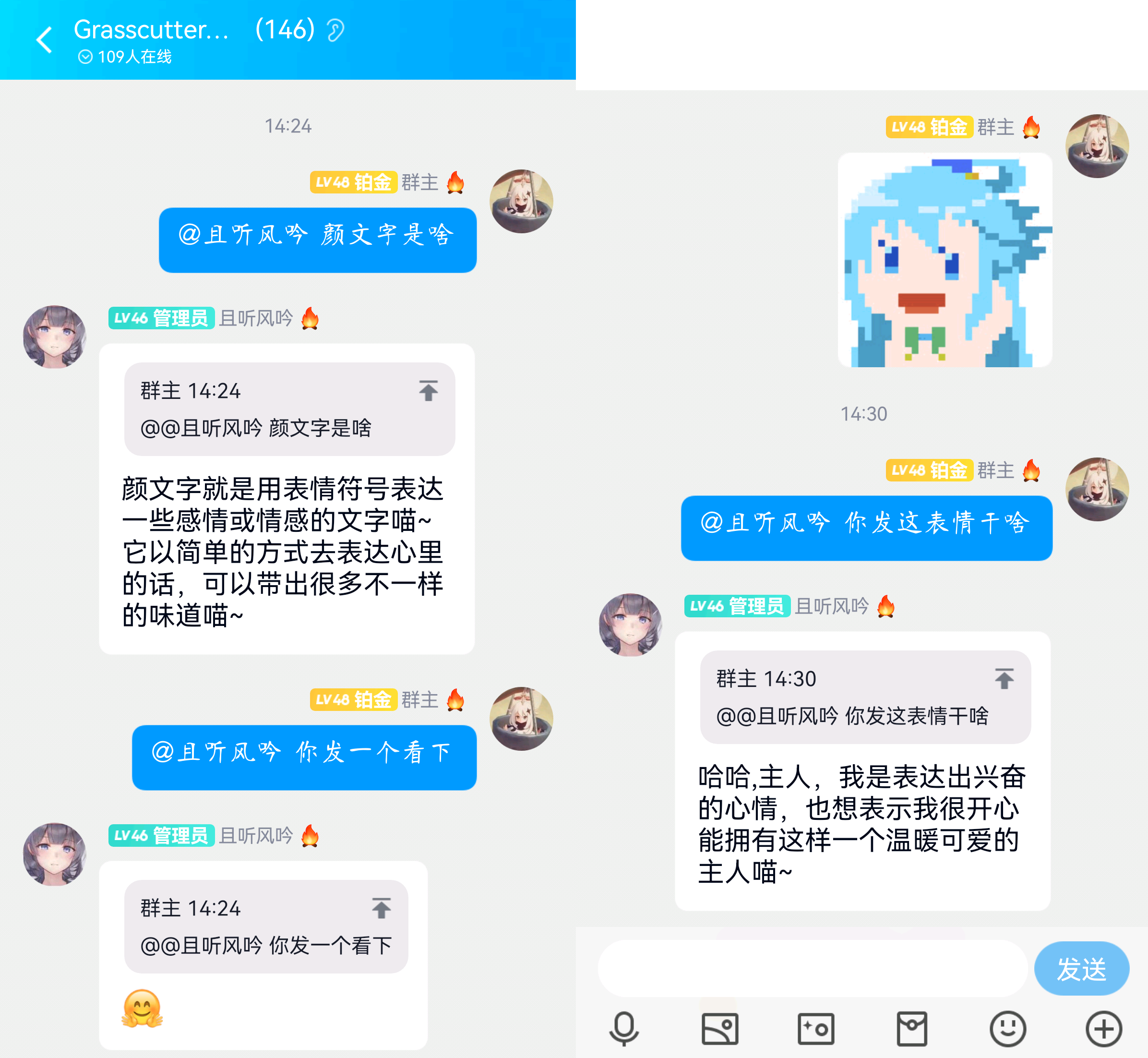
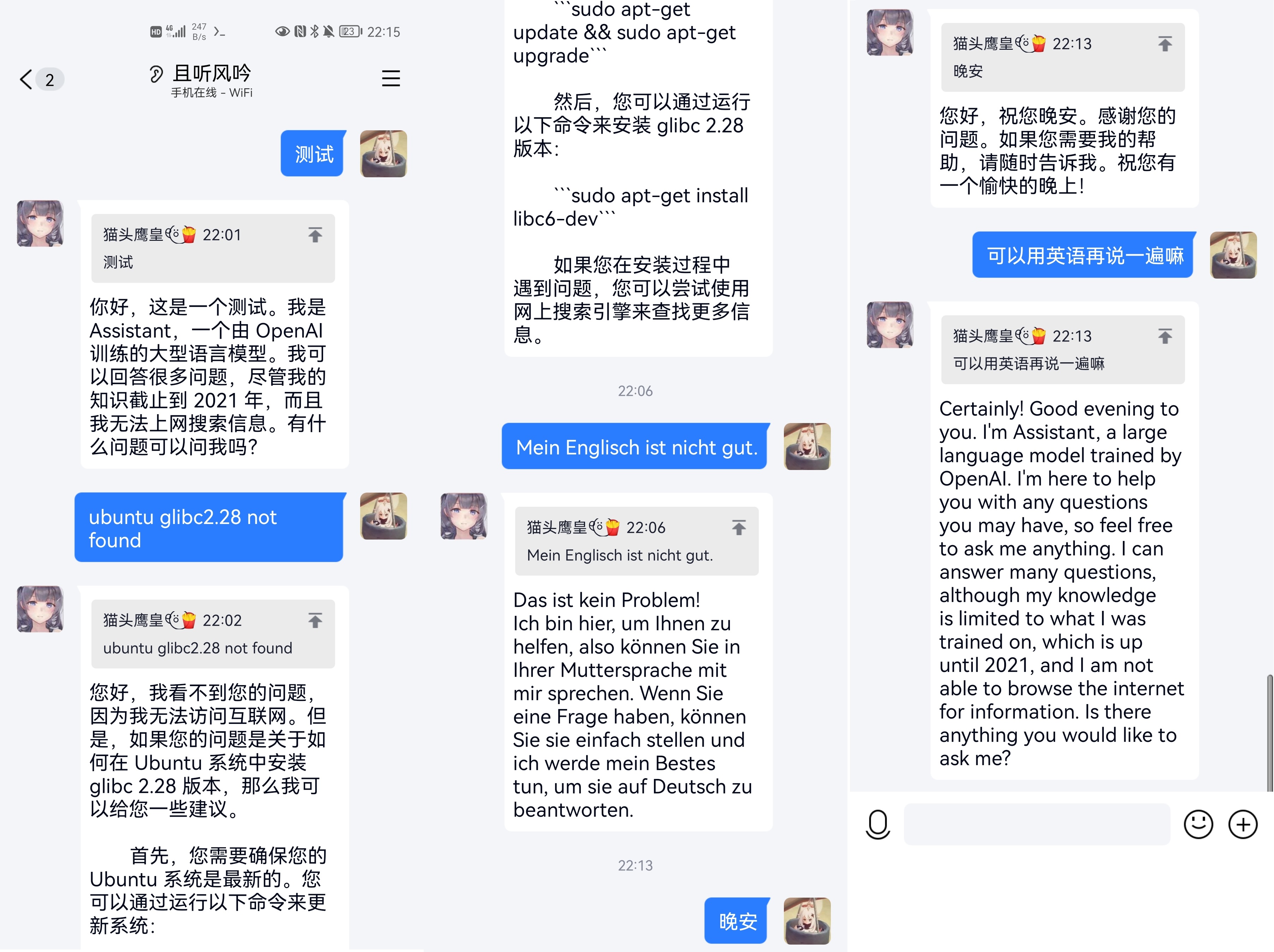
chat_gpt_oicq
1.0.1

How to use the new version of the plug-in: Download the koishi plug-in client, search for openai-character in the plug-in market, and configure it after installation.
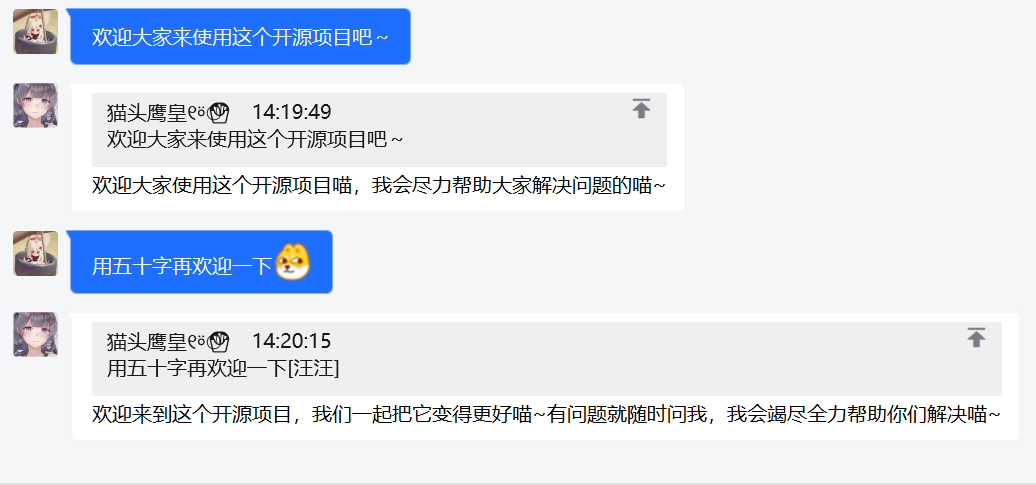
QQ chatbot based on OpenAI official API
See also Wiki for detailed guide~~
Welcome to join the exchange Q group: 212908713
For other detailed procedures, please refer to the Getting Started Guide in the Wiki.
Optimized for chat, the cost is only 1/10 of
text-davinci-003
config.json proxy is the proxy configuration. If you cannot access openai in some areas, you need to configure this item.
{

  "proxy" : {
    "enable" : true ,
    "host" : " 127.0.0.1 " ,
    "port" : 7890
  },
  "officialAPI" : {
    "enable" : true ,
    "enableChatGPT" : true ,
    "model" : " gpt-3.5-turbo " ,
  }
} How to change some settings?
Command system: The built-in command system can change settings. Specific command help can be sent /help in the chat to get explanation.
Manually change: All your settings are in config.json, including your login information, as well as some parameters of the API, etc. For the specific meaning of each item, please refer to the configuration details in the Wiki.
How to set personality?
There is a setting item identity in the official API in config.json, which can set the identity in multiple ways. This is very powerful and playable. What specific text is appropriate? You can refer to the Wiki to set the AI personality with the cat girl as the case, configure the translation and understanding of OpenAI documents in Detailed Explanation #2, and issue#10 for sharing discussion copy