hal2023 cli
v 1.10.11

Inspired by the infamous HAL9000 from the cult classic "2001: A Space Odyssey", this simple CLI enables you to interact with OpenAI's ChatGPT and generate images.
You would need an API key from OpenAI to use this CLI.
Open this link and generate an API key for yourself.
Upon installation, this CLI stores your personal API key in a file called .chat-api-key in your Home directory.
This CLI is using the gpt-3.5-turbo model by default. You can read more about
it here.
To interact with text-davinci-003 model, simply start your query with -davinci followed by a space and the rest of
your query after that.
gpt-4 Model is also available. Start a prompt with -gpt4 followed by the rest of the query.
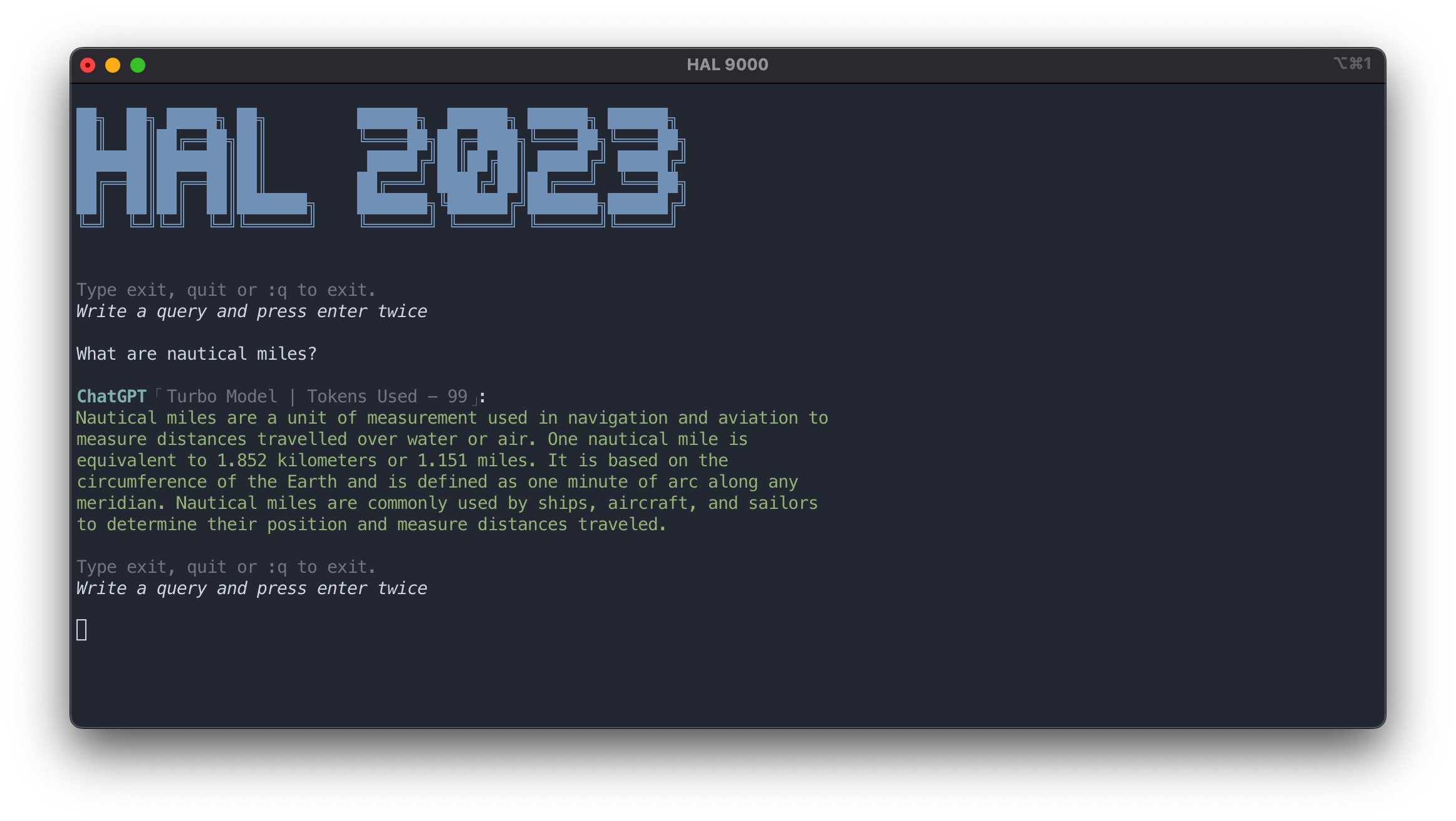
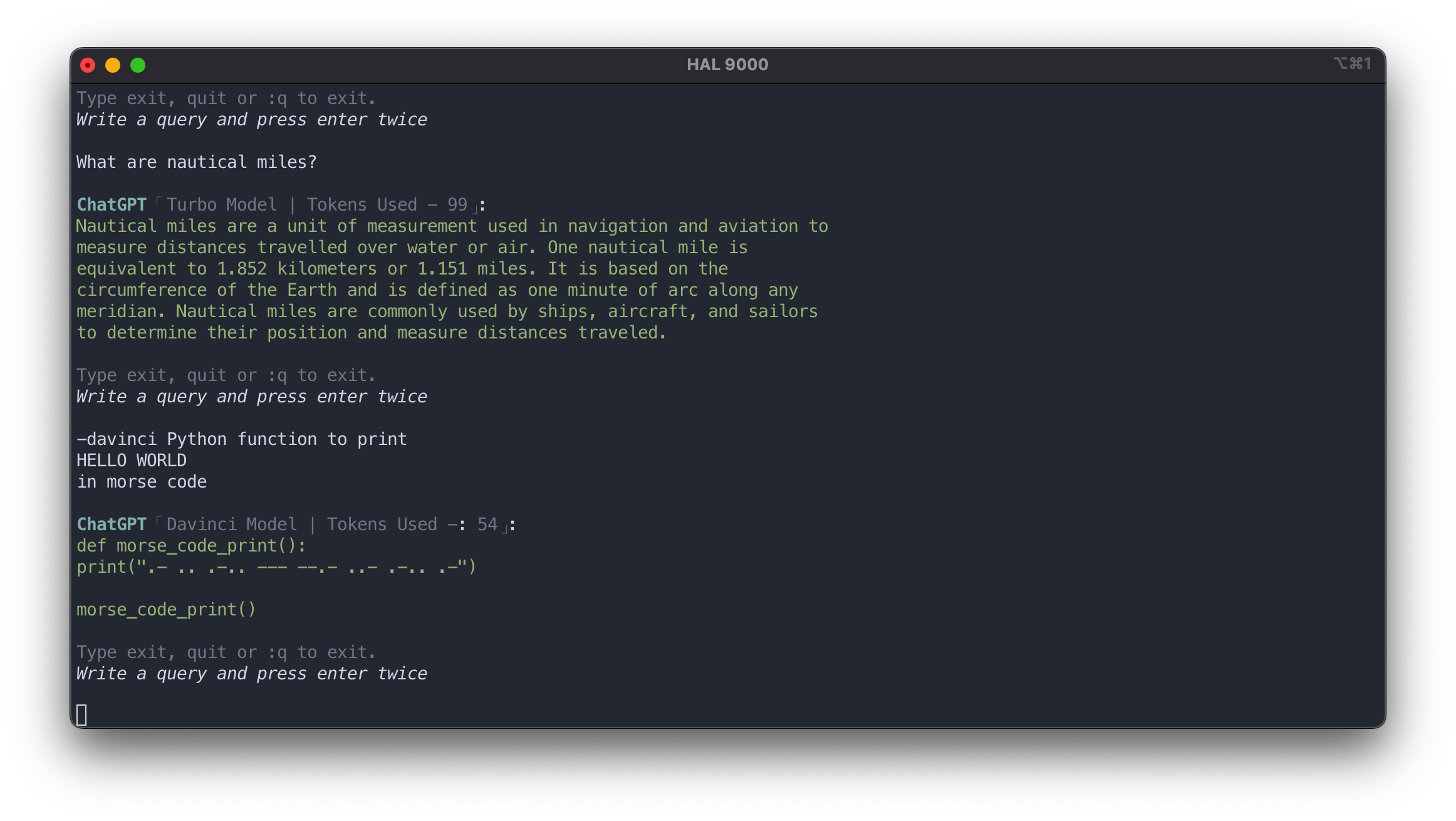
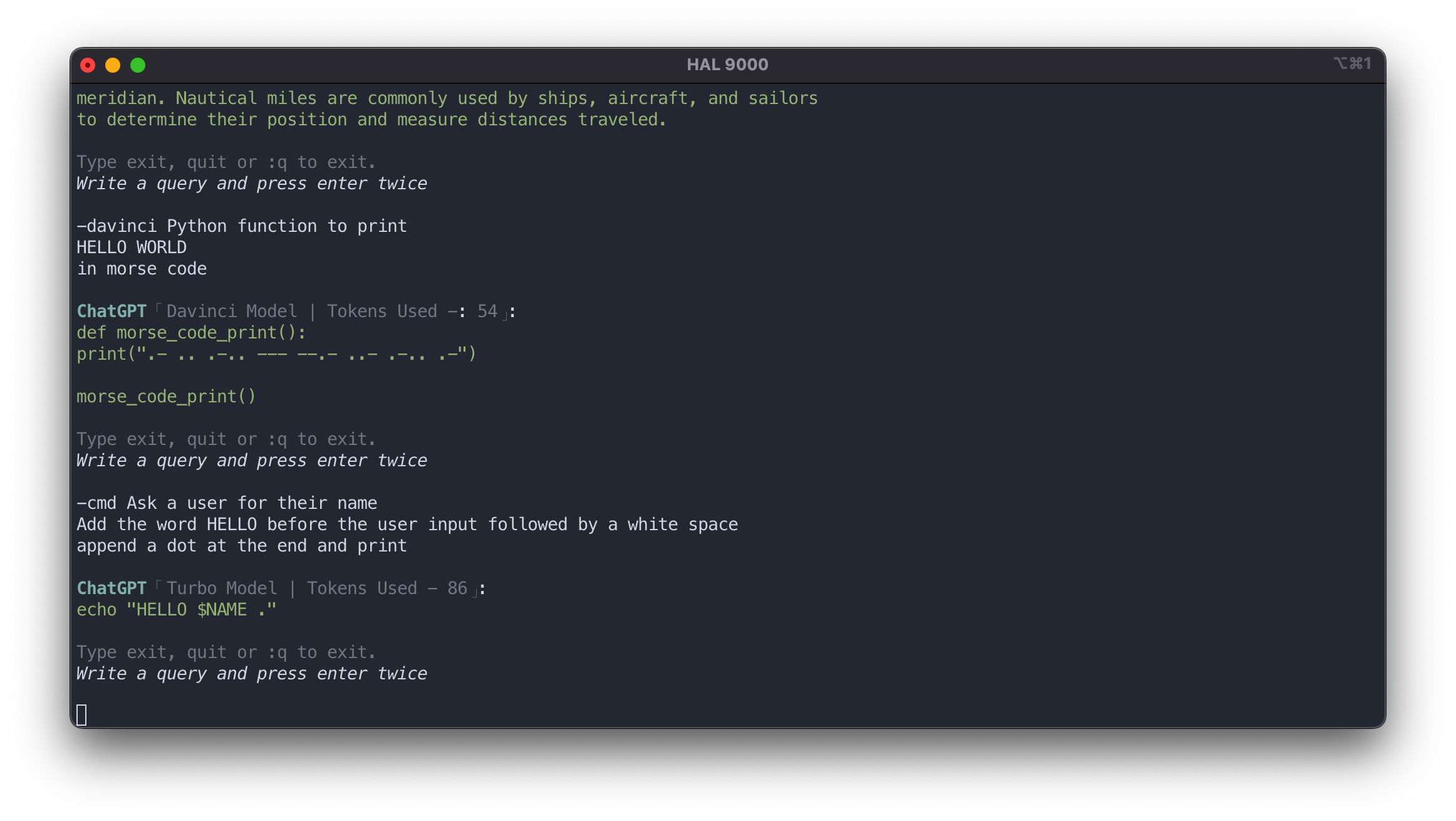
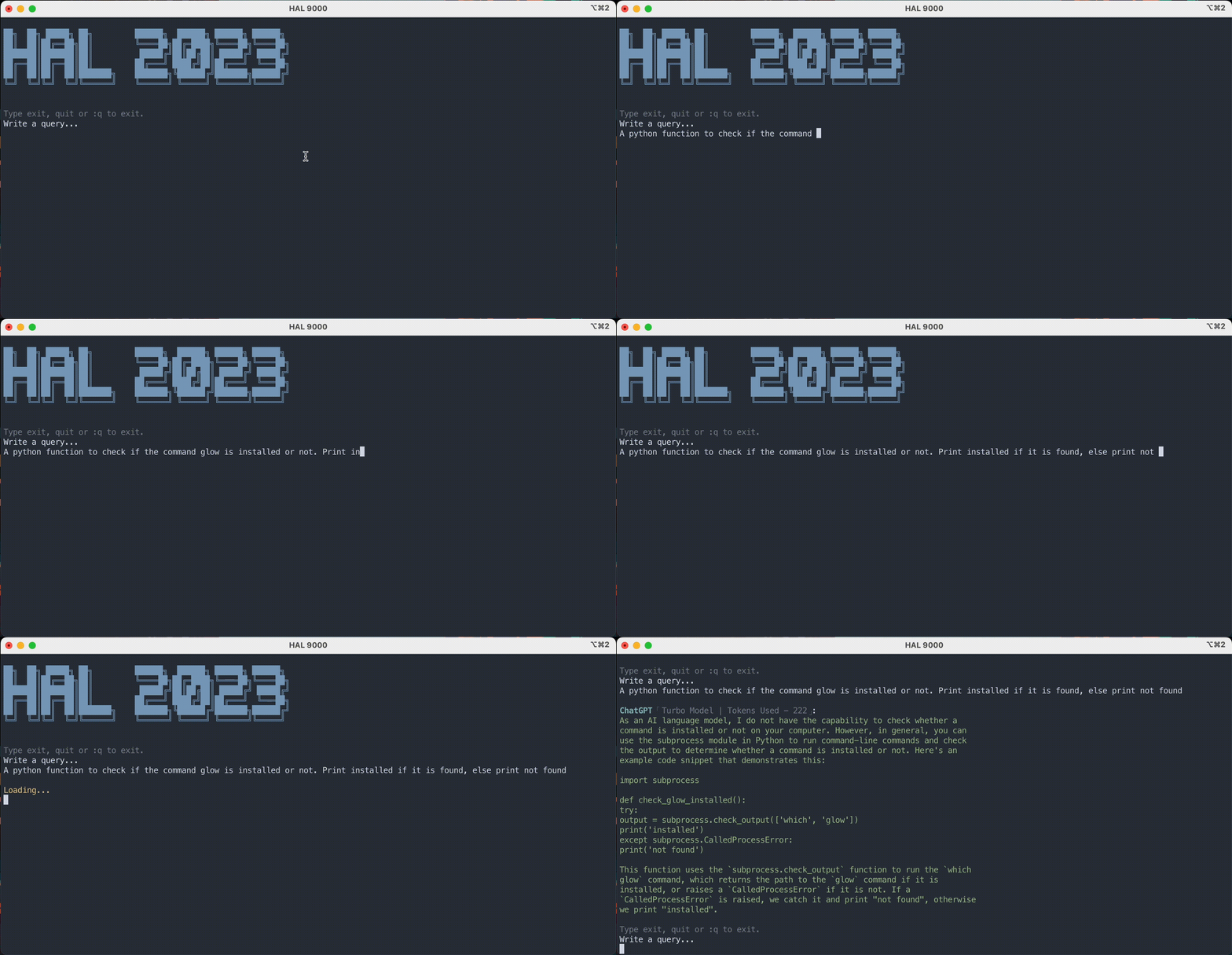
curl -sS https://github.com/Brutuski/hal2023-cli/blob/main/build.sh | sudo -E bashhal2023 to /usr/local/bin.$PATH.~/.chat-gpt-api. Paste only your API key in said file with
no spaces or newlines.Run the command hal2023
To exit simply type exit or quit or :q
Multiline prompts are supported as. Press enter once
to continue your prompt in a newline. Press enter twice to send the prompt.
Default model is gpt-3.5-turbo. If you would like to interact with the text-davinci-003 model simply start your
prompt with -davinci
To interact with gpt-4 model, start the prompt with -gpt4 followed by the query.
Image generation has been added. Simple start your input with -image followed by the image prompt. Generated image
URL is shortened using the tny.im API and displayed.
Type -email or --e and press enter for quick email generation process.
Type -article or --a and press enter for quick article generation process.
Type -cmd followed by the query to generate single line shell commands ready to be executed in he terminal.
More options:
make check
make about
make help
A history feature has been added as of v1.4.1. The history file is created and maintained
at ~/.hal2023_history.txt.
├── hal2023                     # Main script
├── README.md                   # Documentation file
├── CONTRIBUTING.md             # Contributing document
├── CODE_OF_CONDUCT.md          # Code of Conduct document
├── build.sh                    # To install, check requirements and take API key input
├── image-assets                # Directory for all documentation related image assets
├── .gitignore                  # File to primarily exclude .idea and .DS_Store
├── .github
  ├── CHANGELOG.md              # Changelog
  ├── ISSUES_TEMPLATE.md        # Issues reporting template
  └── PULL_REQUEST_TEMPLATE.md  # Pull request submission template
└── LICENSE                     # MIT License file
Issues Template. Please report any issues or feature requests here.
Changes can be tracked in the Changelog
To contribute, please check out Contributing and Pull Request Template
Code of Conduct
Please refer to OpenAI's data usage policy to stay informed about how your queries and prompts are being handled by them.
The installation script was inspired by bash-script-template.
It replaced the previously used method of Makefile and a separate check_requirements.sh script.





