KeepChatGPT
1.0.0


| Chinese | English | Español |
|---|
ChatGPT . It can make your chat extremely silky, save dozens or hundreds of unnecessary steps, and get rid of all kinds of报错and警告once and for all. And share a large number of innovative functions for free, such as: automatic refresh, stay active, data security, cancel audits, cloning dialogues, talking endlessly, purifying pages, displaying large screens, interception and tracking, changing with each passing day, and observing everything. Make our AI experience extremely safe, smooth, silky, efficient and simple.| Serial number | screenshot |
|---|---|
| 1 | Bright theme + purification page 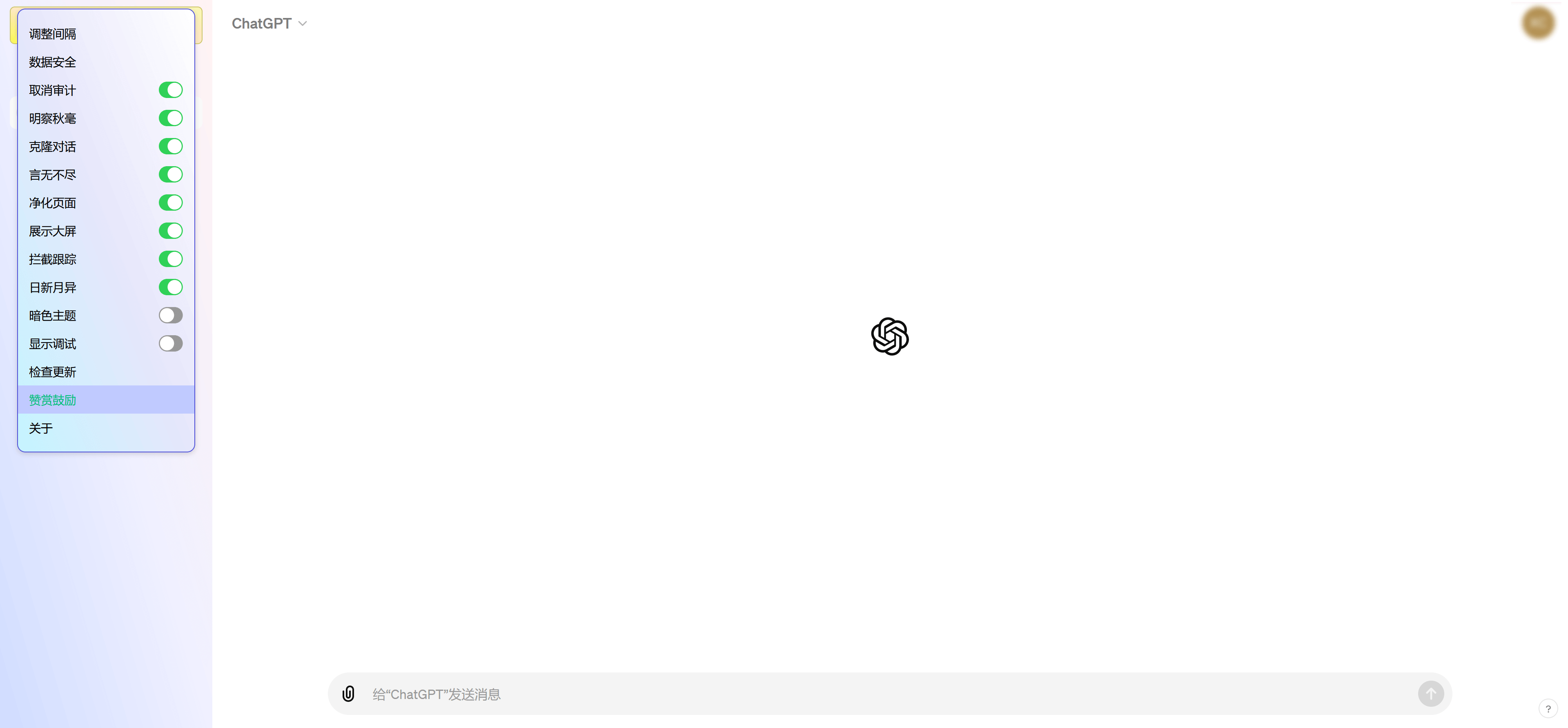 |
| 2 | Bright color theme + bright eyebrow + display large screen + changing with each passing day 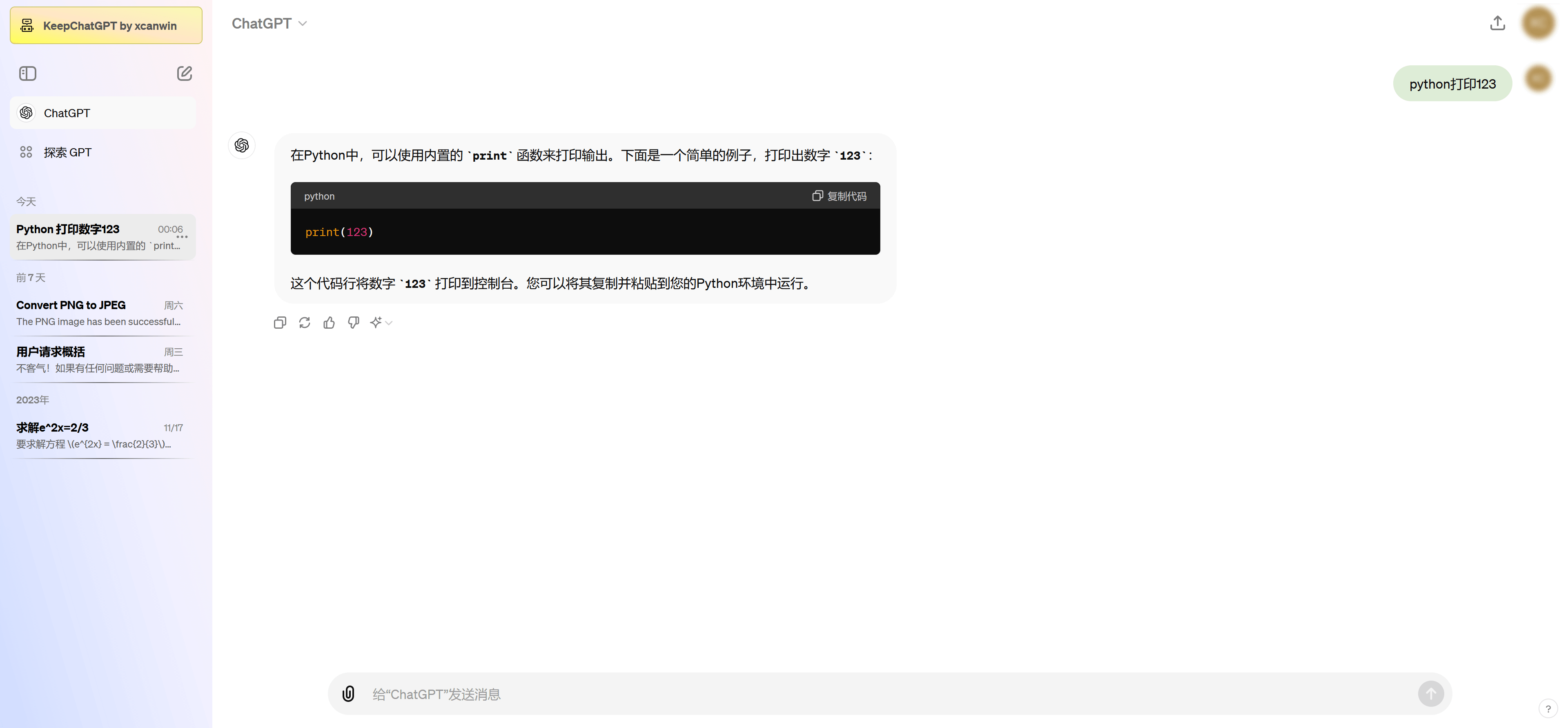 |
| 3 | Dark theme + bright look + display large screen + change every day 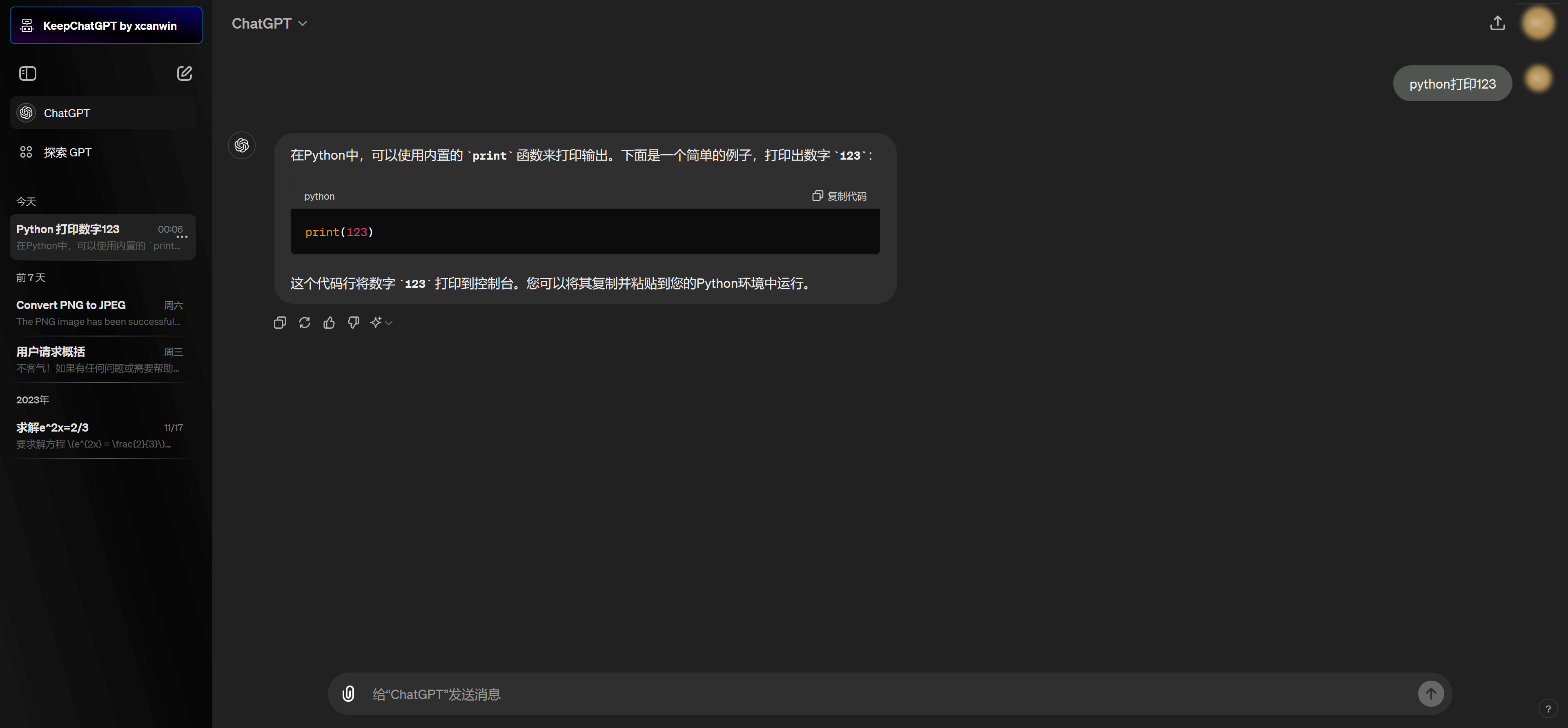 |
| 4 | Mobile + Purification Page 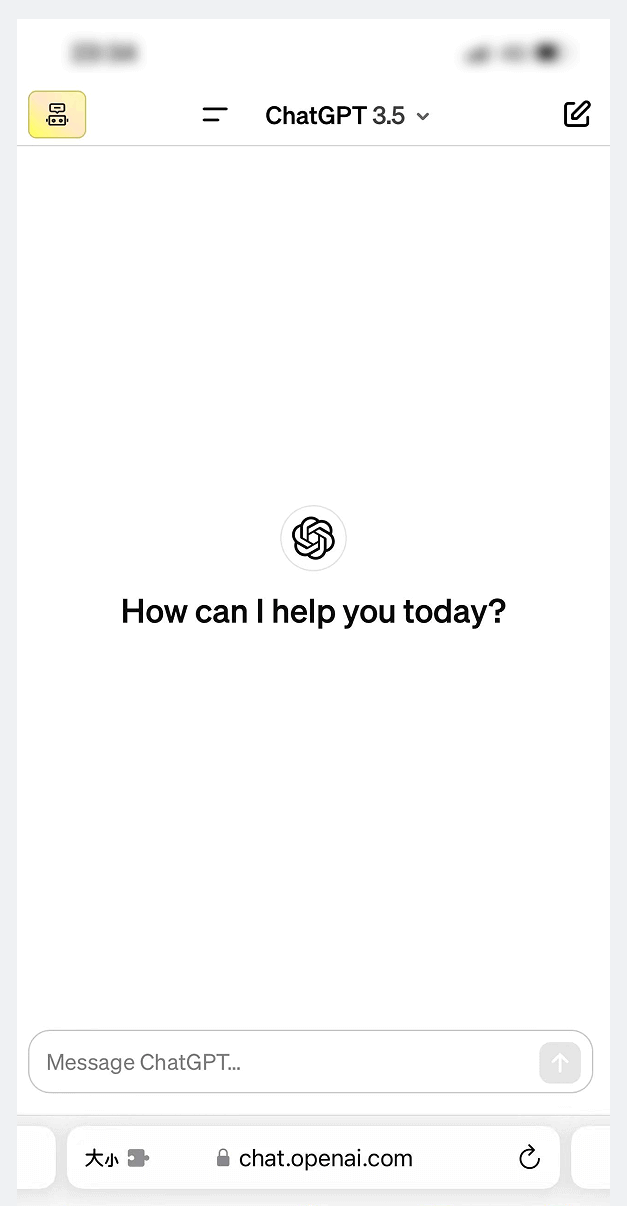 |
| Serial number | Solve the following error |
|---|---|
| 1 | 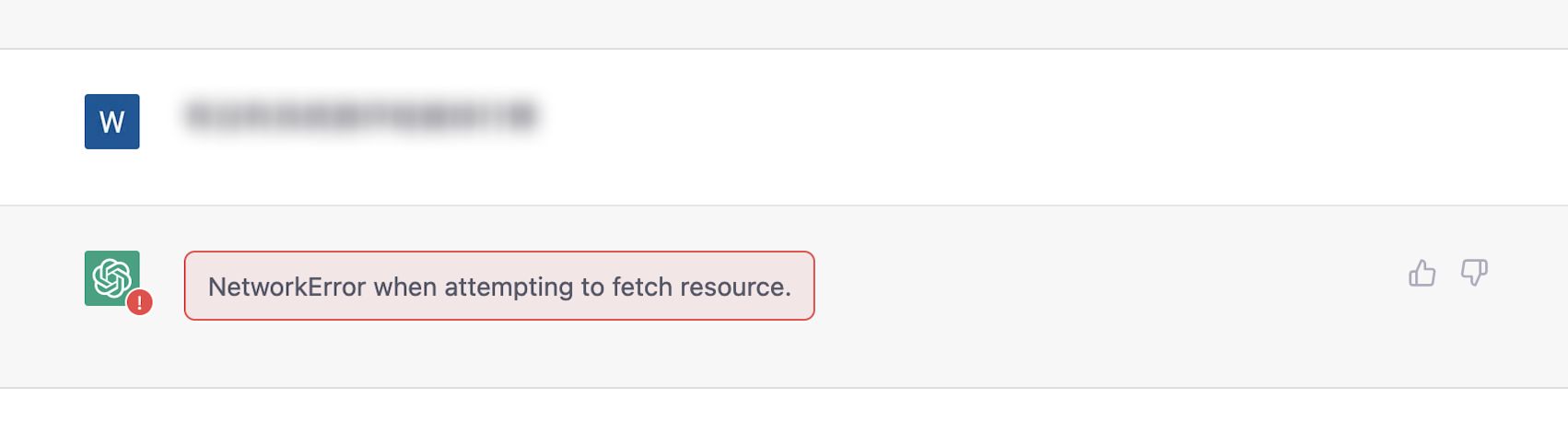 NetworkError when attempting to fetch resource. |
| 2 | 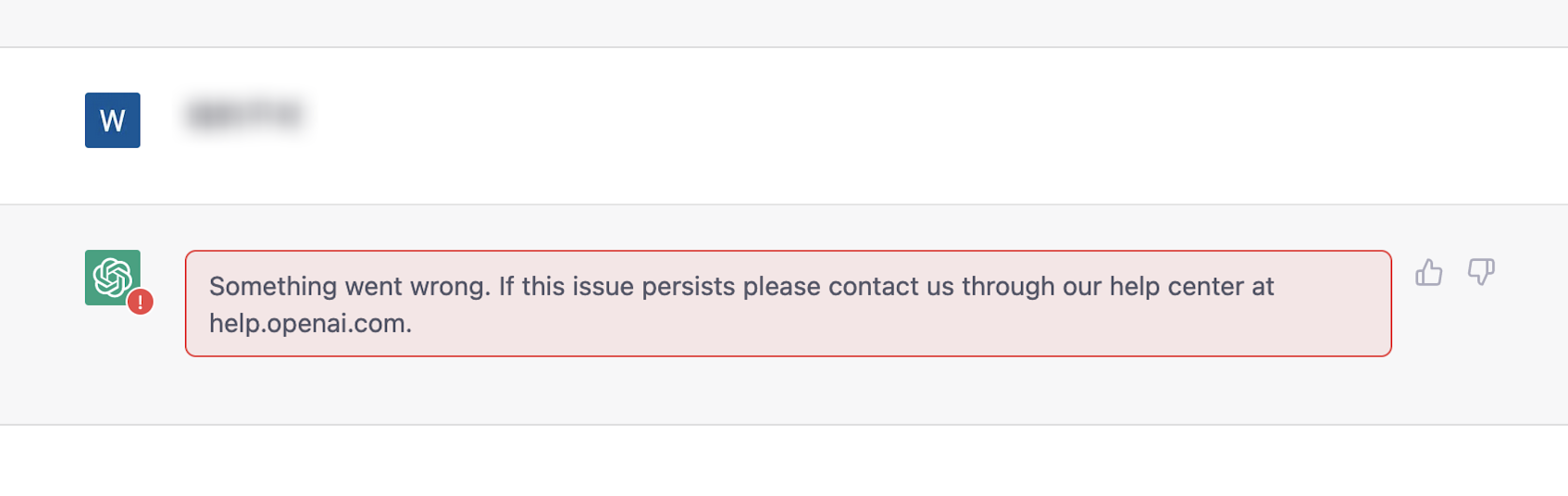 Something went wrong. If this issue persists please contact us through our help center at help.openai.com. |
| 3 |  Conversation not found |
| 4 | 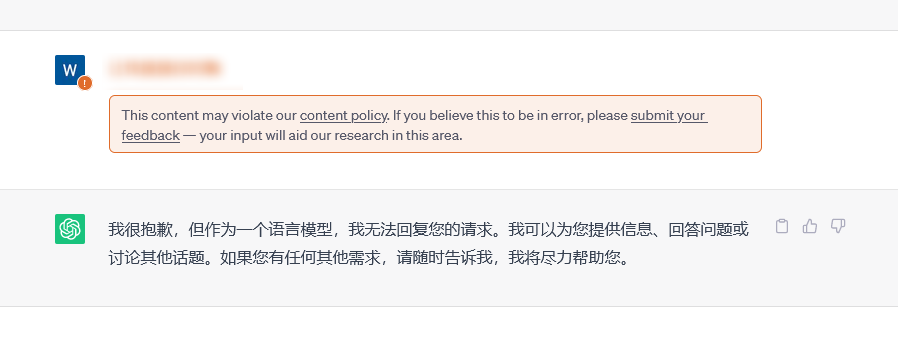 This content may violent our content policy. If you believe this to be in error, please submit your feedback — your input will aid our research in this area. |
Official channels✅:
| Serial number | UserScript Source | Remark |
|---|---|---|
| 1 | Github open source community | ✅Recommended |
False channels :
| Serial number | UserScript Source | Remark |
|---|---|---|
| 1 | ||
| 2 |
Tampermonkey through the official website;KeepChatGPT through the installation channel;Firefox for browsers;Firefox and use Huawei application market and official website;Firefox > Lower Right ... > Add-ons > Add-ons Manager > + to the right of Tampermonkey ;KeepChatGPT through the installation channel;Safari for browsers;Stay through the App Store;KeepChatGPT through the installation channel;| Experimental environment | Don't use KeepChatGPT plugin | Using KeepChatGPT Plugin |
|---|---|---|
| Phenomenon | Frequent NetworkError alarms cause the web page to be refreshed. | There will be no network errors and no refresh is required. |
| Step 1 | Issuing orders | Issuing orders |
| Step 2 | Wait for the results | Wait for the results |
| Step 3 | An error was encountered in the Internet | Get results |
| Step 4 | Try clicking to re-issue | |
| Step 5 | I encountered an online error again | |
| Step 6 | Copy the command just now | |
| Step 7 | Refresh the page | |
| Step 8 | Wait for the webpage to load | |
| Step 9 | Open the chat session just now | |
| Step 10 | Paste the command just now | |
| Step 11 | Issue the order again | |
| Step 12 | Wait for the result again | |
| Step 13 | Get results |
关于大量用户网络错误. Solution: Replace the network.关于调整间隔功能. Solution: Adjust the keep interval moderately.取消审计, add your clever prompt word (must) to avoid banning the account to the greatest extent.秒.50 seconds.900 seconds.克隆对话, you can quickly edit it by clicking on头像before the conversation content.| Experimental environment | Don't check the clone conversation | Check the clone conversation |
|---|---|---|
| Step 1 | Issuing orders | Issuing orders |
| Step 2 | Get results | Get results |
| Step 3 | Dissatisfied with the results | Dissatisfied with the results |
| Step 4 | Don't put the mouse click command at the beginning | Click on the conversation avatar |
| Step 5 | Mouse scroll wheel | Start adjusting commands |
| Step 6 | Drag the mouse to the end of the command | |
| Step 7 | Copy command | |
| Step 8 | Mouse click dialog box | |
| Step 9 | Paste instructions | |
| Step 10 | Start adjusting commands |
净化页面, the page will be completely renewed, enjoy the gold label and enhance the experience.PRO .展示大屏, you can significantly reduce mouse scrolling, and the dialogue is clear at a glance, which enhances the experience.言无不尽, you can be unattended after asking questions and enjoy ChatGPT expressing it to your heart's content until you reply to all the content.| Experimental environment | Nothing can be said without checking | Tick all the words |
|---|---|---|
| Step 1 | Issuing orders | Issuing orders |
| Step 2 | Wait for the results | Wait for the results |
| Step 3 | Staring at the results | Get full results |
| Step 4 | Get incomplete results | |
| Step 5 | Click Continue | |
| Steps 6~21 | Repeat steps 2 to 5 4 times... | |
| Step 22 | Wait for the results | |
| Step 23 | Staring at the results | |
| Step 24 | Get full results |
拦截跟踪, most tracking behaviors can be intercepted, protecting the user's information security, and improving the page loading speed.50~100 network requests, of which at least 15~65 network requests are tracking and analyzing users!日新月异, the sidebar will see标题,最新消息,日期,星期,对话模型, etc., help users quickly locate history high-quality chat projects.| LOGO | Dialogue Model |
|---|---|
| Black bubbles | GPT3.5 model |
| Purple bubbles | GPT4 Model |
| Purple bubbles + m | GPT4 Mobile Model |
| Purple bubbles + w | GPT4 Web Browsing Model |
| Purple bubbles + p | GPT4 Plugins Model |
| Purple bubbles + d | GPT4 Code Interpreter Model |
| Don't check the changes every day | Check the change of time |
|---|---|
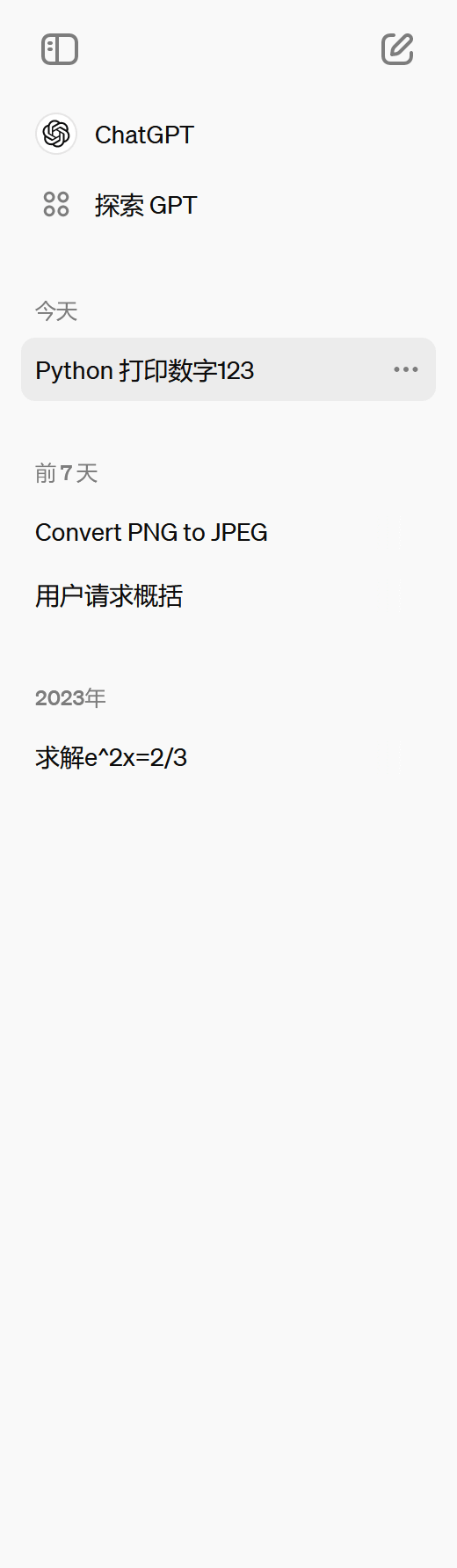 | 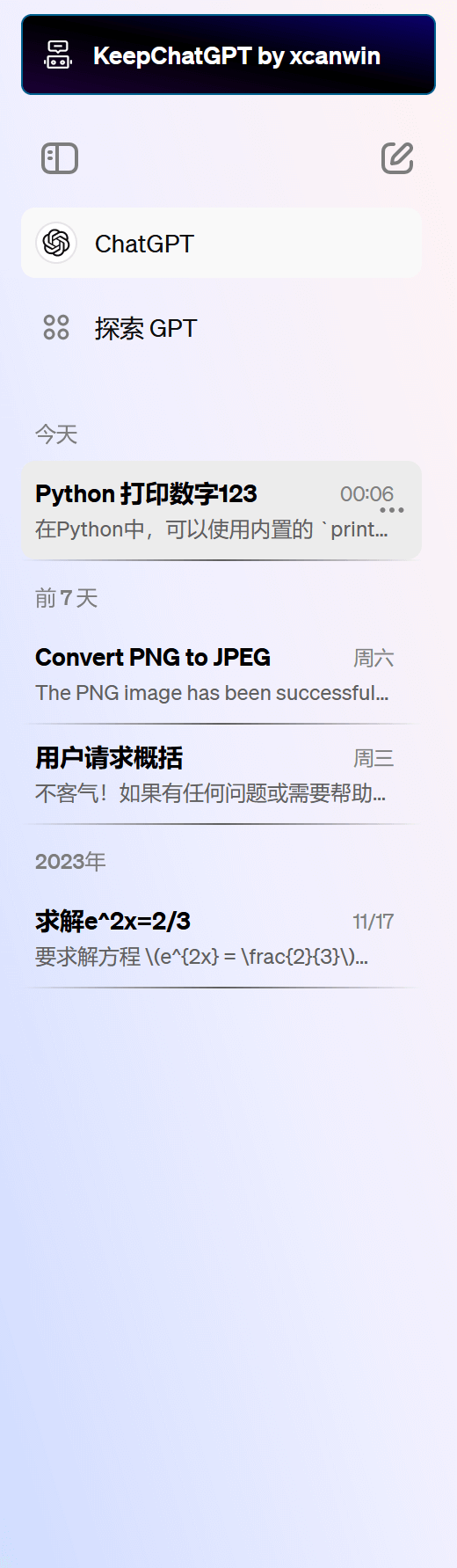 |
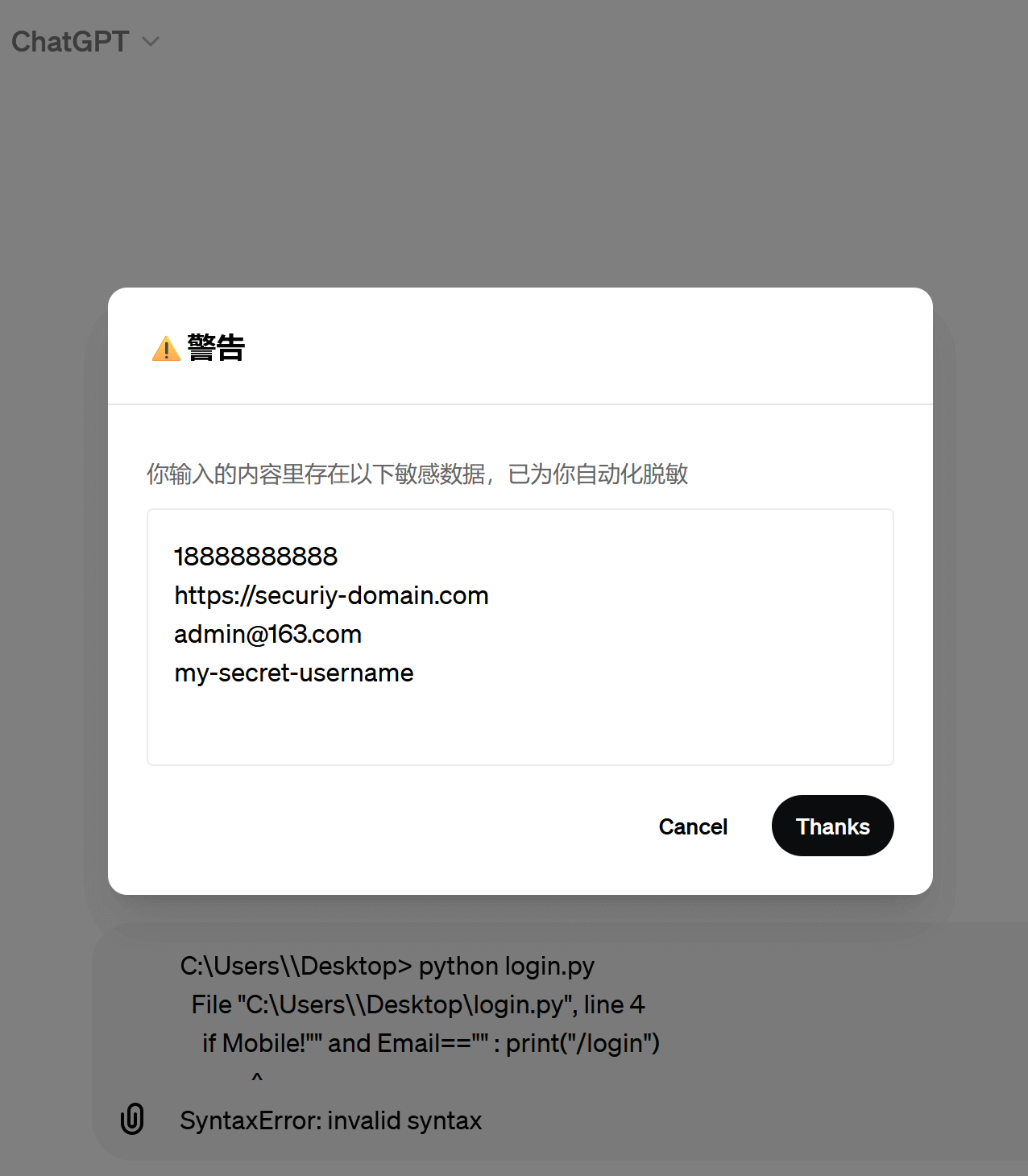
明察秋毫, the chat page will be completely renewed and the experience will be enhanced.数据安全, sensitive information will be automatically cleaned (desensitized) when the user writes a conversation and risk warnings will be given.Demonstrate the effect. If you write and paste this prompt word to the dialog box:
 C:Usersmy-secret-usernameDesktop> python login.py
  File "C:Usersmy-secret-usernameDesktoplogin.py", line 4
    if Mobile!"18888888888" and Email=="[email protected]" : print("https://securiy-domain.com/login")
             ^
SyntaxError: invalid syntax
It will be corrected immediately:
 C:Users\Desktop> python login.py
  File "C:Users\Desktoplogin.py", line 4
    if Mobile!"" and Email=="" : print("/login")
             ^
SyntaxError: invalid syntax
| From | Thanks |
|---|---|
| My cat |  |
| buymeacoffee |  Click on the picture |
| Love to generate electricity (Support WeChat and Alipay) |  Click on the picture or scan |
 |





