openrecall
1.0.0

   ____                   ____                  ____
  / __ ____  ___  ____  / __ ___  _________ _/ / /
 / / / / __ / _ / __ / /_/ / _ / ___/ __ `/ / /
/ /_/ / /_/ /  __/ / / / _, _/  __/ /__/ /_/ / / /
____/ .___/___/_/ /_/_/ |_|___/___/__,_/_/_/
    /_/
Enjoy this project? Show your support by starring it! ️ Thank you!
Join our Discord and/or Telegram community to stay informed of updates!
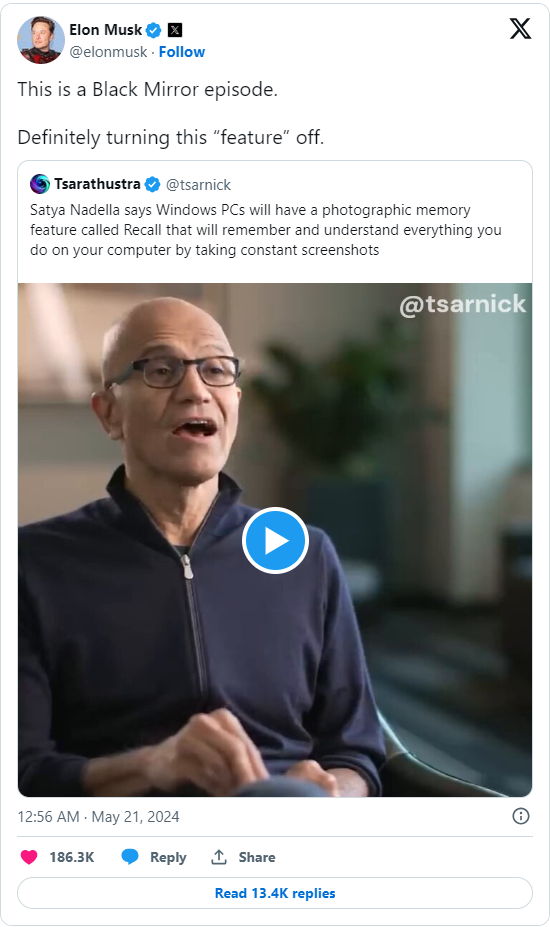
OpenRecall is a fully open-source, privacy-first alternative to proprietary solutions like Microsoft's Windows Recall or Limitless' Rewind.ai. With OpenRecall, you can easily access your digital history, enhancing your memory and productivity without compromising your privacy.
OpenRecall captures your digital history through regularly taken snapshots, which are essentially screenshots. The text and images within these screenshots are analyzed and made searchable, allowing you to quickly find specific information by typing relevant keywords into OpenRecall. You can also manually scroll back through your history to revisit past activities.
OpenRecall offers several key advantages over closed-source alternatives:

| Feature | OpenRecall | Windows Recall | Rewind.ai |
|---|---|---|---|
| Transparency | Open-source | Closed-source | Closed-source |
| Supported Hardware | All | Copilot+ certified Windows hardware | M1/M2 Apple Silicon |
| OS Support | Windows, macOS, Linux | Windows | macOS |
| Privacy | On-device, self-hosted | Microsoft's privacy policy applies | Connected to ChatGPT |
| Cost | Free | Part of Windows 11 (requires specialized hardware) | Monthly subscription |
To install:
python3 -m pip install --upgrade --no-cache-dir git+https://github.com/openrecall/openrecall.git
To run:
python3 -m openrecall.app
Open your browser to: http://localhost:8082 to access OpenRecall.
--storage-path (default: user data path for your OS): allows you to specify the path where the screenshots and database should be stored. We recommend creating an encrypted volume to store your data.
--primary-monitor-only (default: False): only record the primary monitor (rather than individual screenshots for other monitors)
To uninstall OpenRecall and remove all stored data:
Uninstall the package:
python3 -m pip uninstall openrecall
Remove stored data:
rmdir /s %APPDATA%openrecall
rm -rf ~/Library/Application Support/openrecall
rm -rf ~/.local/share/openrecall
Note: If you specified a custom storage path at any time using the --storage-path argument, make sure to remove that directory too.
As an open-source project, we welcome contributions from the community. If you'd like to help improve OpenRecall, please submit a pull request or open an issue on our GitHub repository.
OpenRecall is released under the AGPLv3, ensuring that it remains open and accessible to everyone.





