Auto PPT
PYTHON GEN PPT

Auto_PPT Automatically generate your PPT
Are you tired of spending endless hours making boring presentations? Wish you had a magic tool that could generate amazing PPTs for you in seconds? Don't worry, we've brought you Auto_PPT!
Please visit English Guide
Use gpt-3.5-turbo and pptx to generate PPTX files for specified topics in one-stop.
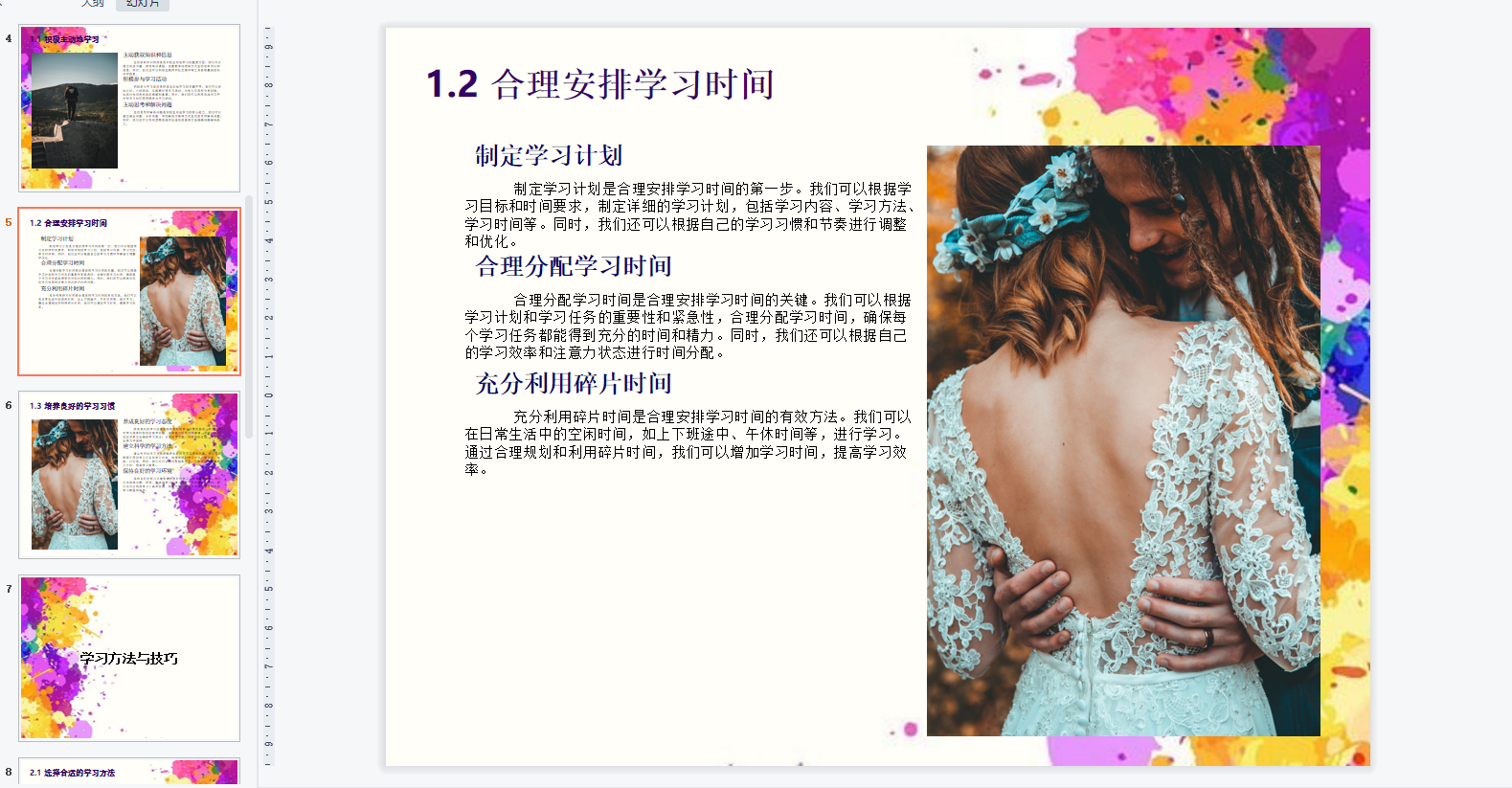
Here is the original example generated from the project:
By lighting up the stars for the project, you show your recognition of us and help us gain more attention in the community.
This inspires us to continuously improve and develop new features to enhance your experience with Auto_PPT.
Acknowledgement from the sponsorship of the boss Miraitowa-wsy.
? No more trouble: just enter the title and Auto_PPT will immediately create a brand new PPTX for you without any extra effort!
? The Secret Behind Magic: With the powerful gpt-3.5-turbo-16k interface, we ensure that the PPT outline generated is stable and impressive every time.
Creatively use md format: We uniquely use md format to generate PPT text in multiple steps in chains, making PPTX production easier and more stable. Say goodbye to the format troubles and let you focus on content creation!
? Use langchain to optimize and refactor the program in v1.0. Thanks to langchain for making the code simple, easy and beautiful!
?️ Landscape Illustration: We work with Unsplash to provide the most exquisite illustrations to instantly rejuvenate and beautiful your PPT.
Secure local deployment: If you are worried about data security issues, don’t worry! Auto_PPT supports local deployment, just add your OpenAI API key and Unsplash API key information.
The project requires a python environment. It is recommended to use python3 or above. The author uses python3.9
- Create a virtual environment
python -m venv venv
- Activate the virtual environment
. venv/bin/activate
- Install the required python components
pip install -r requirements.txt
- Add your api key in config.ini
- Modify the absolute base path of ./readconfig/mycofig.py to make it the folder path of config.ini
- Run the project
run
python application.pyOr (production mode) you need to run the following command in a Linux-like environment
gunicorn -b 0.0.0.0:5000 --log-level=debug --threads 4 app:application > gunicorn.log 2>&1 &
- Visit http://127.0.0.1:5000
2023/7/3 | v0.5.1 | The birth of a creative| Completed ✔️
| blueprint | There are problems | Completed |
|---|---|---|
| Deploy online services | Too simple | Completed |
| Optimize the generation format | Too single format | Paragraph spacing has been optimized |
| Optimize generation speed | OpenAIAPI interface is too slow | The service startup method has been optimized |
2023/7/6 | v1.0 | Refactoring the code with langChain | Completed ✔
| blueprint | There are problems | Completed |
|---|---|---|
| Optimize the generated content | The generated content is not detailed and accurate enough | Delayed to the next version |
| Optimization generation steps | A single step is difficult to complete a high-quality PPT step by step | 7.14 Completed |
| Optimize projects with langChain | Optimized to chain calls | 7.14 Completed |
2023/7/15 | v1.5 | What needs to be completed in the next version | Start?
| blueprint | There are problems | Completed |
|---|---|---|
| Compatible with more md formats | md format is very laborious | Just started |
| Choose a front-end language to refactor the front-end code | As a backend engineer, unfamiliar with the front end | Completed ✔ |
| Optimize the effect of the theme | PPT template reference without aesthetics | Just started |