Noi
v0.4.0


Power Your World with AI - Explore, Extend, Empower.
Note
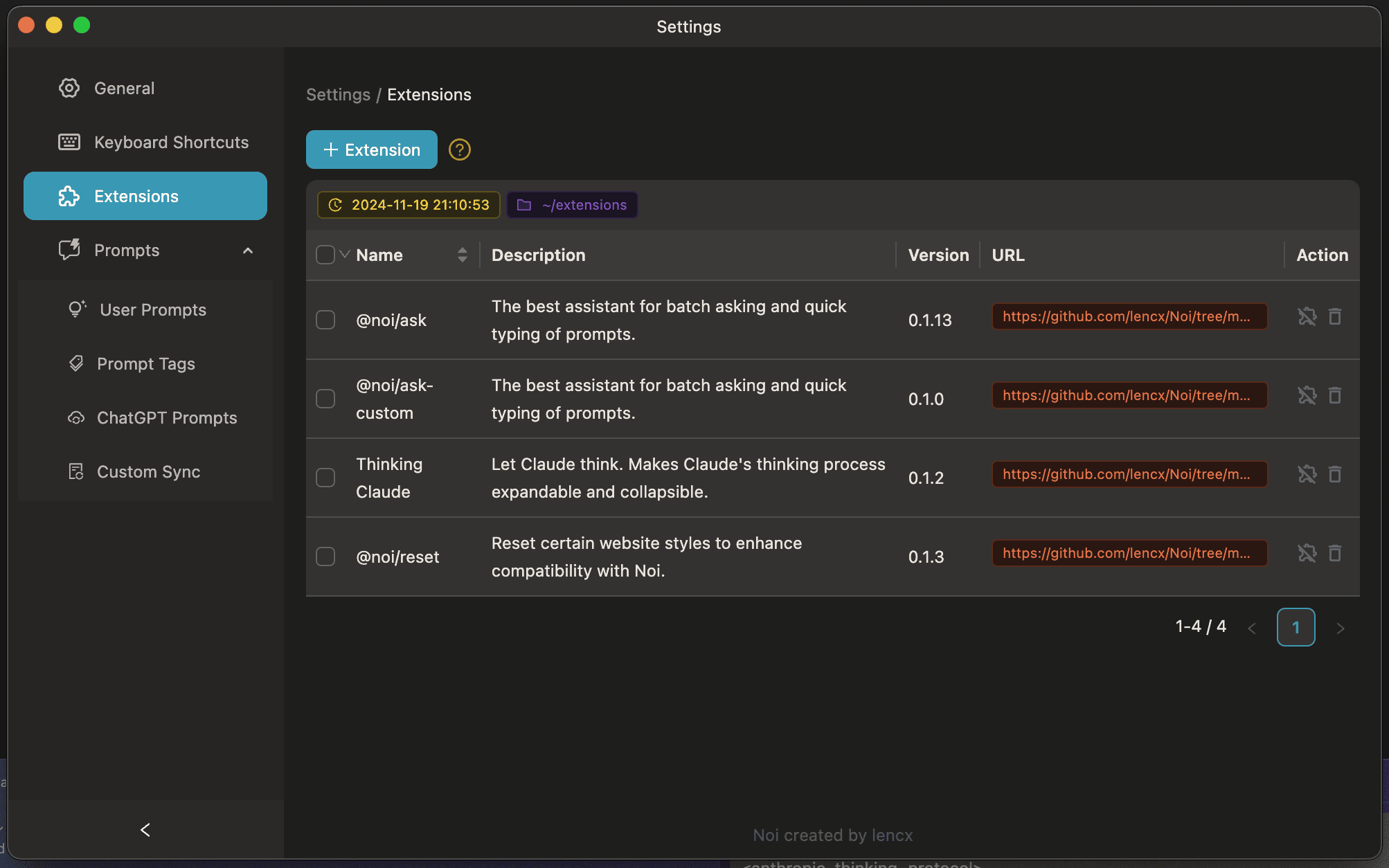
When installing for the first time, the Noi Extensions might not be the latest version. You will need to manually update the extensions from lencx/Noi/extensions to your computer.
You can locate this option in the settings or open the local extensions directory via the menu: Help -> Noi UserData -> Extensions.
Introducing Noi: an AI-enhanced, customizable browser designed to streamline your digital experience:
Light/Dark/System/Monochromatic/Frosted Texture
Menu -> Settings -> Noi Cache Mode).History versions...
| Preview | Preview |
|---|---|
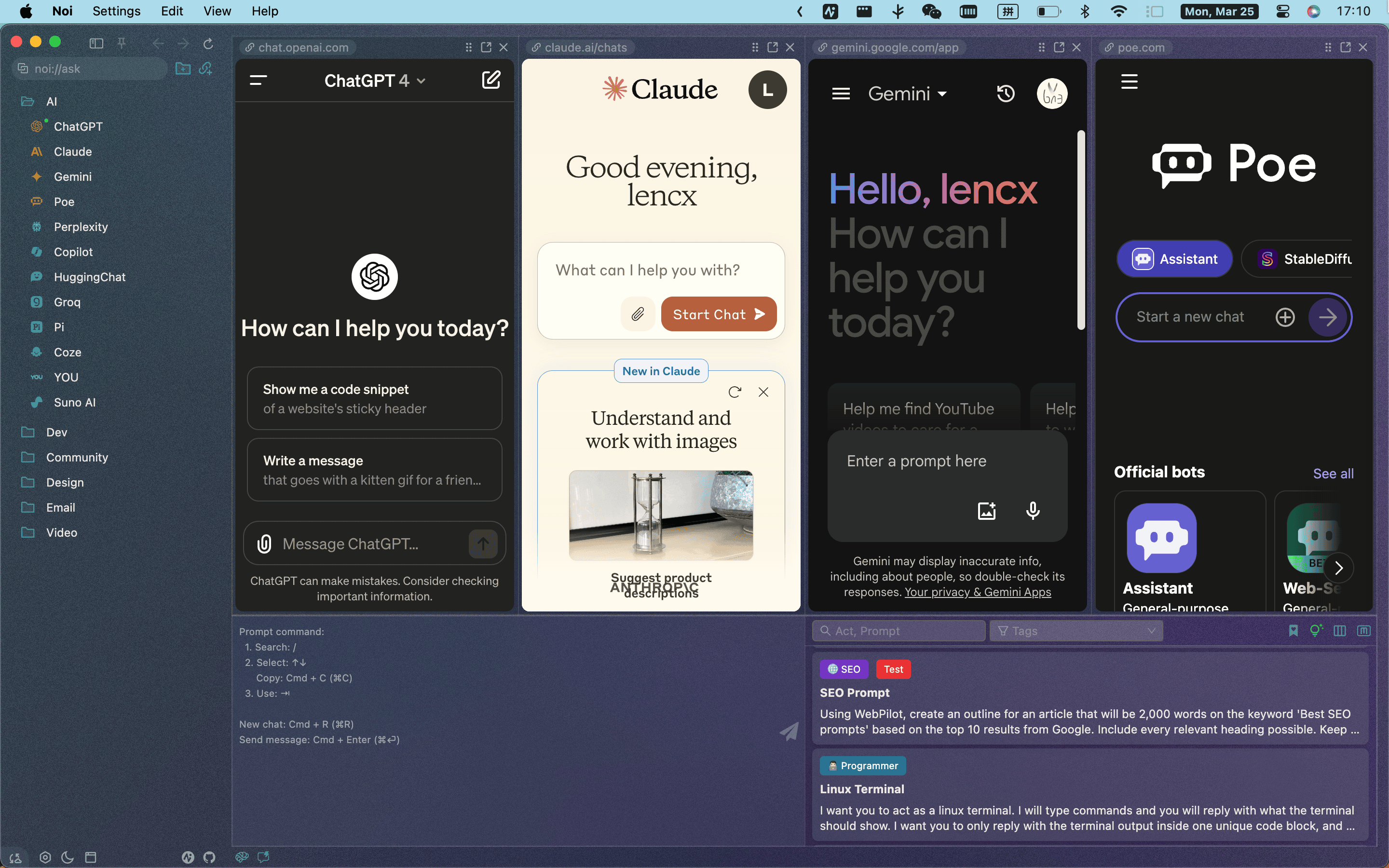 |
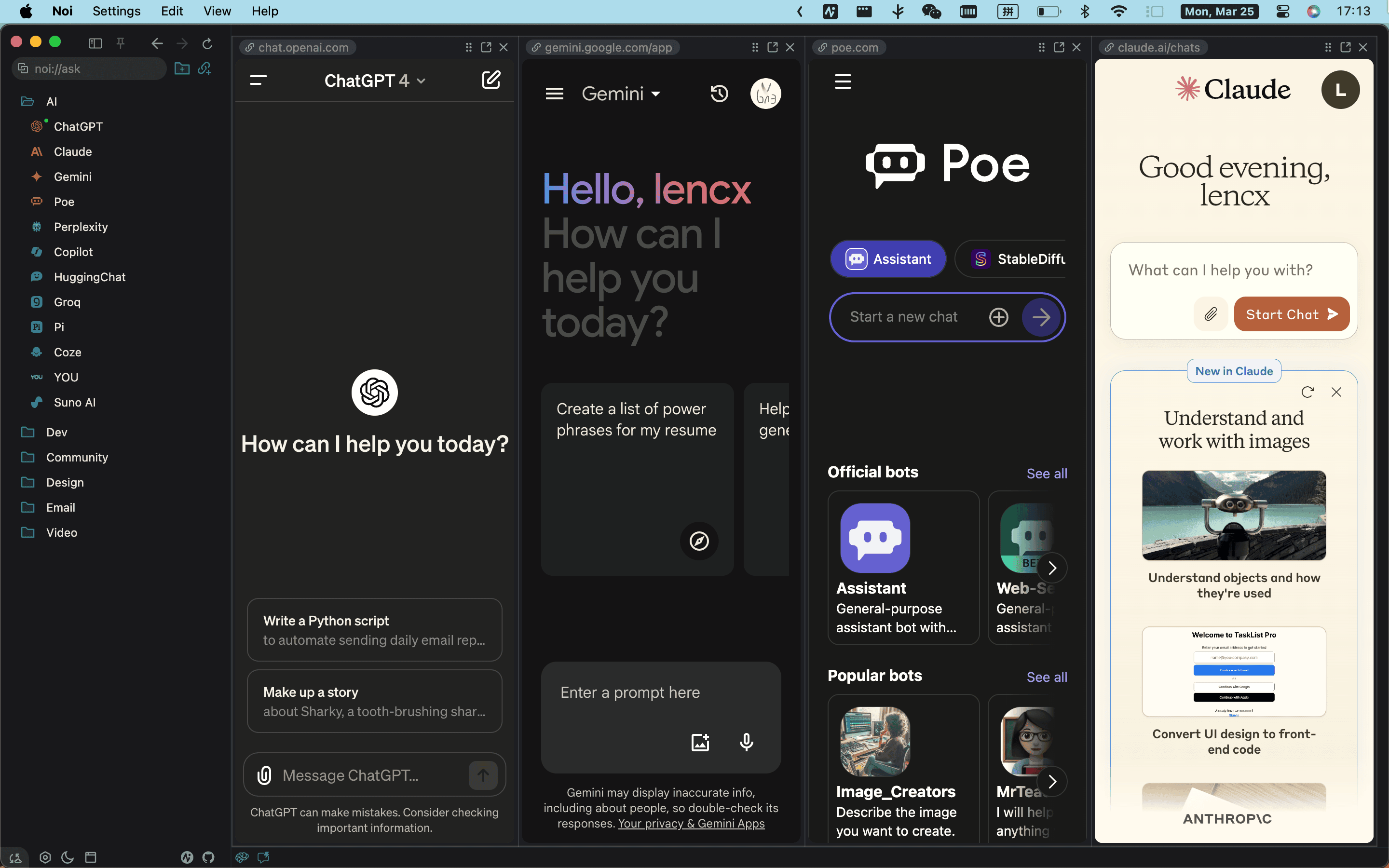 |
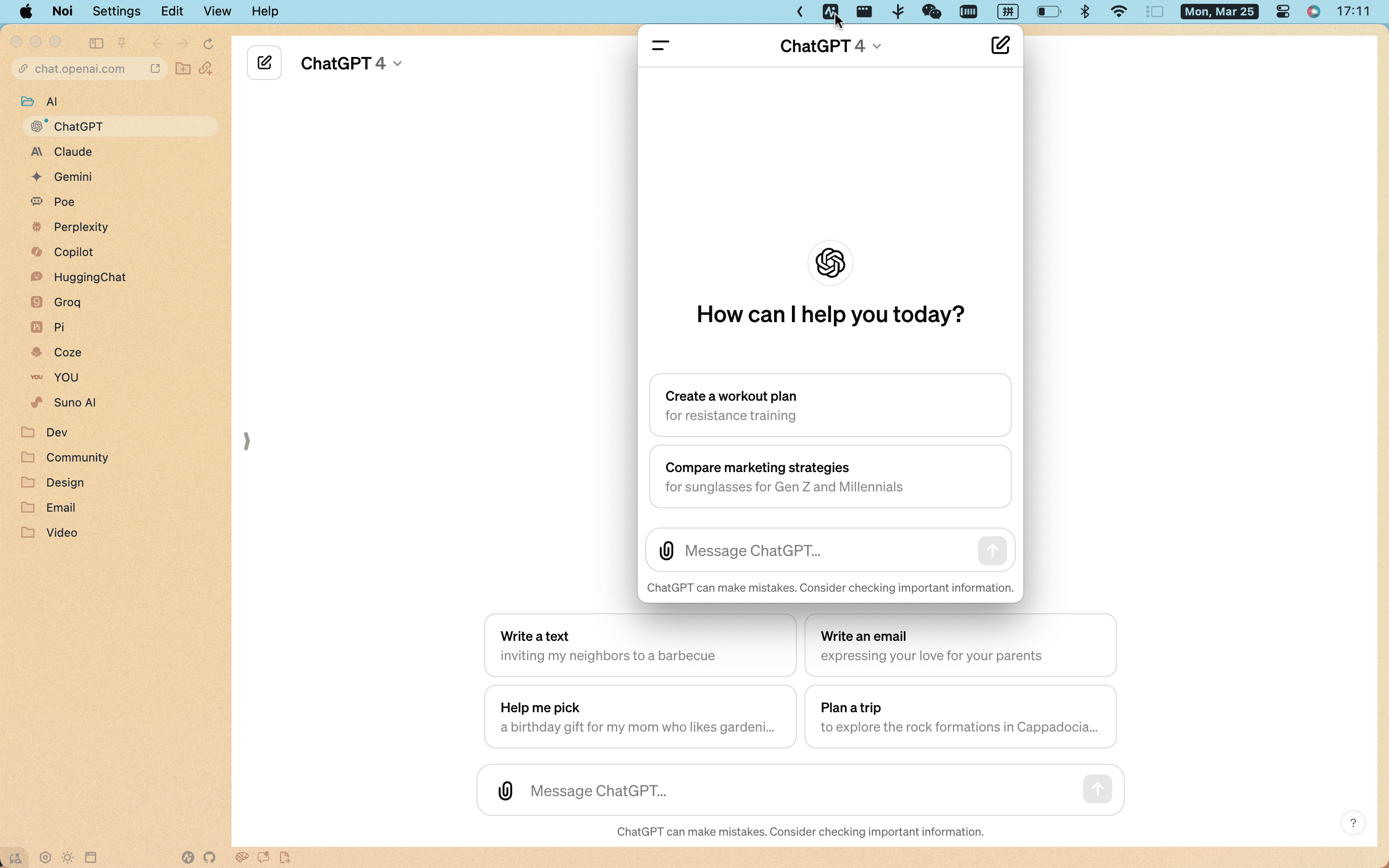 |
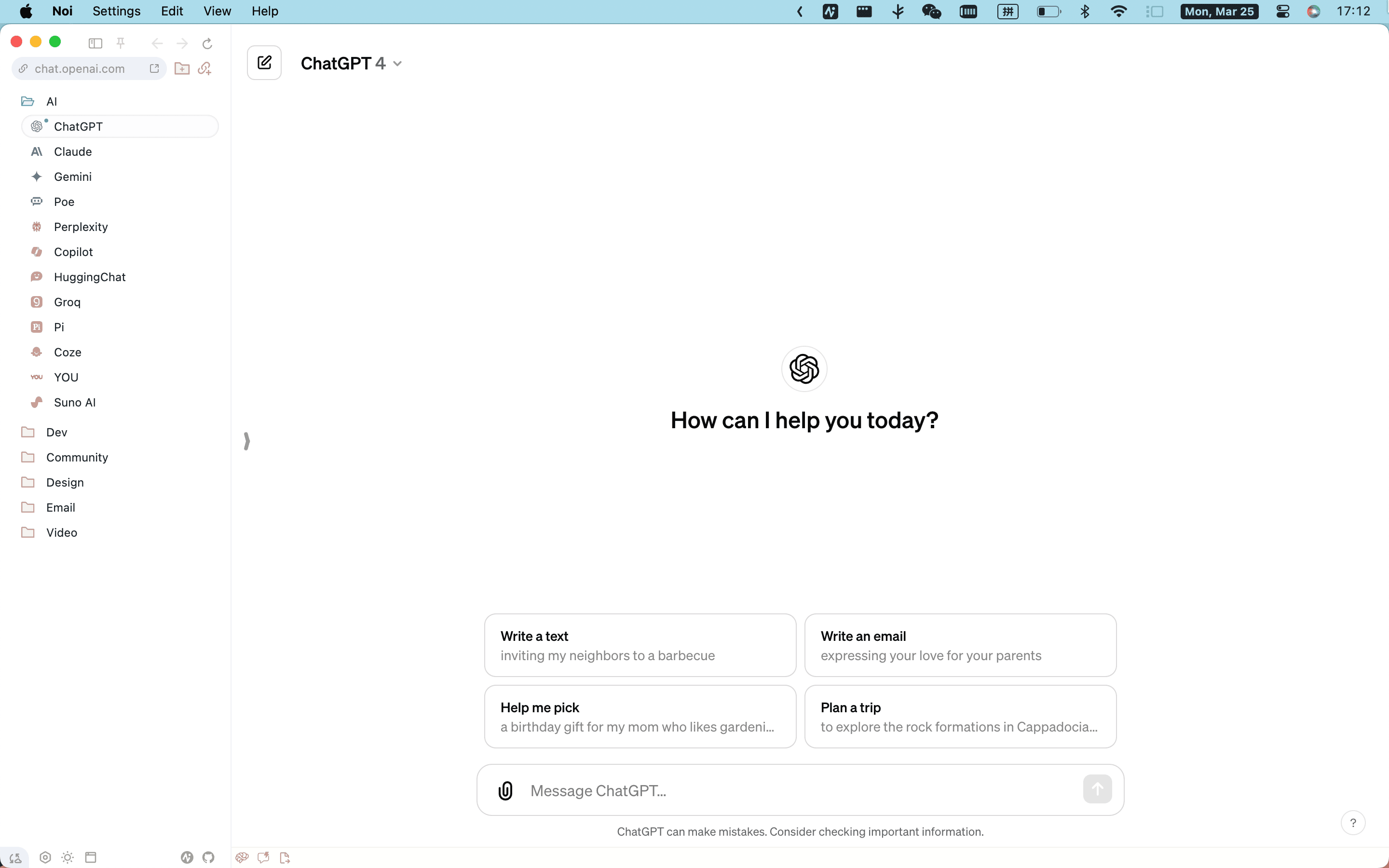 |
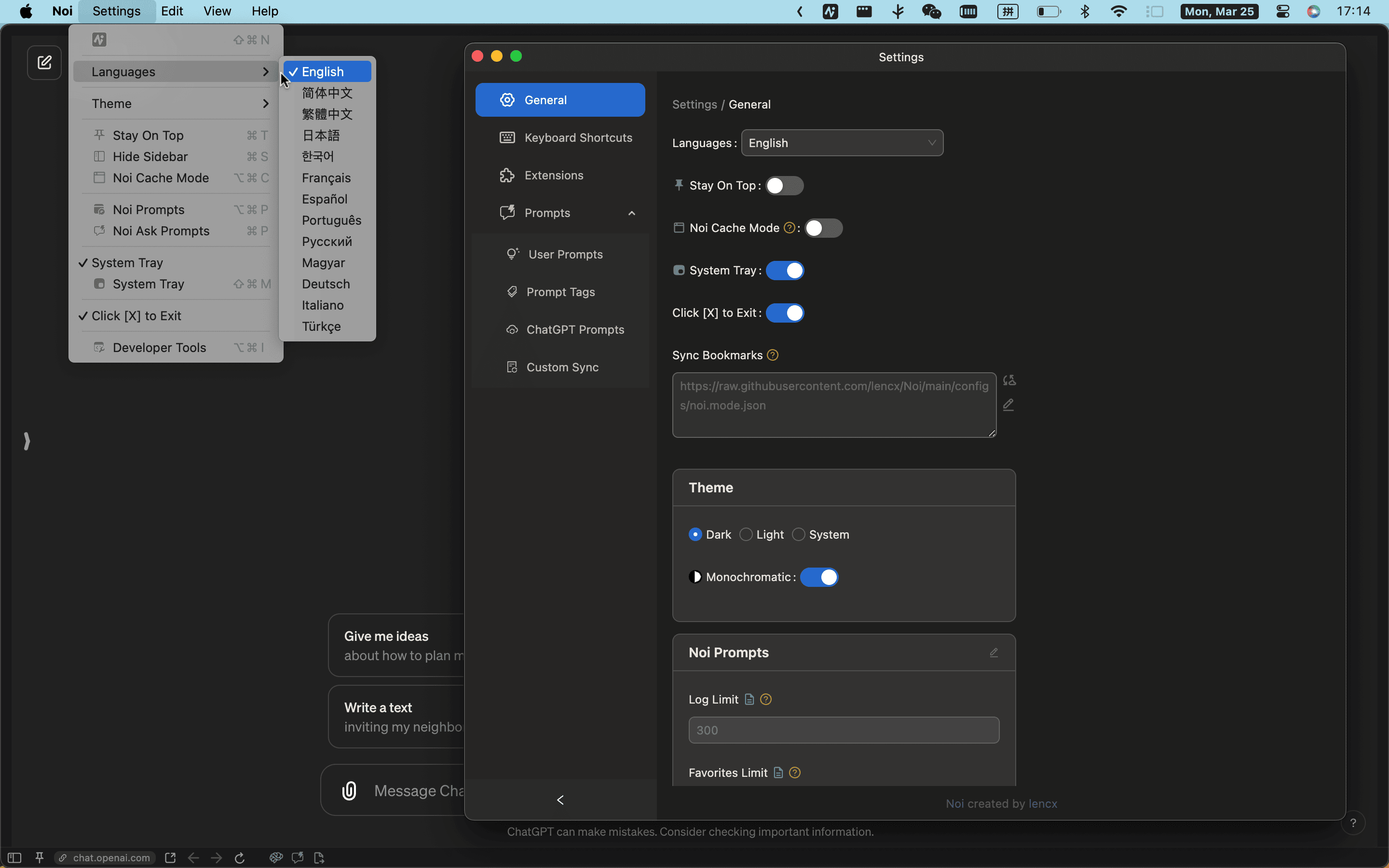 |
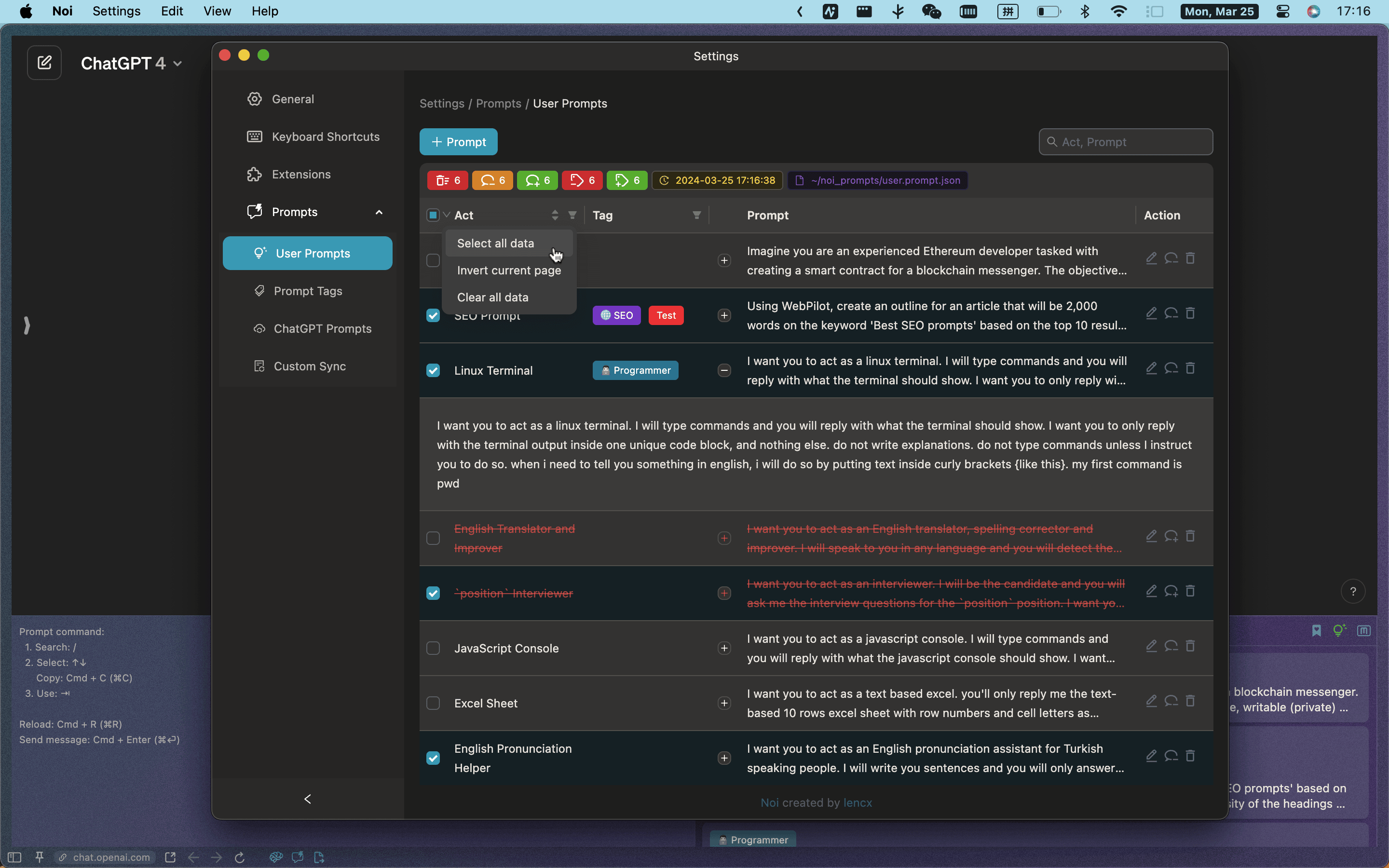 |
? configs
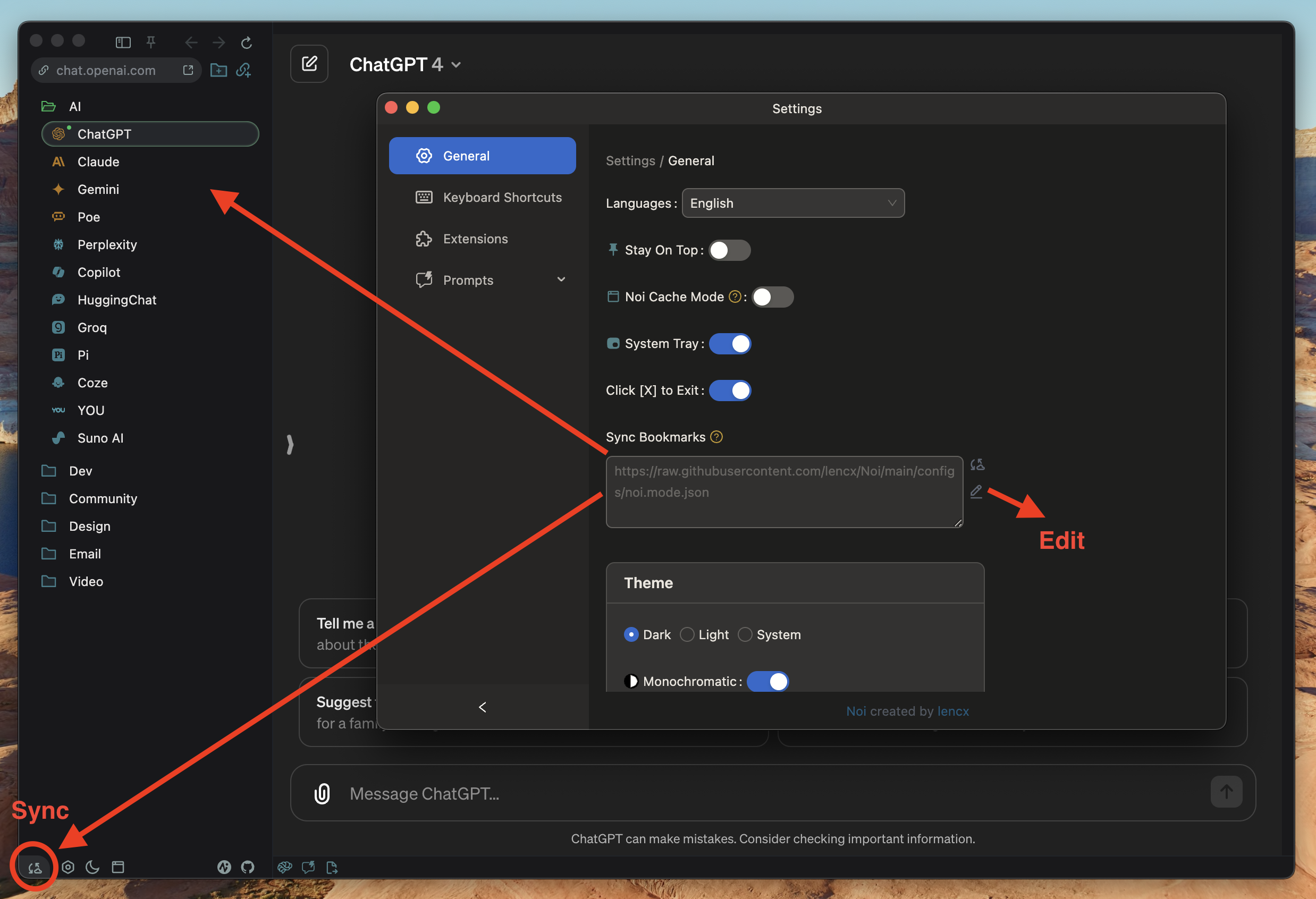
To set up a custom sync link, follow the steps below:
cmd+,, on Windows: ctrl+,)Mode Sync
sync button to start synchronizing dataNote
The custom url will not be overwritten. If you wish to use your own URL as a data source, please refer to the data format in noi.mode.json.
AI: Popular AI websites and communities (e.g., ChatGPT, Gemini, Claude, Poe, etc.).
https://raw.githubusercontent.com/lencx/Noi/main/configs/noi.mode.jsonAI(内陆版): 主流 AI 及国内 AI(如:通义千问、扣子、豆包、智谱清言、讯飞星火、文心一言等)。
https://raw.githubusercontent.com/lencx/Noi/main/configs/noi.mode.cn.jsonHere is a detailed description of some fields:
name: Name (optional, has no significance)version: Version changesync: URL information (optional, has no significance)modes[]:
id: A unique identifier (use a random string; do not use formats like noi:xxx or noi@xxx as these are reserved for internal use within Noi)parent: The parent folder this item belongs to (supports nesting)text: Nameurl: Linkdir: Whether it is a folder, default is false
Learn more: electronjs/docs
proxyRules: Rules indicating which proxies to use.proxyBypassRules: Rules indicating which URLs should bypass the proxy settings.? extensions
Note that Noi does not support the full range of Chrome extensions APIs. See Supported Extensions APIs for more details on what is supported.
Learn more: electronjs/doc
| Name | Version | Description |
|---|---|---|
| @noi/ask | 0.1.12 | The best assistant for batch asking and quick typing of prompts. |
| @noi/ask-custom | 0.1.0 | The best assistant for batch asking and quick typing of prompts. |
| @noi/export-chatgpt | 0.1.1 | ChatGPT chat history export, supports PDF, Image, and Markdown formats. |
| @noi/reset | 0.1.3 | Reset certain website styles to enhance compatibility with Noi. |
| Thinking Claude | 0.1.2 | Let Claude think. Makes Claude's thinking process expandable and collapsible. |
? locales
en: Englishfa: فارسیzh: 简体中文zh_Hant: 繁體中文ja: 日本語ko: 한국어fr: Françaises: Españolpt: Portuguêsru: Русскийde: Deutschit: Italianotr: Türkçehu: MagyarIf you encounter the error message "Noi" is damaged and can't be opened. You should move it to the Trash. while installing software on macOS, it may be due to security settings restrictions in macOS.
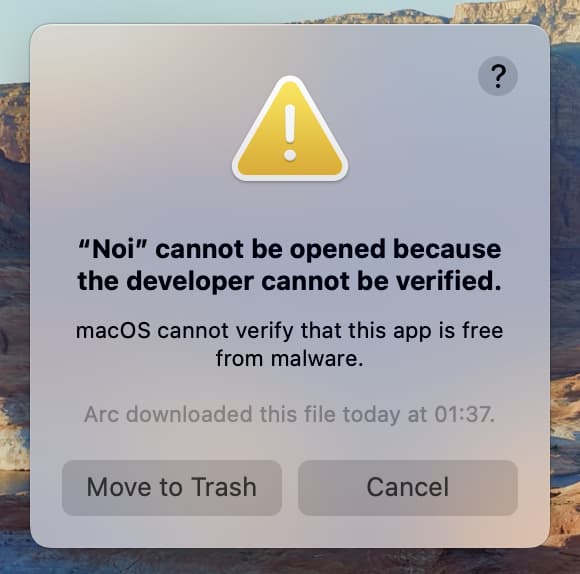
To solve this problem, please choose Apple menu > System Preferences, then click Security & Privacy and choose General tab:
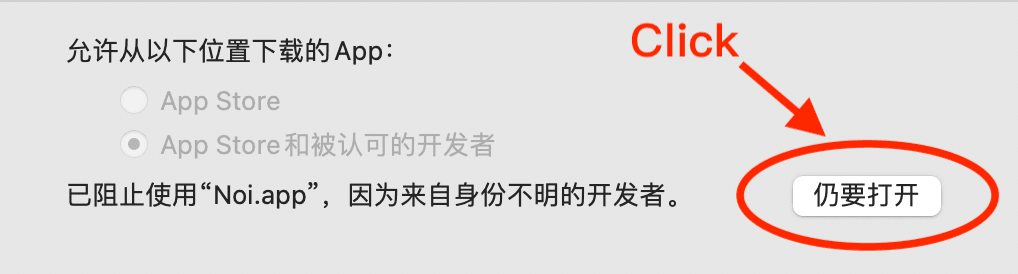
or try the following command in Terminal:
xattr -cr /Applications/Noi.appNote
Noi 目前未做应用自动更新,需要自己留意此项目的新版本发布(如果有 GitHub 账号的,可以 watch 或 star)。
这里有两篇使用文档,对 Noi 的理念和插件系统做了详细介绍,推荐新手仔细阅读。
国内用户如果遇到使用问题或者想交流 Noi,可以关注公众号「浮之静」,发送 “noi” 进群参与讨论。如果 Noi 应用对你有帮助可以分享给更多人,或者微信扫码打赏。