pokemon card generator
1.0.0

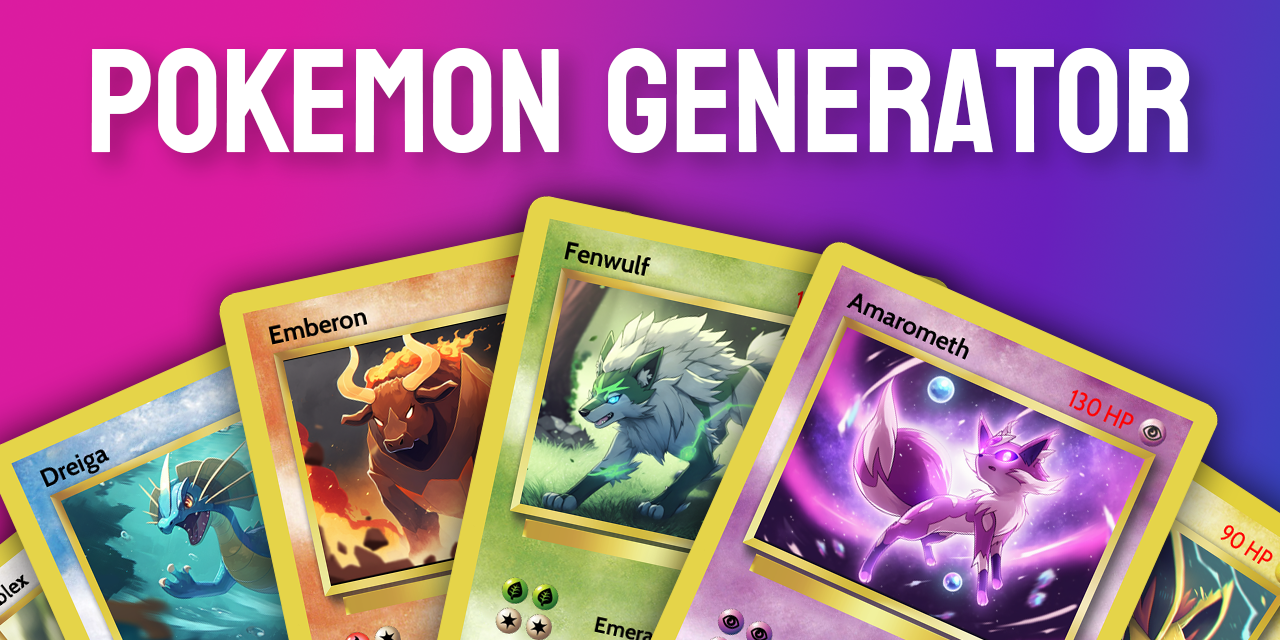
This is a Python script that uses AI to generate new, random Pokemon cards. It picks from 6 elements and a type of creature, and random generates 1-2 abilities.
It then uses OpenAI to generate a Pokemon name and a description, and creates a prompt for Midjourney (which needs to be used manually).
Then a separate command can be used to combine the Pokemon data with the generated artwork to create a new Pokemon card.
Watch the video on Youtube!
The finished generated card will have a name, description, and card artwork.
| Description | Card Image |
|---|---|
| Ignax is a sweltering hot Pokemon found in desert-like regions that brandishes a deadly dark axe. It is known for its fierce demeanor and its Ignition Surge ability, which it uses toits advantage in fierce, awe-inspiring battles. | 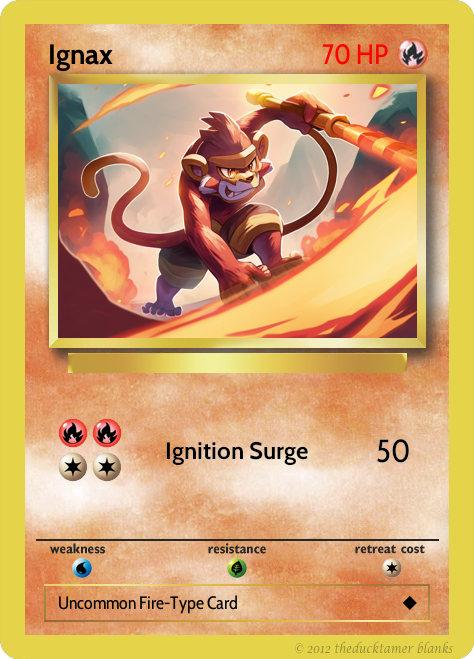 |
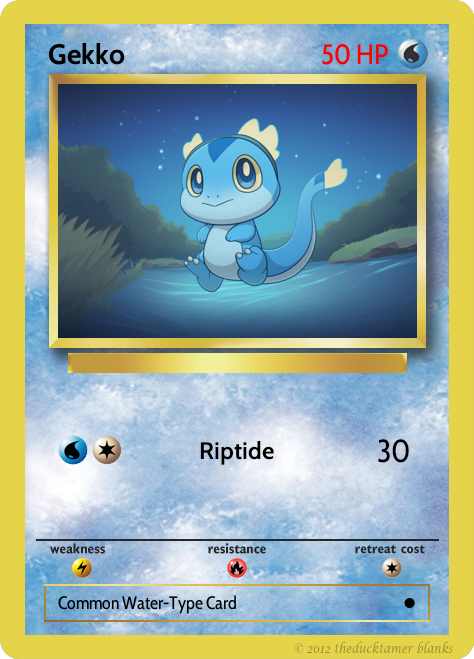
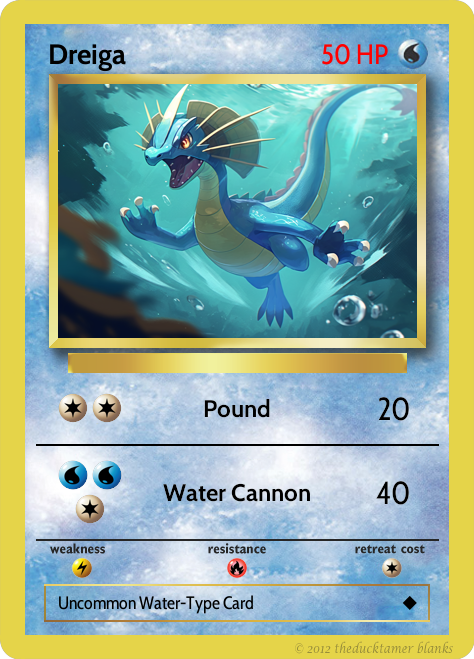
The script can also generate a series of cards that evolve from one another.
| Form 1 | Form 2 | Form 3 |
|---|---|---|
 |
 |
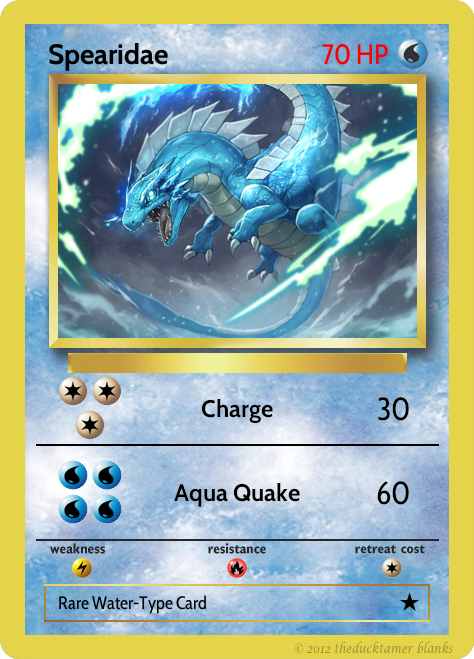 |
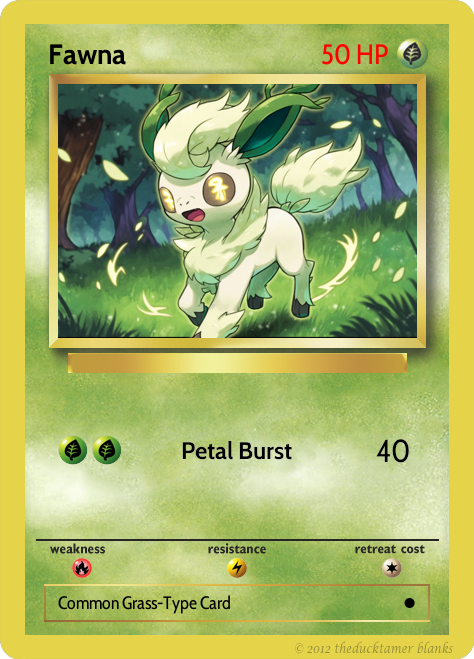 |
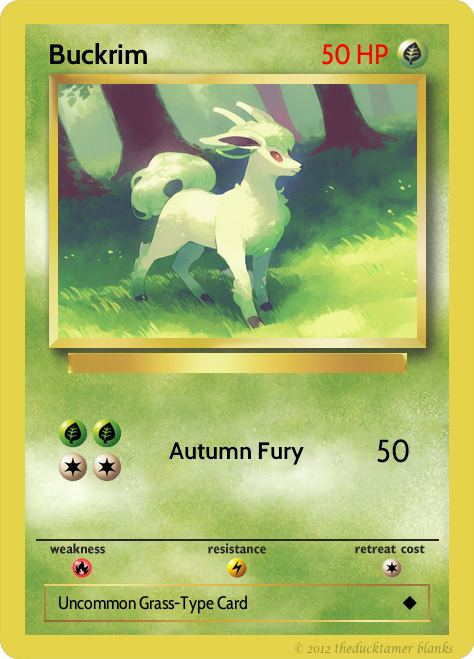 |
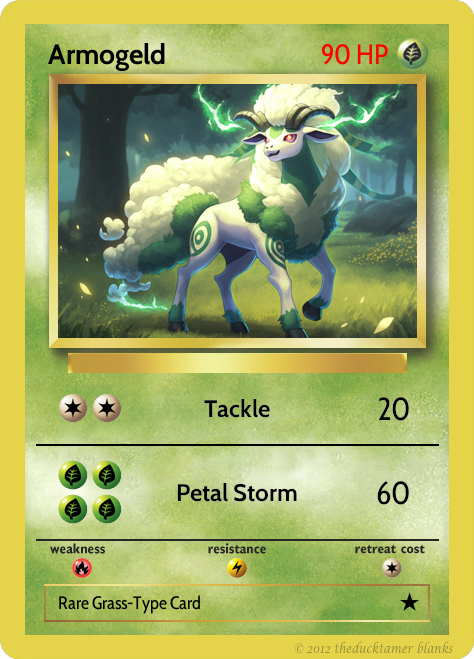 |
For the full example collection, see the gallery.
The output will be in the /output folder, with empty folders for you to put card artwork into.
[project root]
├───output
    ├───cards
    ├───images
The cards will have JSON like this:
{
  "index": 26,
  "name": "Flamo",
  "description": "...",
  "element": "Fire",
  "rarity": "common",
  "rarity_index": 0,
  "hp": 50,
  "abilities": [
    {
      "name": "Scorch",
      "element": "Fire",
      "cost": 2,
      "is_mixed_element": false,
      "power": 40
    }
  ],
  "image_prompt": "a chibi young fire-type parrot pokemon, in a volcano environment, lava texture background, anime chibi drawing style, pastel background --niji --ar 3:2",
  "image_file": "026_flamo.png"
}
You can use the image_prompt to generate the card artwork with Midjourney.
Install Python 3.10 (or higher)
Install the dependencies with pip install -r requirements.txt
Set your PYTHONPATH to the src so that the modules can be imported.
# For bash, you can use:
export PYTHONPATH=$PYTHONPATH:srcIf you want to use OpenAI to generate names and descriptions, you will need to set up an account with OpenAI.
Then put your API key into a file called .env in the root of the project.
# In your .env file
OPENAI_API_KEY="sk-xxxxxxxxxxxxxxxxxxxxxxxxxxxxxxxxxxxxxxxx"
If you want AI generated artwork, you will also need to set up an account (just join their Discord) with Midjourney.
Running this will generate a collection of Pokemon to the output folder. WARNING! Each time you run this, it will overwrite the existing files in the output folder.
python src/generate.pyThis will generate card json files, 1 card series (between 1-3 cards) for each element. The rarity, creature type, and number of evolutions of the cards will be random.
You will see the summary of the card series generated:
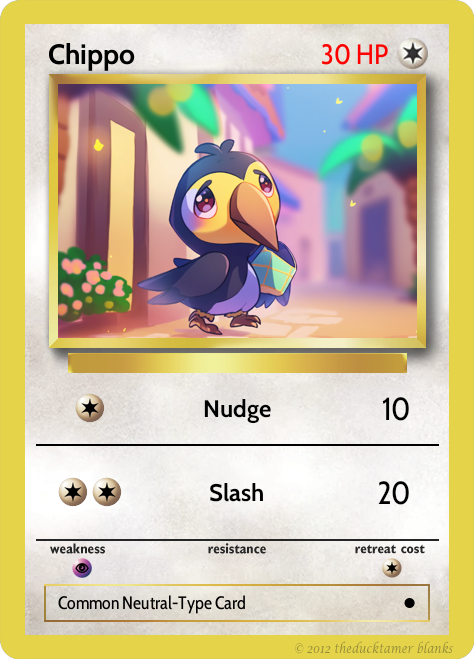
Chippo (Neutral)
HP: 30
Rarity: ★  (common)
Abilities:
  Slash (Neutral)
  Cost: ● ●
  Power: 20

Description: [...]
Image Prompt: [...]
python src/generate.py -n 10python src/generate.py -e fireThis will only generate cards for the fire element. Available elements are: fire, water, grass, electric, psychic, neutral.
You can also specify a specific creature type (subject) to generate cards for. This will override the default subject selection (which is random).
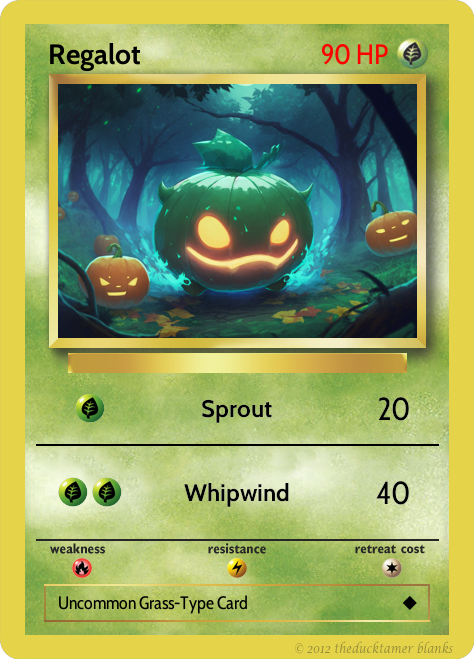
python src/generate.py -e grass --subject pumpkinYou can literally put anything here! Have fun with it ?
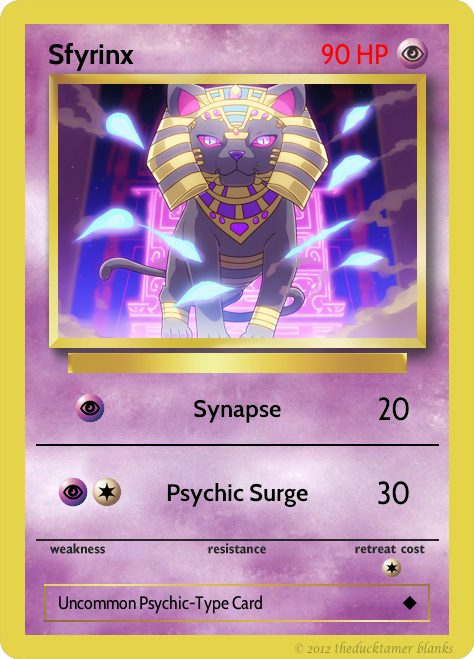
| Pumkpin | Toucan | Sphinx |
|---|---|---|
 |
 |
 |
You can use the image_prompt to generate the card artwork with Midjourney. The image prompt will be in the json file for each card (and also in the image_prompts.txt in the output folder).
Chippo::0 a chibi young neutral-type toucan pokemon, in a village environment, bright lighting, anime chibi drawing style, pastel background --niji --ar 3:2
Copy this into the Midjourney /image prompt. It will generate 4 variations of the image. You can then upscale it by pressing one of the U buttons on the bot.
Download and save the image into the output/pokemon-classic/images folder. Then rename the file to match the image_file in the json file (e.g. 001_chippo.png).
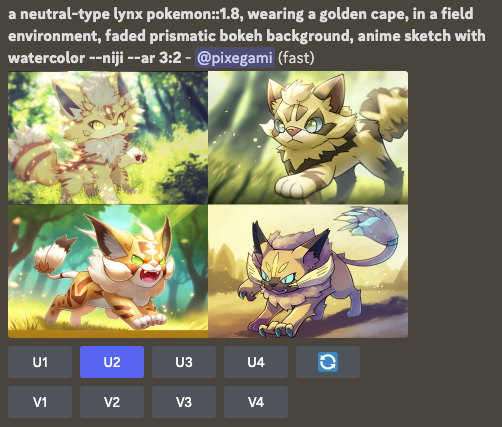
You can use the render_cards.py script to render the cards into a PNG file. It will go into your output/pokemon-classic/renders folder.
python src/render_cards.pyAny cards that have an image file in the output/pokemon-classic/images folder will be rendered. If no image is found, it will render a blank card.
| fire | water | grass | electric | psychic | fighting | neutral |
|---|---|---|---|---|---|---|
 |
 |
 |
 |
 |
 |
 |
Thanks to TheDuckTamerBlanks for the blank card template.





