rats search
v1.11.0

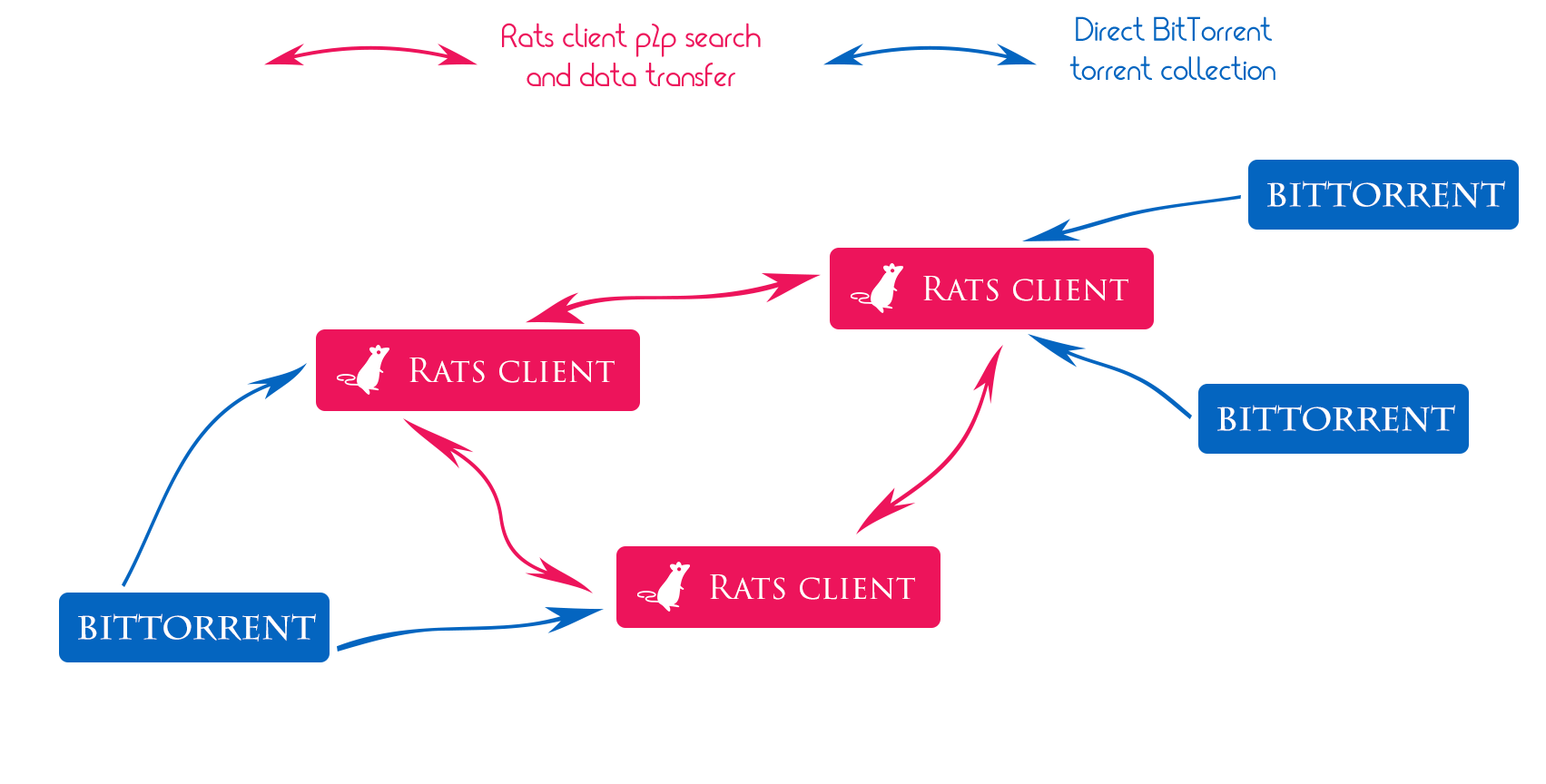
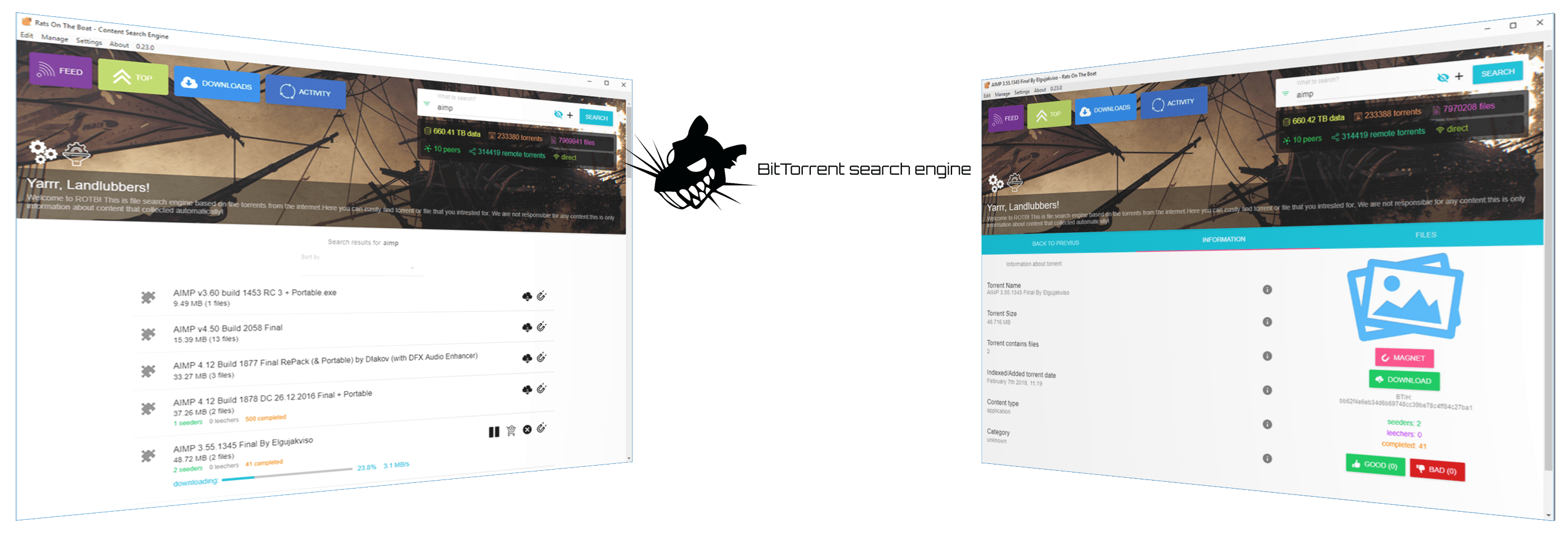
BitTorrent search program for desktop and web. Collect and navigate over base of torrents statistic, categories, and give easy access to it. Work over p2p network and support Windows, Linux, Mac OS platforms.
We are welcome any contributing: bug fixes, improvements, code refactoring and other stuffs.
Translation guide
Own strategy / Other tracker support
By default we recomended using desktop version of application. Download and install most recent one for Windows, MacOS, Linux.
Clone repository with submodules:
git clone --recurse-submodules https://github.com/DEgITx/rats-search.gitThen make sure that you have Node.js and NPM (with Node.js) installed in your system, then install all needed packages:
npm install --forceand start master develop branch version:
npm startBeside default desktop cross-platform client, also exist separated webUI that can run from server independant as web-client + Node.JS server.
Clone repository, then make sure that you have Node.js and NPM (with Node.js) installed in your system, then:
npm install --forceThen compile web version:
npm run buildwebFinally start server application:
npm run serverNow you can get access to web interface on 8095 port: http://localhost:8095
More about configuration
More about server compatibility and known issues
API usage implementation for clients
You can simply run docker image with prepared server version. Just download last sources:
git clone --recurse-submodules https://github.com/DEgITx/rats-search.gitAnd build docker image & run:
docker build -t rats-search:latest rats-search
docker run -p 8095:8095 rats-search:latest
Now you can check the and open http://localhost:8095/ in browser
Support Rats Search development on OpenCollective
MIT





