znote
v1.2.0

For global adaptation of手机模式and暗黑模式(自适应) please experience it yourself
Recommended visit: https://zpj80231.github.io/znote/
Domestic visit: https://zpj80231.gitee.io/znote/ (since the real -name authentication of Gitee has been updated simultaneously, the visit is still the old version before))
Music player plug -in: The network has now been automatically adapted. When the network can be reached, the music player plug -in will be loaded and music is played.
Music player plug -in currently can be used normally in the external network environment (Netease Cloud API used)
Verify whether the player is available: You can automatically load the normal use when you can open this website-> Click to test because the dependent project NeteaseCloudMusicapi uses Vercel deployment for free. Vercel is currently not open to the domestic network, so it either builds NeteaseCloudMusicapi by itself, or use magic.
This warehouse code uses the MIT protocol for open source, but all documents use the CC 4.0 BY-SA protocol for release
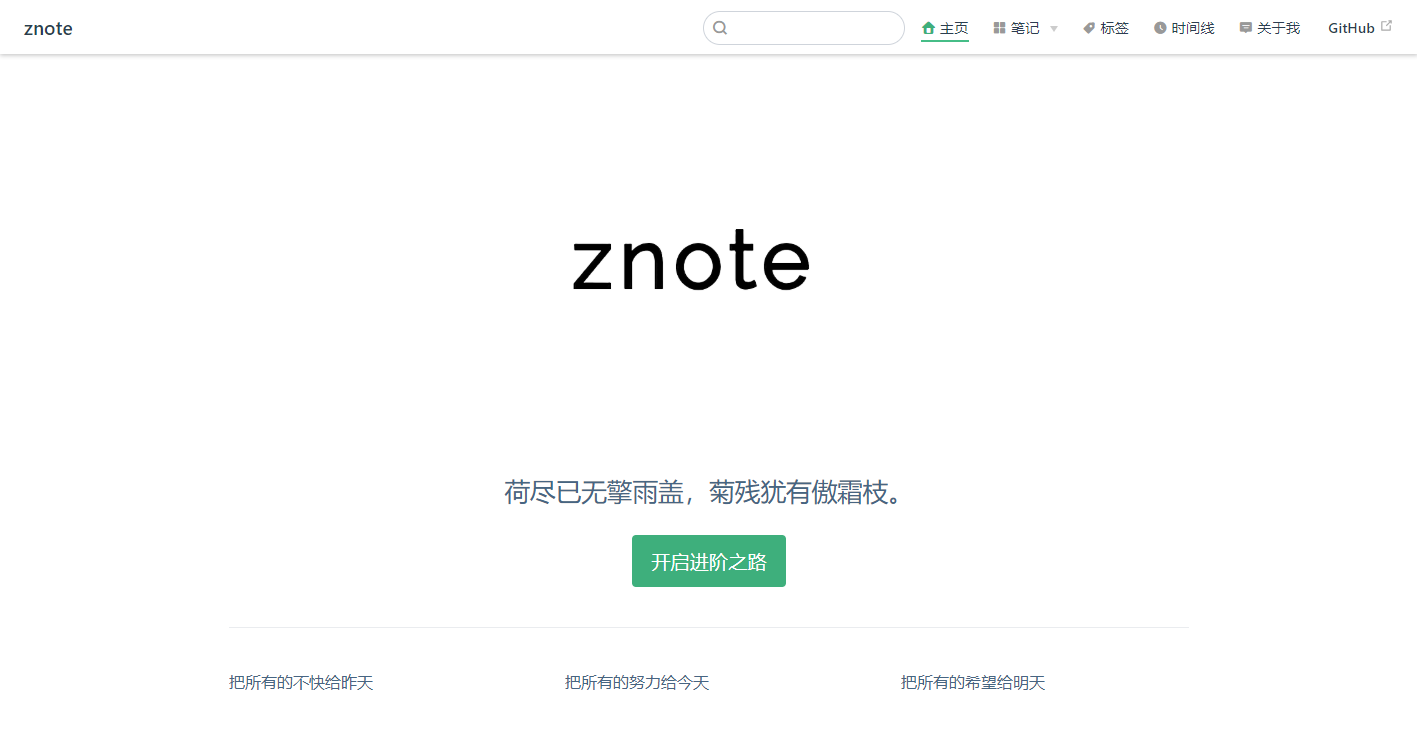
Klong project, execute commands under the project folder, load dependencies: npm install
Perform the command running the project under the project folder:
Node14 version: npm run dev
Node16 version and above: npm run dev:node:options npm run dev:node:options:mac
After the start is successful, open the address: http: // localhost: 8080/znote/
 ## 需要自己写主题样式的话,在. vuepress / 下新建theme文件夹并按如下目录布局
Dev
├─── docs
│   └── . vuepress   // 配置目录
│   │    ├── public // 静态资源
│   │    ├── theme  // 主题
│   │    │   ├── components // 组件
│   │    │   ├── global - components // 全局组件
│   │    │   ├── layouts // 布局(包括首页在内)
│   │    │   ├── styles  // 样式
│   │    │   ├── util 	 // 工具
│   │    │   ├── index . js // 入口配置
│   │    │   ├── noopModule . js // 依赖注入
│   │    │   ├── package . json  // 主题依赖
│   │    │   ├── README . md     // 主题说明
│   │    └── config . js
│   ├── about   // 项目模块
│   ├── other   // 项目模块
│   ├── views   // 项目模块
│   └── README . md   // 首页
└── package . json //项目依赖 For the prepared articles (Markdown format), place it in the project docs/views/ directory, and add the following elements to the head of the Markdown file. After the project is released Whether or not top, whether to release a series of states.
The following are keyword descriptions and reference examples:
| Serial number | Keyword | Annotation |
|---|---|---|
| 1 | title | Article title |
| 2 | day | Date, such as: 2020-02-02 |
| 3 | tags | Label |
| 4 | categories | Classification |
| 5 | keys | Article encryption password |
| 6 | sticky | Article top 1, 2, 3, ... |
| 7 | IsshowComments | Whether to open a comment |
| 8 | publish | Whether the article is published |
| 9 | <Boxx/> | Just introduce this label, randomly display celebrity quotes |
| 10 | [[toc]] | Generate directory and link |
| 11 | <!-- more --> | The content before <!-- more --> will be displayed as an article abstract |
---
title : 文章标题
date : 2020-02-02
tags :
 - 标签
categories :
 - 分类
keys :
 - ' 123456 '
sticky : 1
isShowComments : false
publish : true
---

<Boxx/>

[[toc]]

- 这里可以写`摘要`等其它

<!-- more -->

# # 正式开始你的markdown

- To be or not to be, ...




