desktop music
1.0.0

Personal learning program
Only support Netease Cloud Music mobile phone number and password login, register to retrieve password and other operations, please go to NetEase Cloud Official Website
Netease Cloud Music
| button | operate |
|---|---|
| space | Play/suspension |
| ↑ | Last song |
| ↓ | Next song |
| ← | Volume reduction |
| → | Volume plus |
| ESC | return |
| S | search |
| Enter | Sure |
| The song list details drag element to my song list (need to log in) (need to log in) | Favorites to my song list |
| Right -click in the song list details page (need to log in) | Favorites to my song list |
| Right -click on my song list | Delete song list |
| Song Details Page Picture Center Red Heart | Like music |
| The icon of the upper right in the upper right corner of the song list | Share music with QR code |
| Play music pictures | Open the song details |
| Right -click the music picture | Favorites to my song list |
| Play bar drag on the name of the music to the song (need to log in) | Favorites to my song list |
Homepage 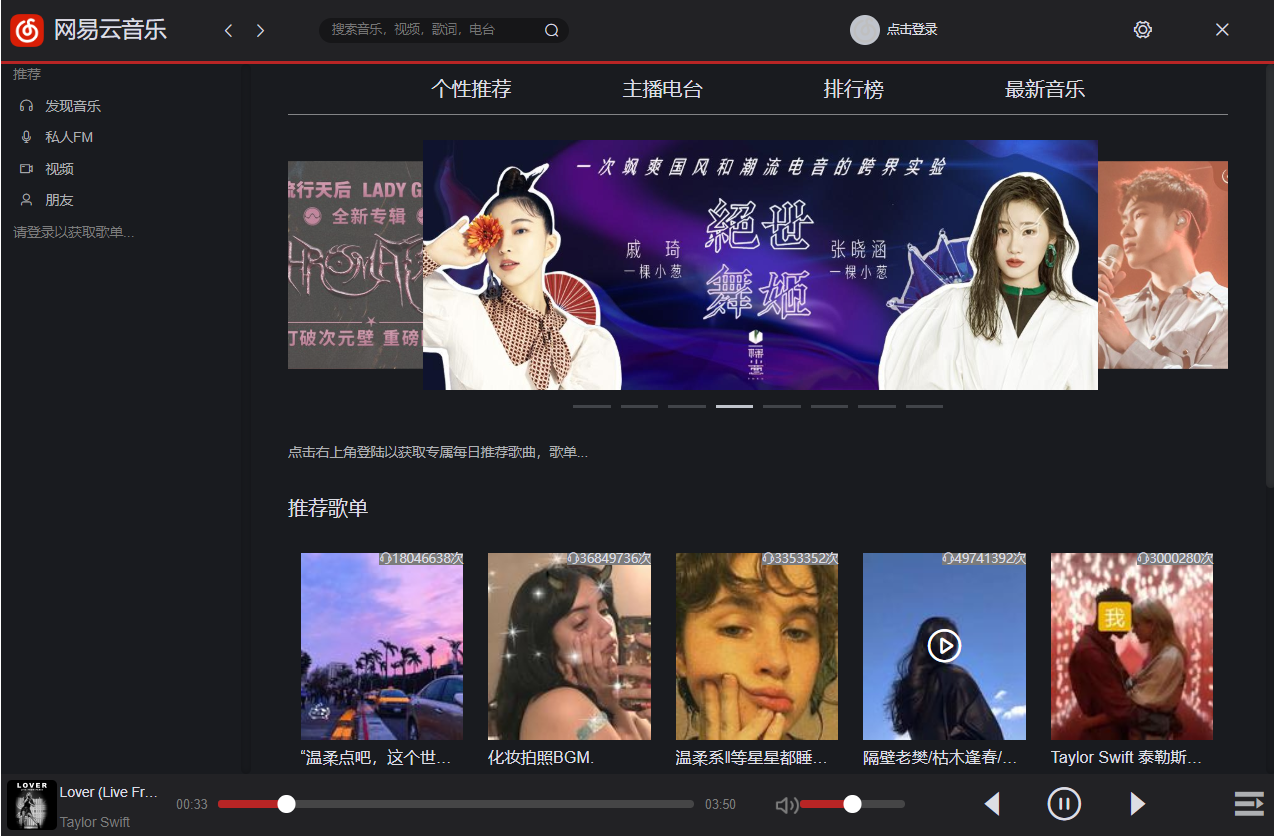
Music details page 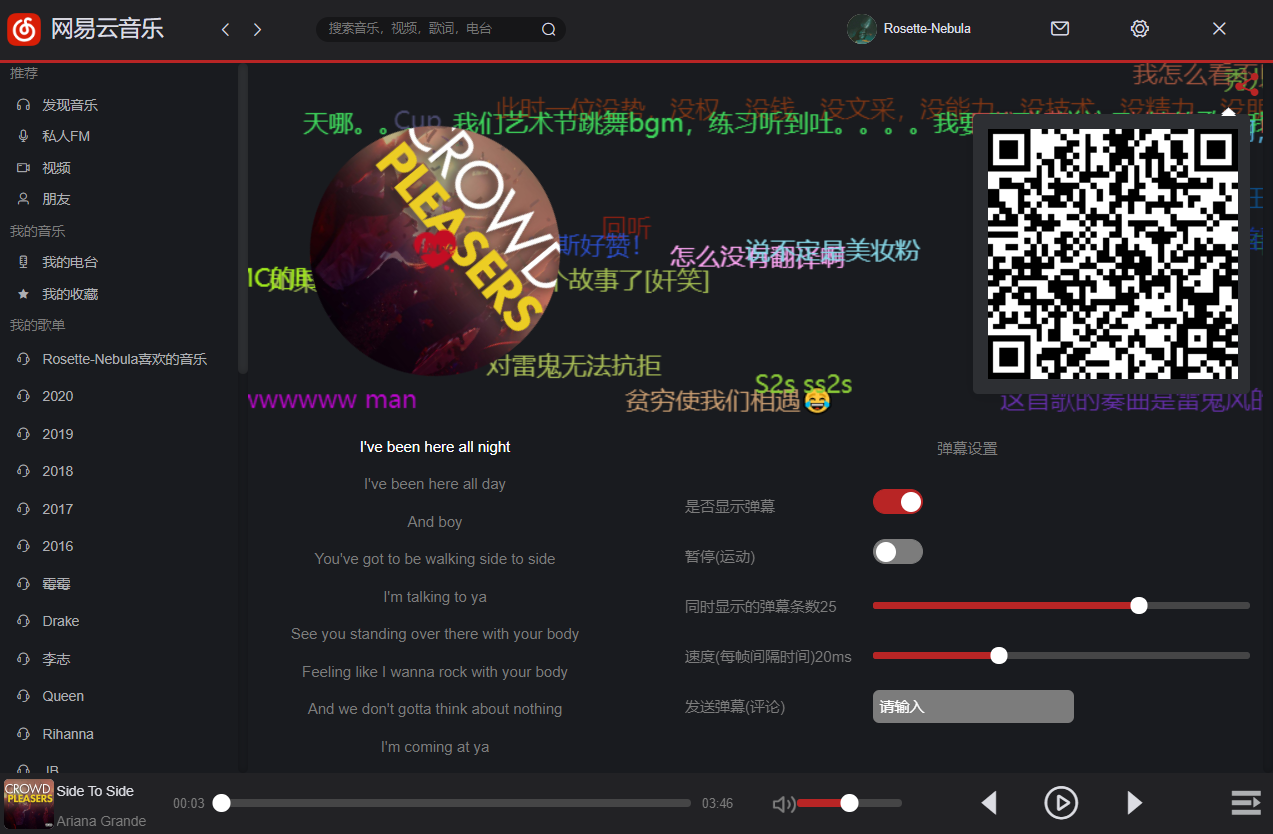
This item will not collect user information, all data will be received or sent directly (the necessary data will be saved to the browser), please exit and log in when not in use
Mit








