w blog
1.0.0

A personal blog that uses Spring Boot 2.x in the backend, nuxtJs in the frontend, and vue in the backend
Link
https://gitee.com/windsnowli/w-blog-apihttps://gitee.com/windsnowli/vue-ssr-bloghttps://gitee.com/windsnowli/vue-admin-bloghttps://github.com/WindSnowLi/w-blog-apihttps://github.com/WindSnowLi/vue-ssr-bloghttps://github.com/WindSnowLi/vue-admin-blog A simple personal blog project is divided into three parts:前台,后台, and api .
api: The backend is based on SpringBoot . Mainly relies on Mybatis , Mybatis-Redis , Redis , fastjson , DruidDataSource , Lombok , java-jwt , aliyun-sdk-oss , knife4j , etc. The database uses MySQL8.0+
Front desk: The main style of the front desk comes from a BizBlog template on the Internet. I don’t know where it originally came from. It was rewritten into a nuxtJs project based on the original.
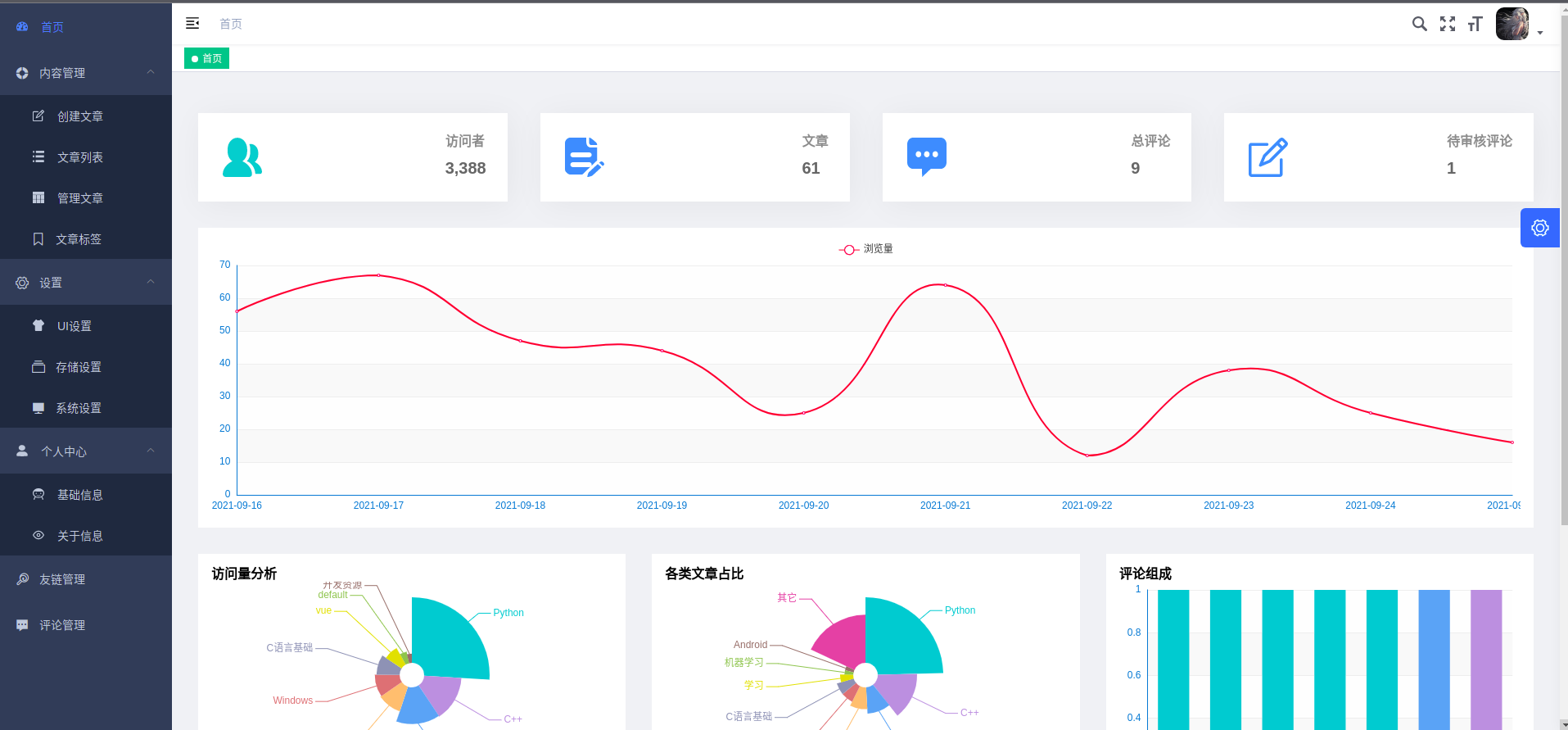
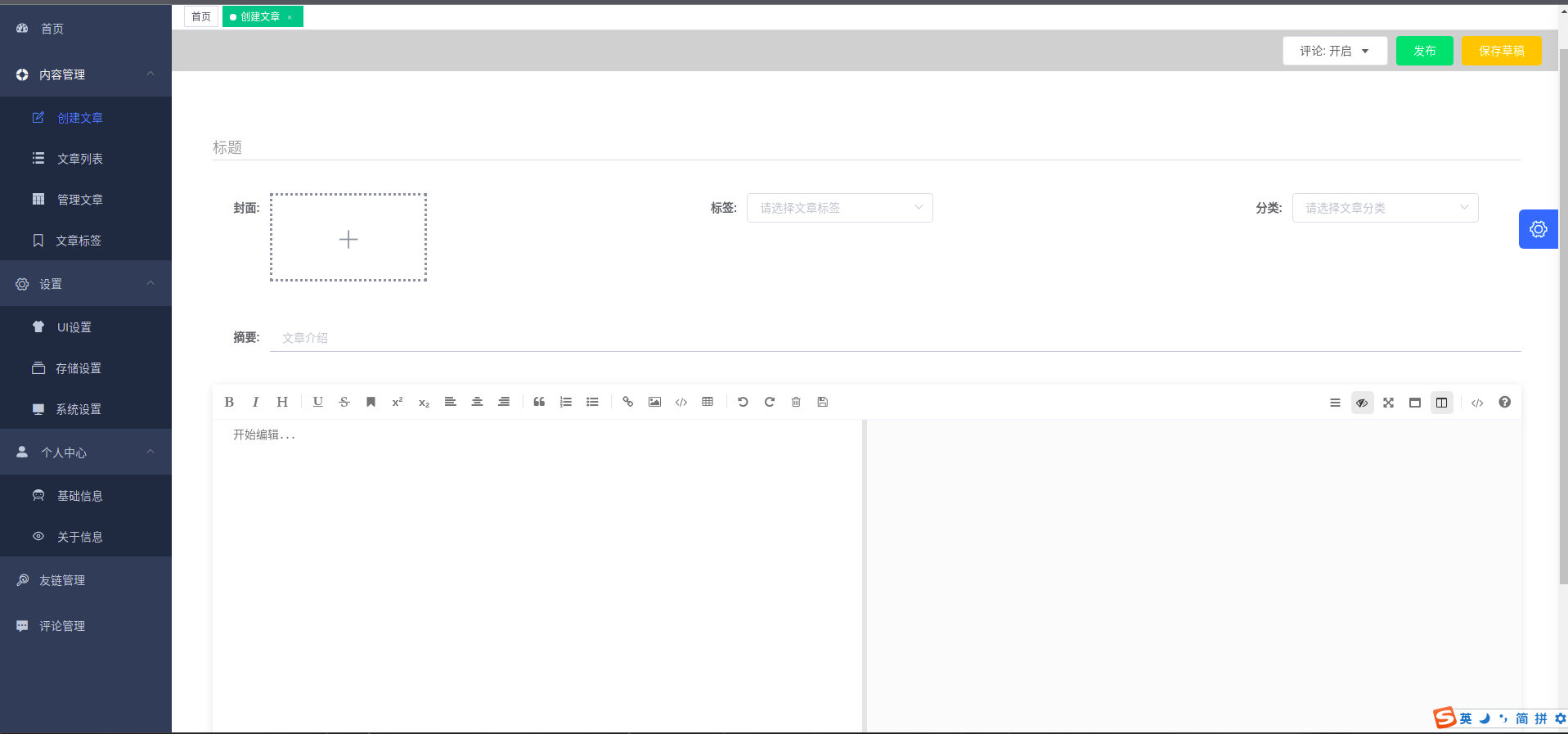
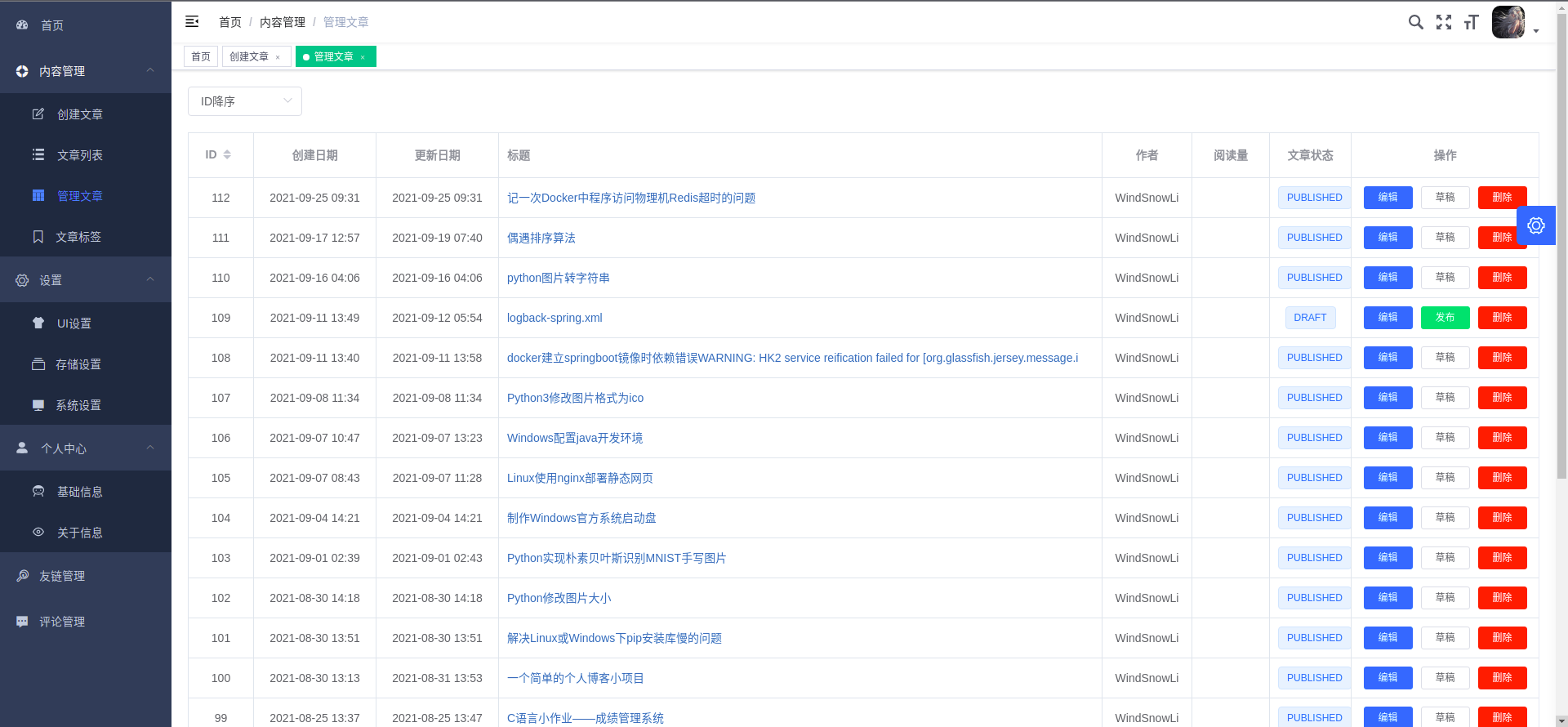
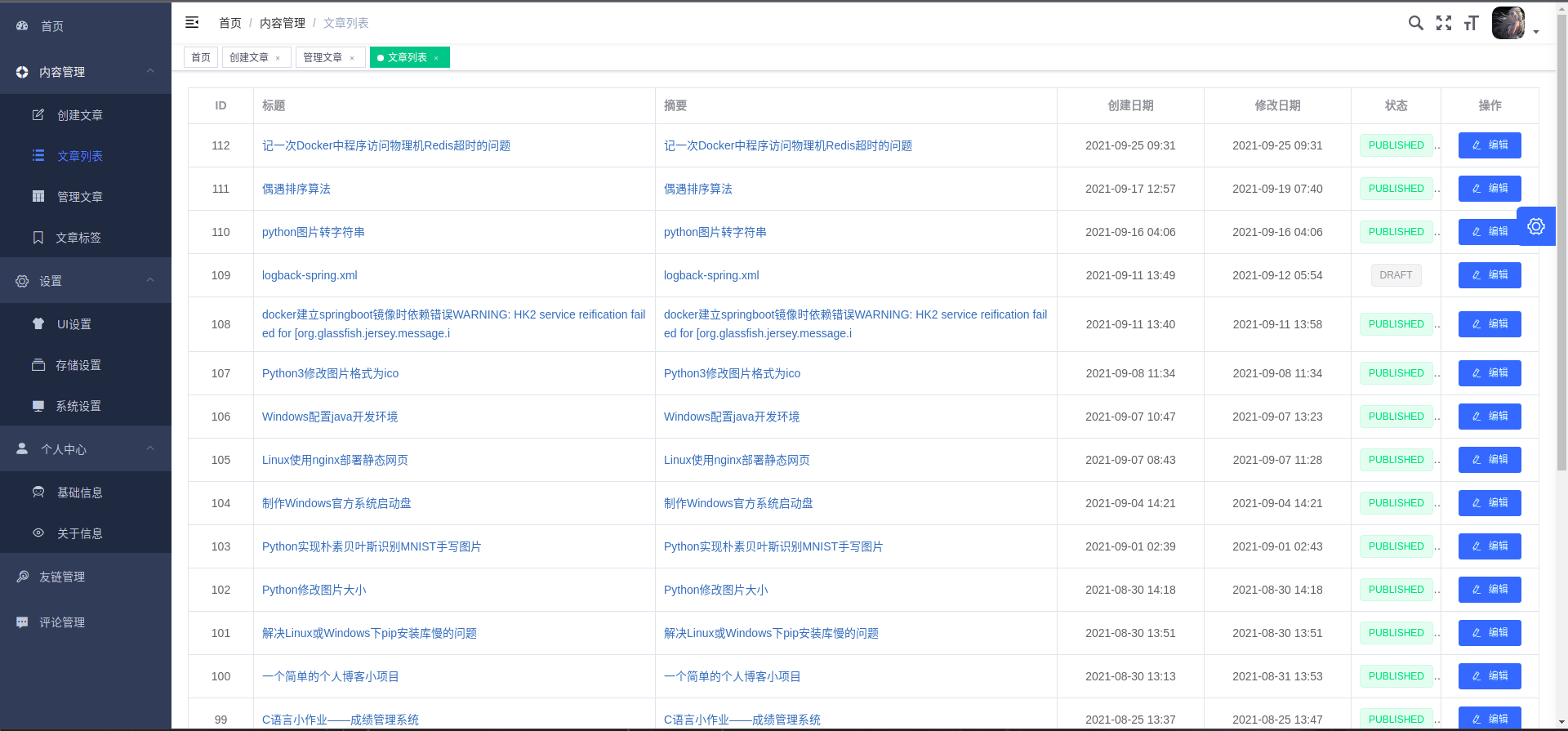
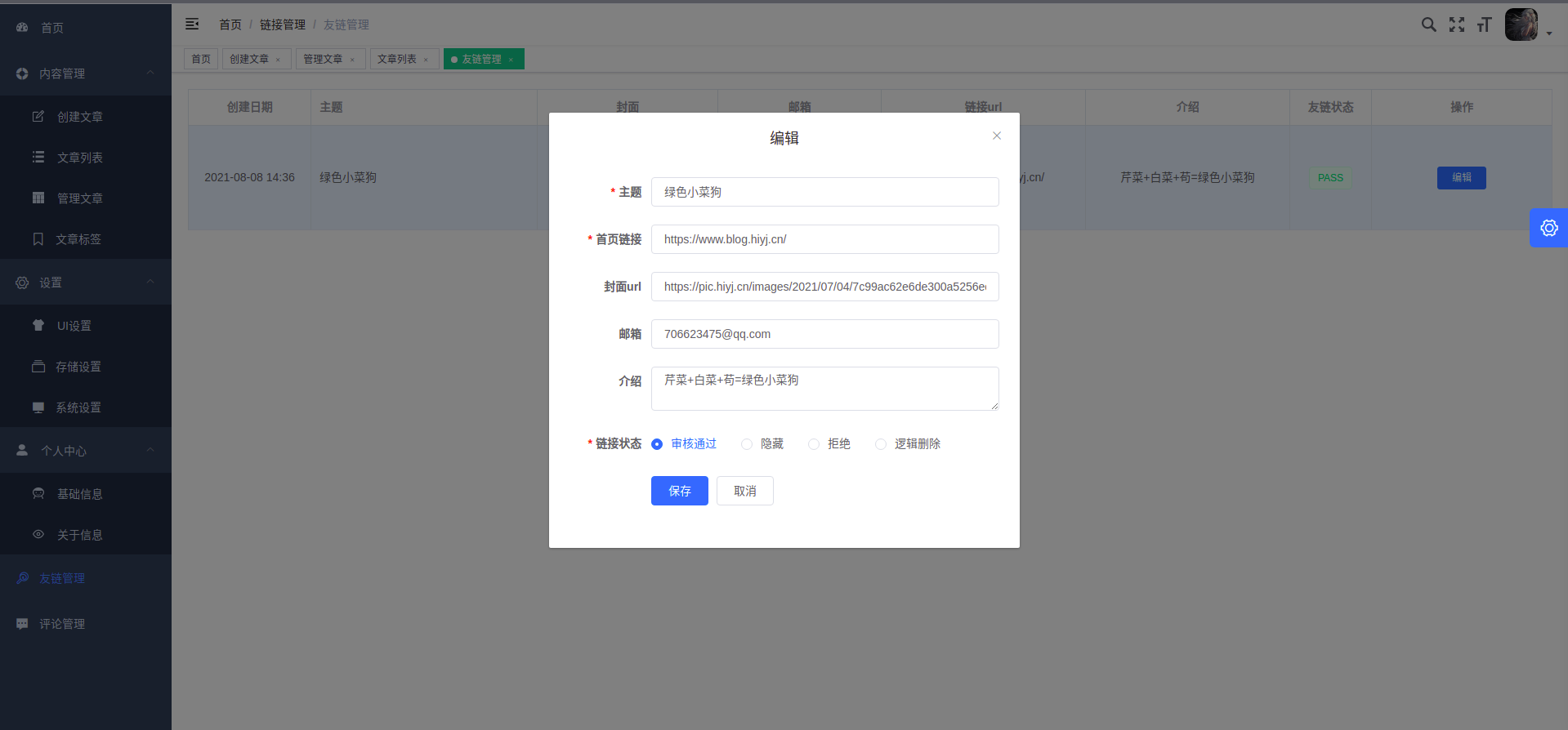
Backend: The vue-element-admin used in the backend UI is basically used directly. If you want to customize it yourself, the strength does not allow it.
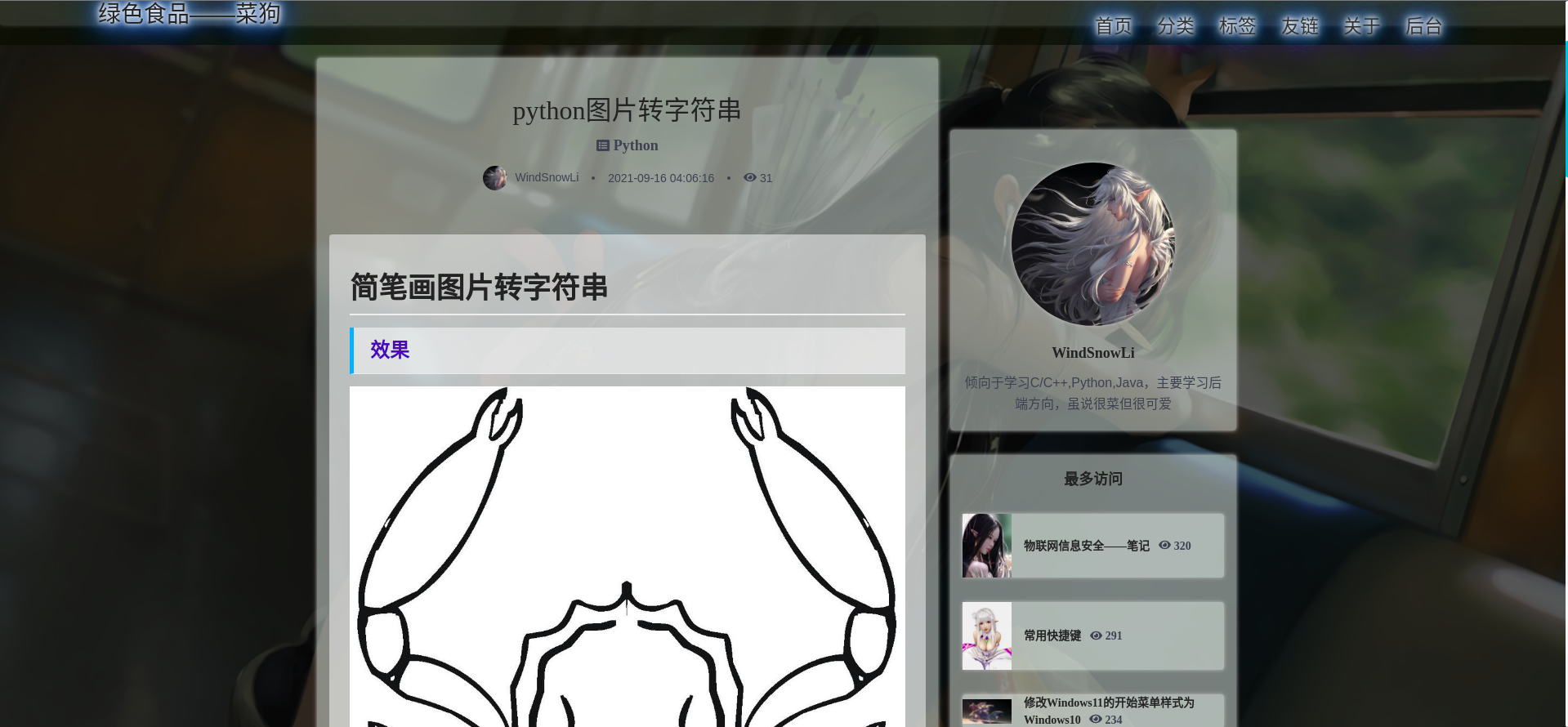
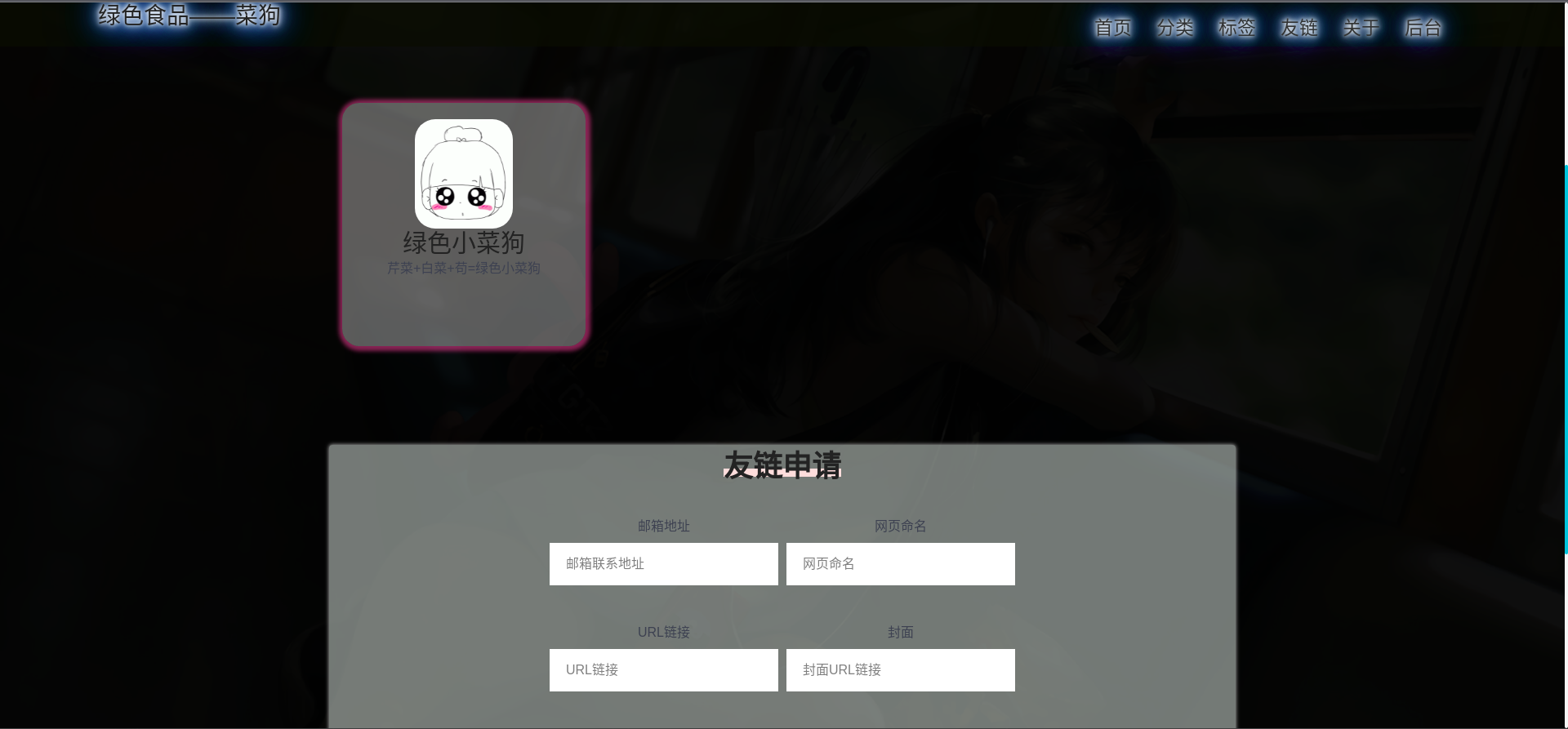
Example: Green food - Cai Dog
git clone https://gitee.com/WindSnowLi/w-blog-api.git or git clone https://github.com/WindSnowLi/w-blog-api.git to clone the project locally
mvn clean install dependency:tree installation dependency
Create a database and set it to UTF8 encoding ( utf8mb4 )
Modify environment settings
application-dev.yml and the production environment application-prod.yml ;Redis related information in redis.properties ;knife4j is only activated in the development environment. mvn clean package -Dmaven.test.skip=true skips tests and generates jar packages
java -jar 生成的包名.jar is used to run the development configuration environment. The database will be automatically initialized during the first run (the production environment can specify the configuration file to be loaded --spring.profiles.active="prod" )
Visit http://127.0.0.1:9000/doc.html to view the api documentation
It is recommended to use IDEA to open the project folder to automatically handle dependencies and facilitate operation.
git clone https://gitee.com/WindSnowLi/vue-ssr-blog.git or git clone https://github.com/WindSnowLi/vue-ssr-blog.git clone the project to localnpm install installation dependencieshost address in the config/sitemap.xml file can be modified to generate an access map.nuxt.config.js can be modifiedBASE_URL in script in the package.json file to specify the backend api address.npm run buildnpm start run locally git clone https://gitee.com/WindSnowLi/vue-admin-blog.git or git clone https://github.com/WindSnowLi/vue-admin-blog.git clone the project to localnpm install installation dependenciesnpm run dev uses simulated data preview interfaceVUE_APP_BASE_API address in the .env.production file to the address of the backend apinpm run build:prod compiledist folder can be placed under the http server (you can use npm to install http-server ) for access.git clone https://gitee.com/WindSnowLi/w-blog.git or git clone https://github.com/WindSnowLi/w-blog.git clone w-blog repository to localcd w-blog to switch to the w-blog root directorysh ./step-1-clone.sh clone w-blog-api , vue-ssr-blog , vue-admin-blog repository to the root directoryw-blog-api projectapplication-dev.yml and the production environment application-prod.yml ;Redis related information in redis.properties ;knife4j is only activated in the development environment.redis可自行安装, or you can specify relevant settings docker-compose.ymlvue-ssr-blog projecthost address in the config/sitemap.xml file can be modified to generate an access map.nuxt.config.js can be modifiedBASE_URL in script in the package.json file to specify the backend api address.vue-admin-blog projectVUE_APP_BASE_API address in the .env.production file to the address of the backend apish ./step-2-build.sh installs dependencies and generates related filesdocker-compose.ymldocker-compose up -d generate docker镜像and run 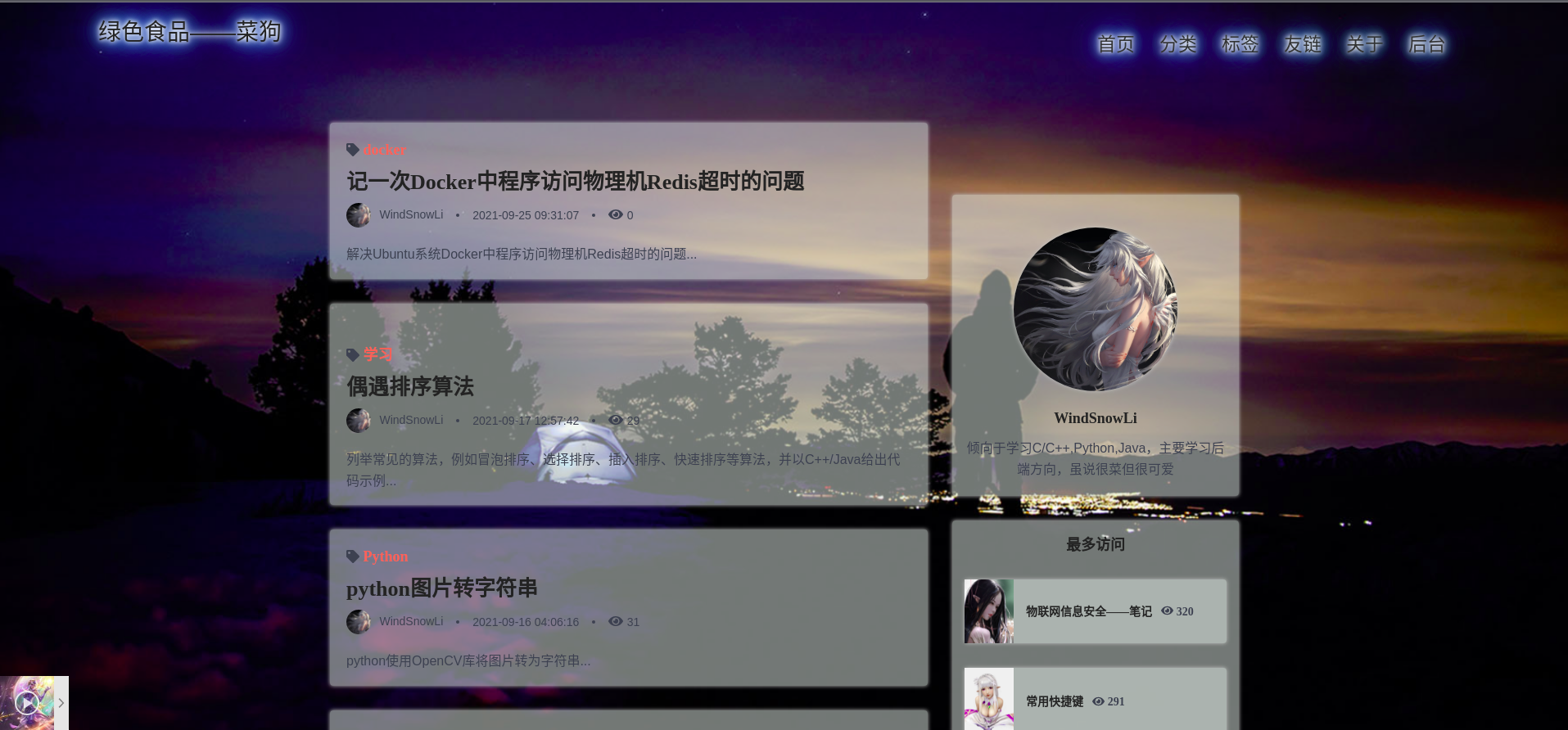
MIT
Copyright (c) 2021 WindSnowLi








