laravel coreui
v2.0.0

You may save your time to setup your project. You can start your project using this template where we have used Laravel 11.x and CoreUI out of the box Bootstrap.
As you may know, Laravel transitioned to yearly releases with the release of Laravel 10. Previously, major versions were released every 6 months. This transition is intended to ease the maintenance burden on the community and challenge our development team to ship amazing, powerful new features without introducing breaking changes. Therefore, we have shipped a variety of robust features to Laravel 9 without breaking backwards compatibility.
Therefore, this commitment to ship great new features during the current release will likely lead to future "major" releases being primarily used for "maintenance" tasks such as upgrading upstream dependencies, which can be seen in these release notes.
Laravel 11 continues the improvements made in Laravel 10.x by introducing argument and return types to all application skeleton methods, as well as all stub files used to generate classes throughout the framework. In addition, a new, developer-friendly abstraction layer has been introduced for starting and interacting with external processes. Further, Laravel Pennant has been introduced to provide a wonderful approach to managing your application's "feature flags".
Laravel 11.x requires a minimum PHP version of 8.2.0 or greater.
Laravel's HTTP client now requires curl 7.34.0 or greater.
Follow the steps mentioned below to install and run the project.
composer install and npm install
composer install (if you do not have composer then install it - https://getcomposer.org/download/)npm install (if you do not have npm then install it - https://nodejs.org/en/download).env file by copying the .env.example. You may use the command to do that cp .env.example .envcomposer run-script post-create-project-cmd to APP_KEY.env filephp artisan migrate --seedphp artisan db:seed --class=UserSeeder to create user, it will generate super admin [email protected] and the password is secretphp artisan storage:linkphp artisan serve from the project root and visit http://127.0.0.1:8000OR
Using the Docker, you may run the project
Important note: if you get broken page then run the command npm run dev or npm run build
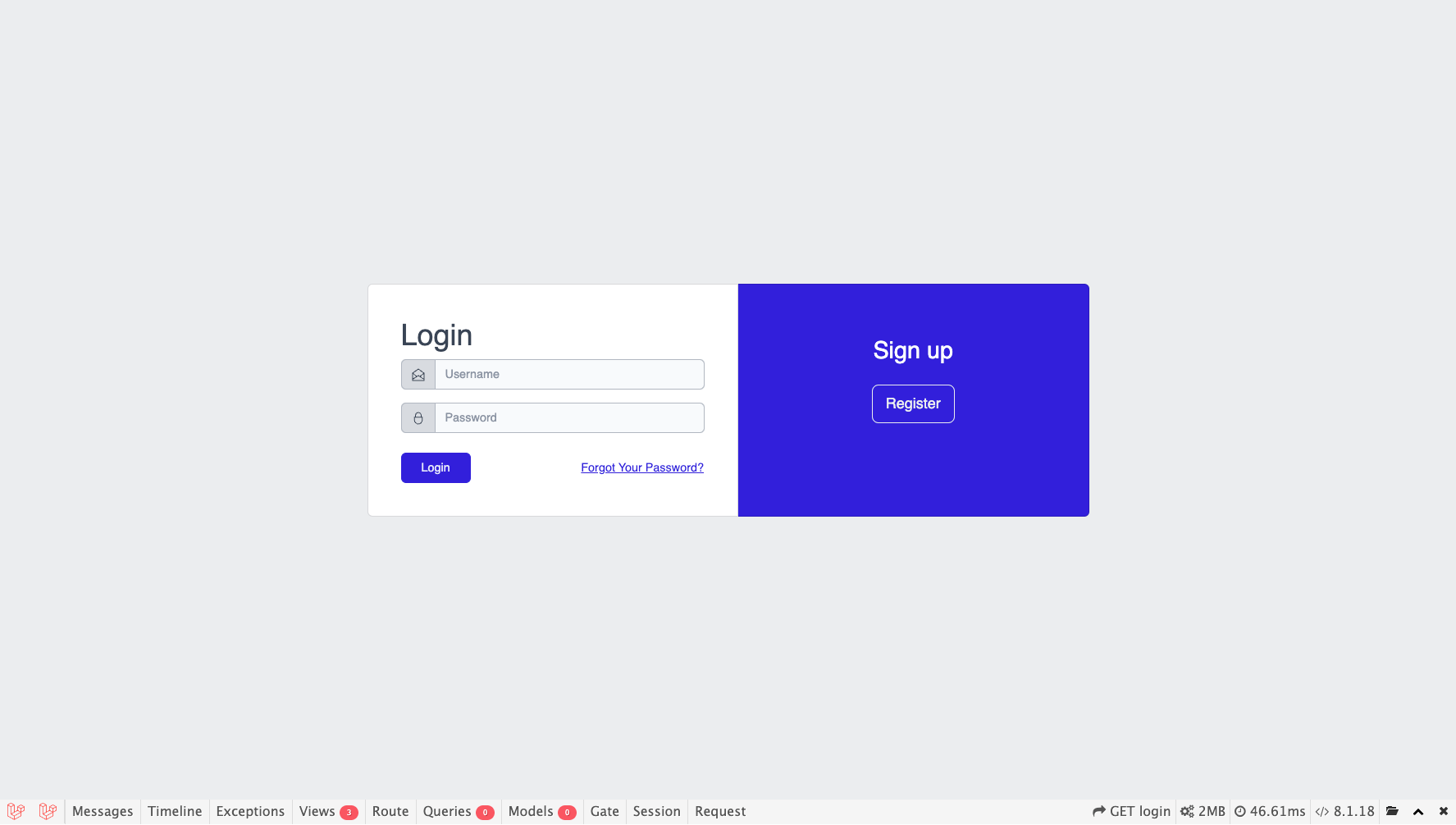
Login View
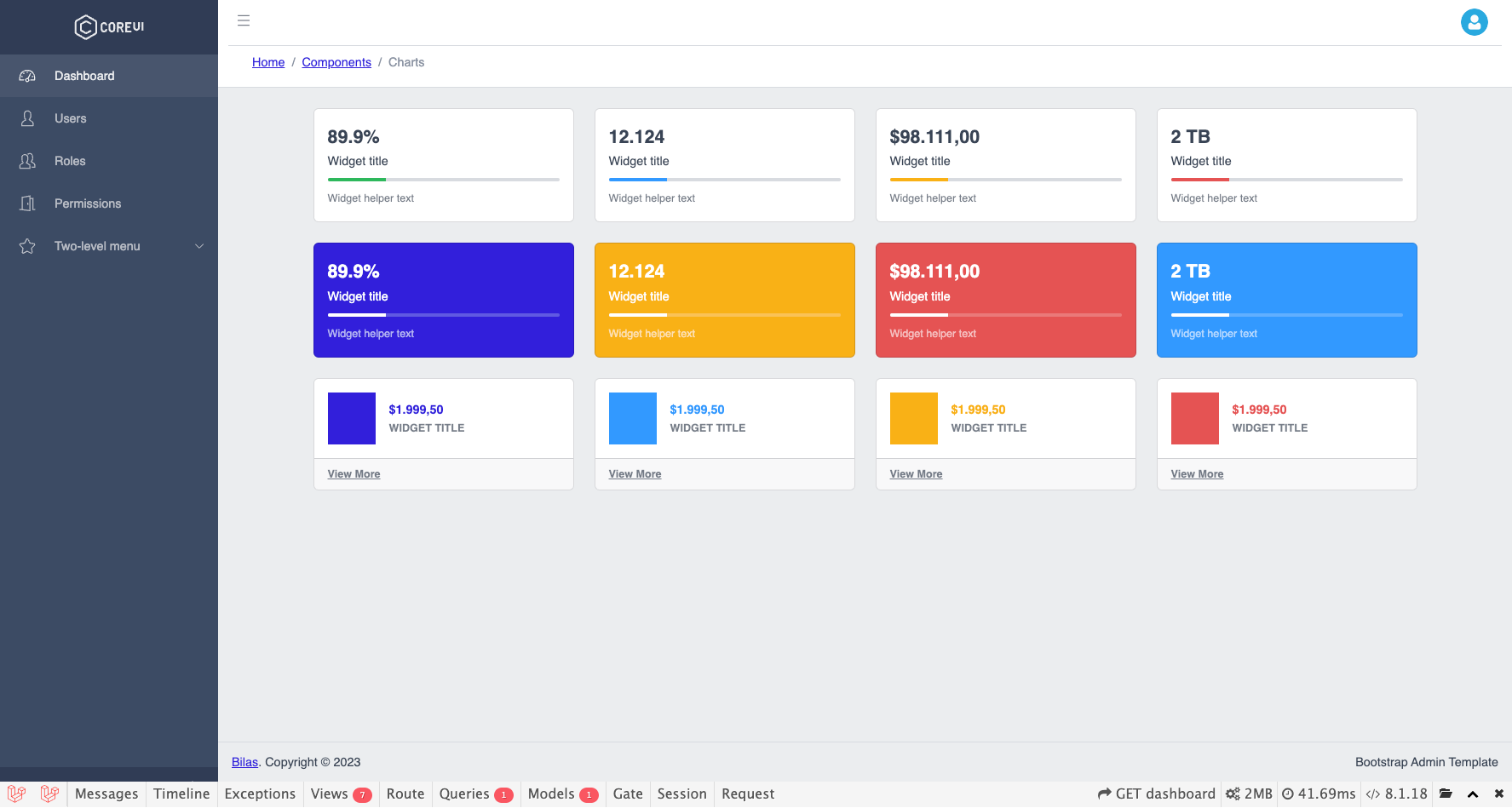
Dashboard View
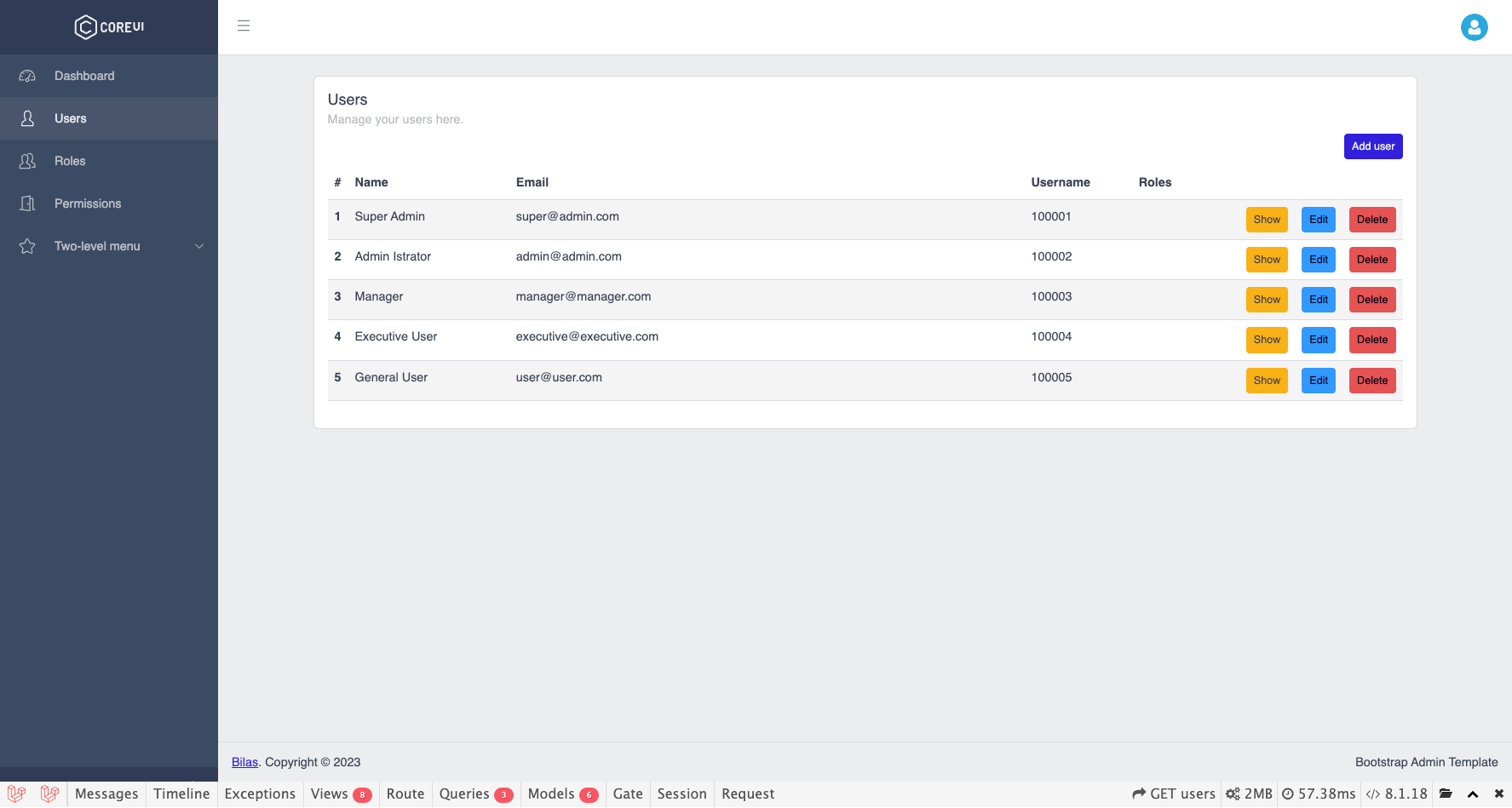
Users View
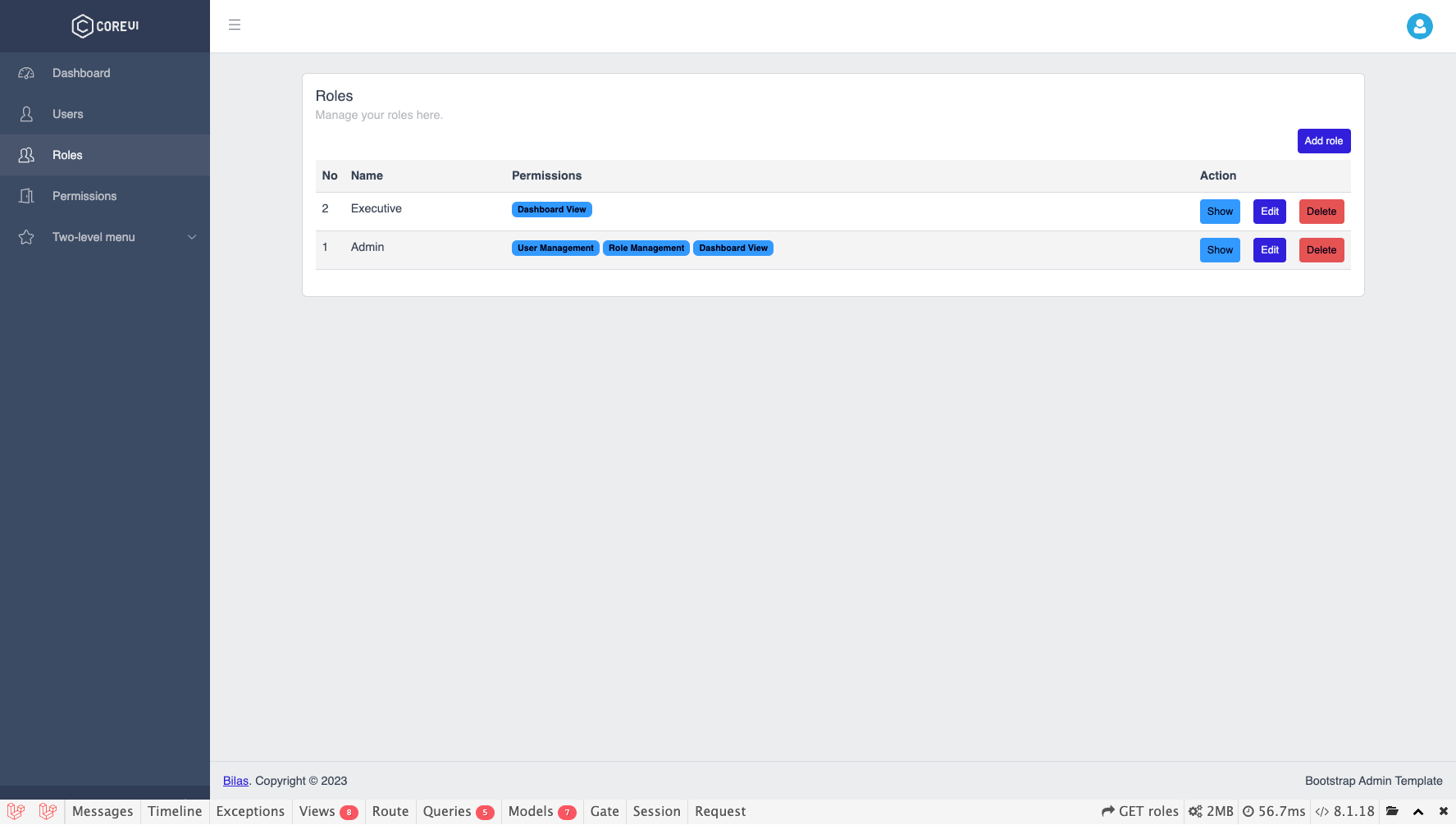
Roles View
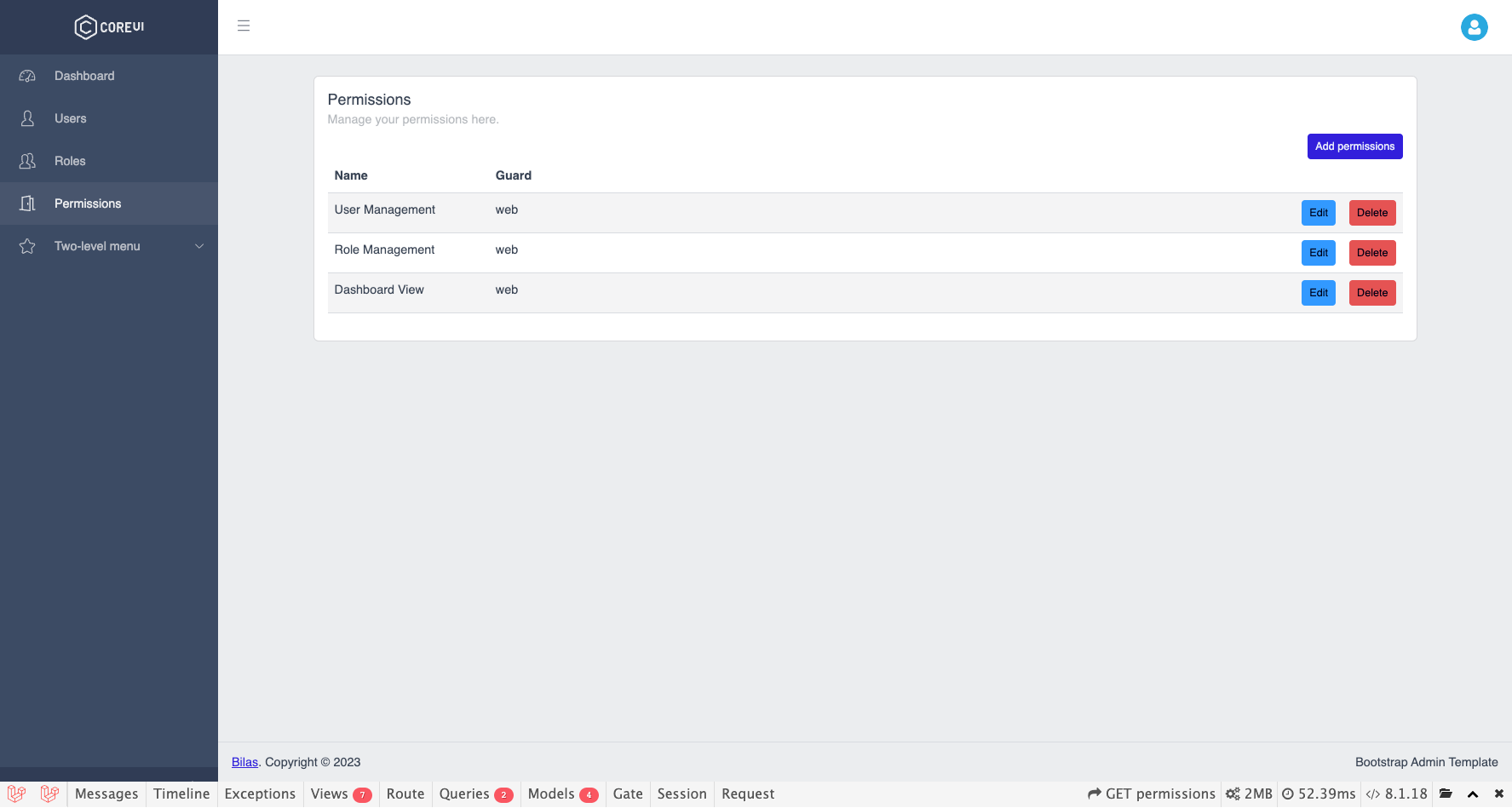
Permissions View
Tags
    v1.0-beta
    v1.0.1
Tags
    v2.0.0
The Laravel framework is open-sourced software licensed under the MIT license.