SoftEtherAdmin
1.0.0

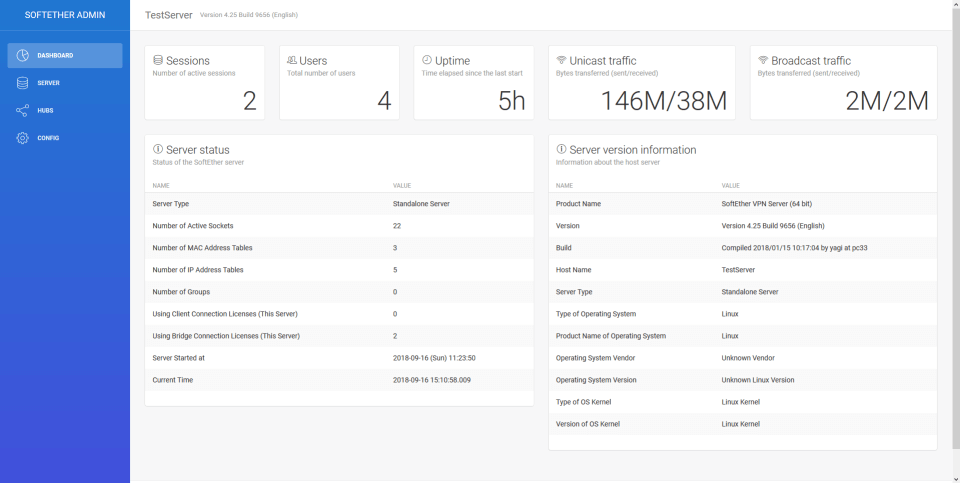
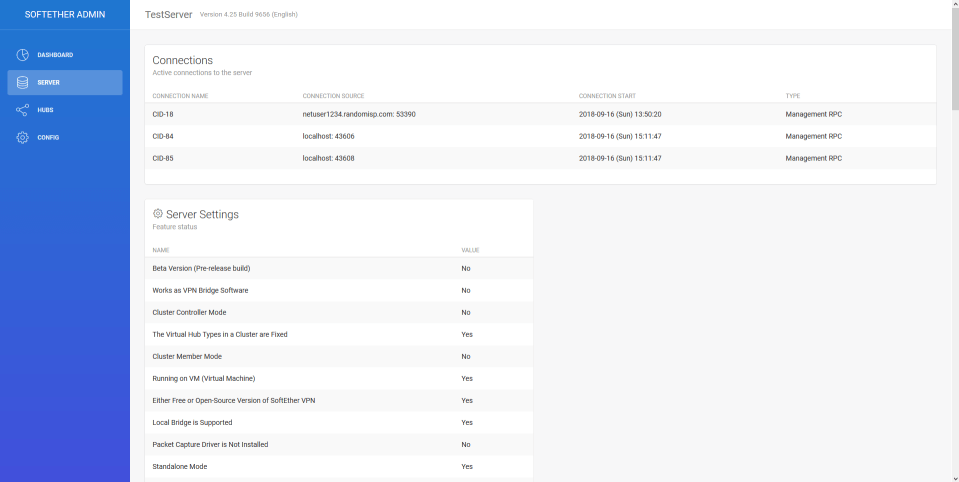
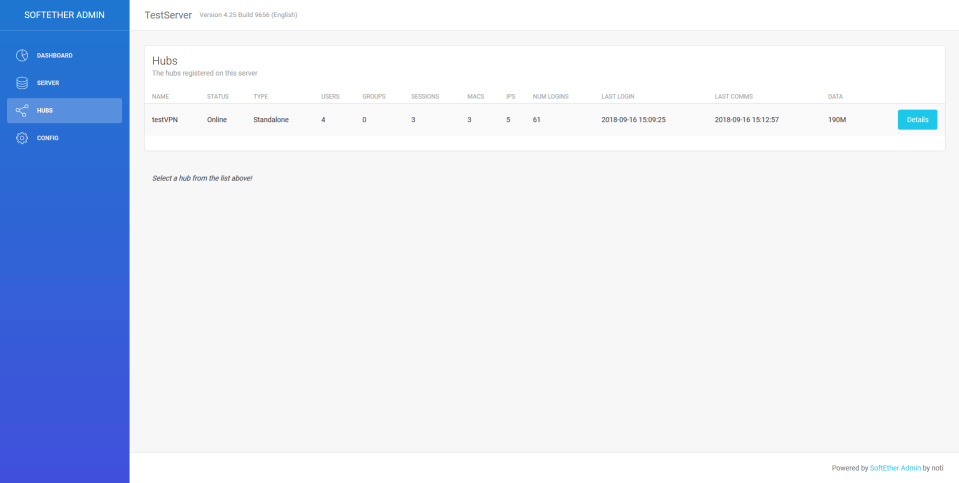
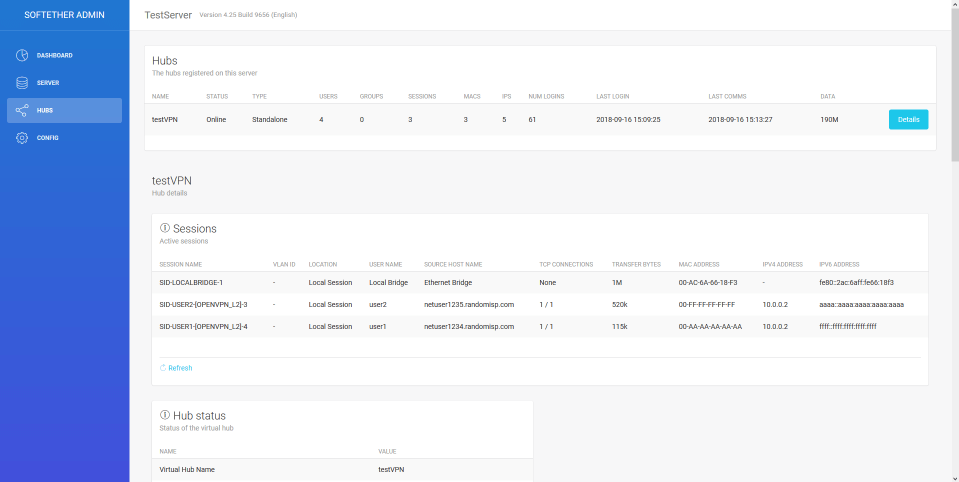
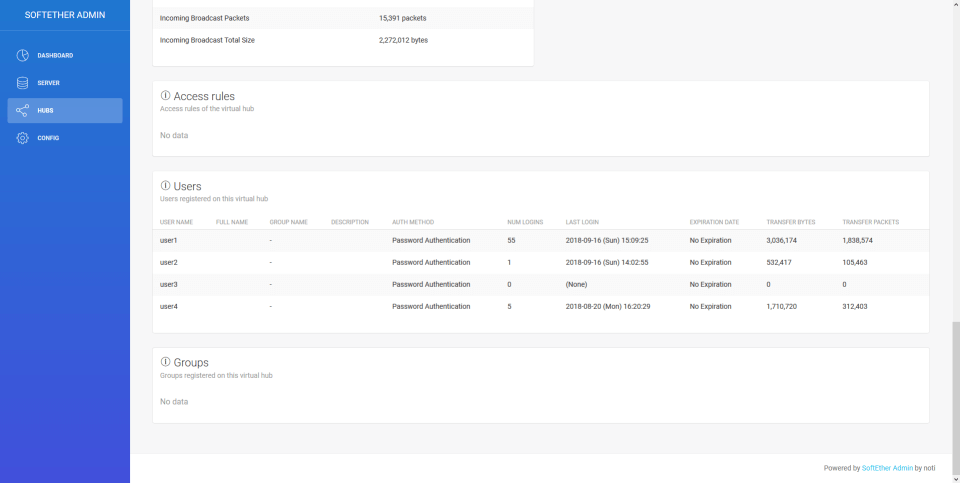
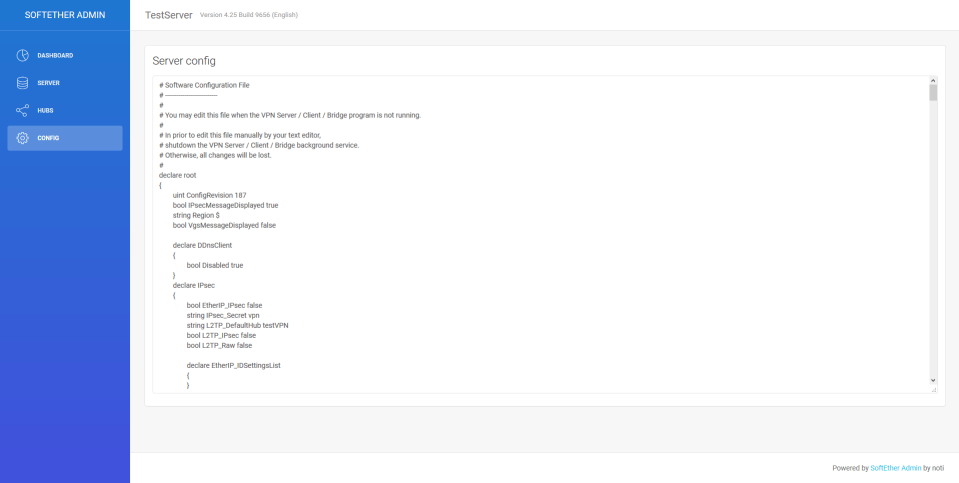
SoftEtherAdmin is a web based UI for the SoftEther VPN server. Currently it only supports read operations, and the feature set is not complete! The UI design is the Light Bootstarp Dashboard theme by the lovely folks at Creative Tim.
First, you need to clone/download the files:
# GIT clone (Note: git should be installed on your system!)
cd /srv
sudo git clone https://github.com/notisrac/SoftEtherAdmin.git

## OR ##

# Download (Note: unzip should be installed on your system!)
wget -O SoftEtherAdmin.zip https://github.com/notisrac/SoftEtherAdmin/archive/master.zip
sudo unzip SoftEtherAdmin.zip -d /srv/SoftEtherAdminBefore running the application, you must restore the npm packages!
cd /srv/SoftEtherAdmin
sudo npm installFollow the instructions in the config section to set up the application. You should have a config something like this:
{
    "serverPort": 8000,
    "softEther" : {
        "address" : "localhost",
        "port" : 5555,
        "vpncmdPath" : "/usr/local/vpnserver/vpncmd",
        "password" : "supersecretpassword1"
    }
}At this stage the application should be runnable:
node app.jsOpen another shell, and:
wget http://localhost:8000/The recommended way of managing node.js apps is to use pm2:
# first, you need to install pm2 globally
npm install pm2 -g
# enter the dir wher SoftEtherAdmin is installed
cd /srv/SoftEtherAdmin
# Register the app with pm2
pm2 start app.js --name "softetheradmin"
More info in the pm2 section
For serving the app through a web server, all you need to do is, configure the web server as a reverse proxy pointing to the application's port. nginx example:
server {
        listen 80;
        listen [::]:80;
        server_name SoftEtherAdmin;

        location / {
                proxy_pass http://localhost:8000; # <- this is where out app is listening
                proxy_http_version 1.1;
                proxy_set_header Upgrade $http_upgrade;
                proxy_set_header Connection 'upgrade';
                proxy_set_header Host $host;
                proxy_cache_bypass $http_upgrade;
        }
}
Download the file https://github.com/notisrac/SoftEtherAdmin/archive/master.zip Then extract it to a folder. We will be using:
C:NodeApps
cd C:NodeAppsSoftEtherAdmin
npm installFollow the instructions in the config section to set up the application. You should have a config something like this:
{
    "serverPort": 8000,
    "softEther" : {
        "address" : "localhost",
        "port" : 5555,
        "vpncmdPath" : "C:\Program Files\SoftEther\vpncmd.exe",
        "password" : "supersecretpassword1"
    }
}At this stage the application should be runnable:
node app.jsOpen a browser, and navigate to: http://localhost:8000/
The recommended way of managing node.js apps is to use pm2:
# first, you need to install pm2 globally
npm install pm2 -g
Before you can use pm2 on windows, there are a few things that needs to be done:
pm2 folder
C:NodeApps_pm2PM2_HOME environment variable
PM2_HOME, with the value C:NodeApps_pm2echo %PM2_HOME%Register the app in pm2
# enter the dir wher SoftEtherAdmin is installed
cd /srv/SoftEtherAdmin
# Register the app with pm2
pm2 start app.js --name "softetheradmin"
# If everything went fine, save the config
pm2 save
Create a service out of pm2
We will do this with the help of pm2-windows-service
## Make sure, you do this in an ADMINISTRATOR cmd ##
# install
npm install -g pm2-windows-service
# Create the service
pm2-service-install -n PM2
Answer the setup questions like this:
Big thanks to Walter Accantelli for the Windows instructions: https://blog.cloudboost.io/nodejs-pm2-startup-on-windows-db0906328d75
More info in the pm2 section
The configuration of the app is handled by the config node module (https://www.npmjs.com/package/config).
By default you need to modify the config/default.json file:
{
    "serverPort": 8000,
    "softEther" : {
        "address" : "localhost",
        "port" : 5555,
        "vpncmdPath" : "/usr/local/vpnserver/vpncmd",
        "password" : "supersecretpassword1"
    }
}
Where:
localhostc:\...\...!)Note: if you have cloned the repo, it is advisable to have the config in a config/local.json file. This way, when pulling new versions of the repo, your config is not overwritten!
More config file related info can be found here: https://github.com/lorenwest/node-config/wiki/Configuration-Files
pm2 is a process manager for node.js. It can monitor your app, launch it on server startup, etc.
Install:
npm install pm2 -gRegister the app with pm2
pm2 start app.js --name "softetheradmin" Check the current status of the app
pm2 show softetheradminList all apps manged by pm2
pm2 listYou can also stop pm2 stop softetheradmin and restart pm2 restart softetheradmin the app.
cd /srv/softetheradmin
node app.js
This should result in a Server listening on port: <PORT> message, where <PORT> is the value of the serverPort config setting.
If there were error while starting the app or running it, it will be printed out here.
It uses the vpncmd application, that is distributed with the SoftEther VPN Server installer. Here are two examples:
This one is run on a linux box, and retrieves the list of hubs:
/usr/local/vpnserver/vpncmd <SERVER>:<PORT> /SERVER /PASSWORD:<PASSWORD> /CSV /CMD HubListThis one is run on a windows machine, and executes all the commands in the scripts/vpncmd_hubinfofull.txt file on the selected hub:
"c:Program FilesSoftEther VPN Client Managervpncmd_x64.exe" <SERVER>:<PORT> /SERVER /PASSWORD:<PASSWORD> /CSV /ADMINHUB:<HUBNAME> /IN:"scripts/vpncmd_hubinfofull.txt"pm2 monitPull requests are always welcome! :)