Gestion_Proyectos PHP
1.0.0

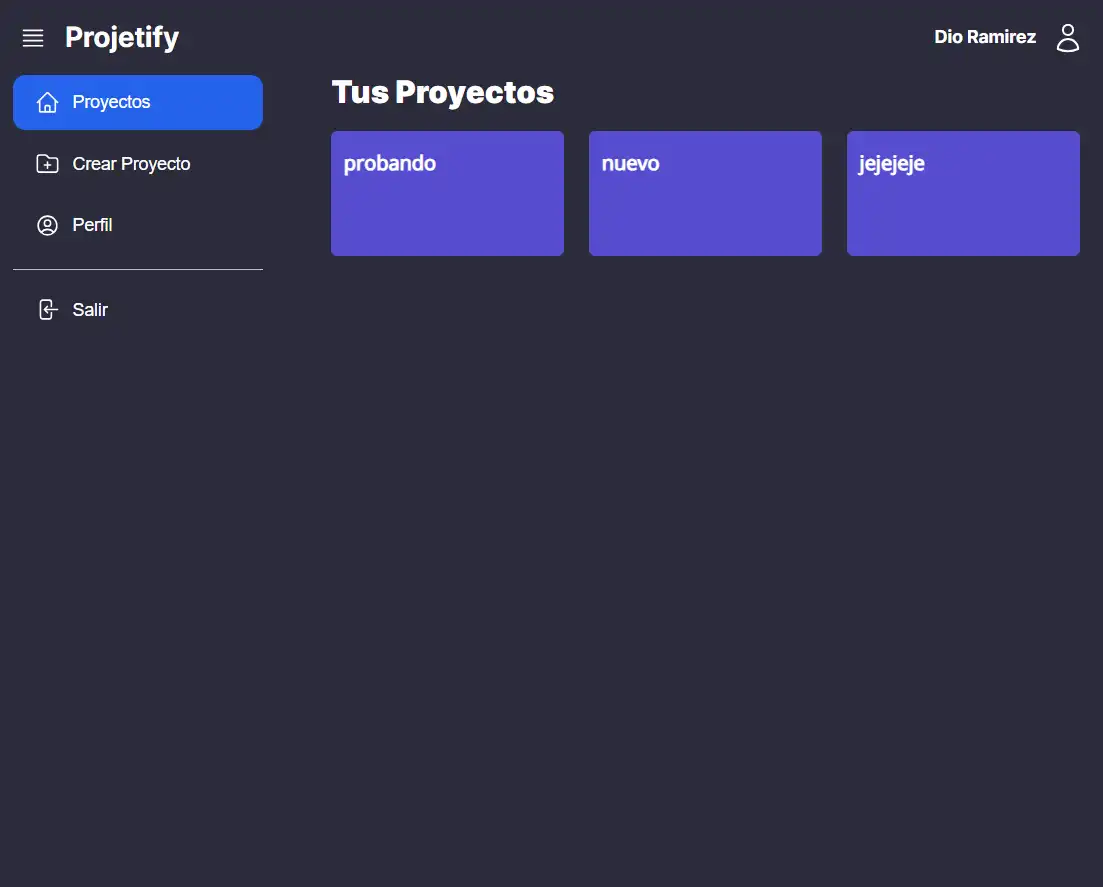
First you must create the container with the following command:
docker-compose up -dThen you must import the database tables located in the database folder:
./database/projetify.sqlNext, you must declare the environment variables in the .env file, for this you must copy the .env.example file and rename it to .env, then you must modify the following variables:
DB_HOST = localhost
DB_NAME = projetify
DB_CHARSET = utf8
DB_USER = root
DB_PASS = development

EMAIL_HOST = aquí: servicio de prueba de mailtrap u otro servicio de correo
EMAIL_PORT = aquí: servicio de prueba de mailtrap u otro servicio de correo
EMAIL_USER = aquí: servicio de prueba de mailtrap u otro servicio de correo
EMAIL_PASS = aquí: servicio de prueba de mailtrap u otro servicio de correo
EMAIL_SECURE = true o false
Once the above is done, the project dependencies must be installed with the following command:
npm installand then you must install the composer dependencies with the following command:
composer updateFinally, the public folder must be accessed with the following command:
cd publicand run the following command:
php -S localhost:3000and that's it, you can now access the project from the browser with the following url:
http://localhost:3000







