Static Site With Tailwind
1.0.0

Run yarn serve:dev This will serve src with index.html as your entry point.
In a second terminal run yarn watch. This will watch all files inside of src/ and know to recompile app.css with any new tailwind styles that have been added along the way.
Note: there's a bit of a delay here before you go hit refresh... "Hey, this ain't no fancy React app K.I.S.S and just hit the refresh button."
dev without watching run yarn compile:css:devSo you actually want to deploy this thing...
Run yarn build:all to do "all the things"
This will copy over all the *.html files to a /build directory and compile app.css with the NODE_ENV=production. This tells Tailwind to use our preset purge option from tailwind.config.js
Copy this /build directory to any static hosting site... Or tell your static hosting site to use /build/index.html as it's entry point.
Note: After building you may serve this build locally as well to see what "prod" will look like by running
yarn serve:prod. This will serve up thebuilddirectory instead ofsrcfor viewing with the newly compiled code.
How do I create some clean urls to new pages?
Add a vercel.json file with routes defined and let Vercel take care of the rest.
{
  "version": 2,
  "routes": [
    {"src": "/about", "dest": "/about.html"}
  ]
}
For more details check out their docs here
That is it folks... Drop in some static HTML, link index.css, and have fun.
Linking the Repo and Settings
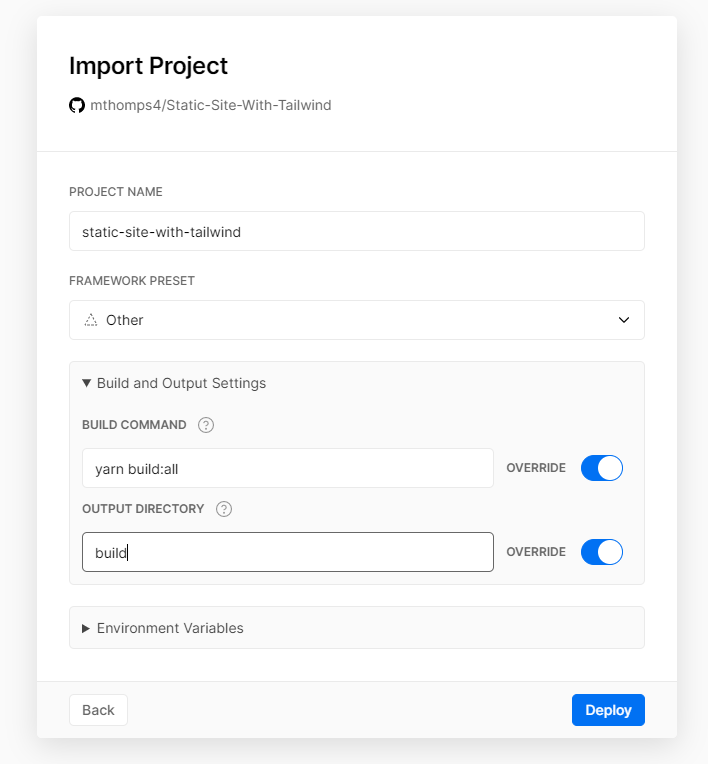
Preview of Deploy
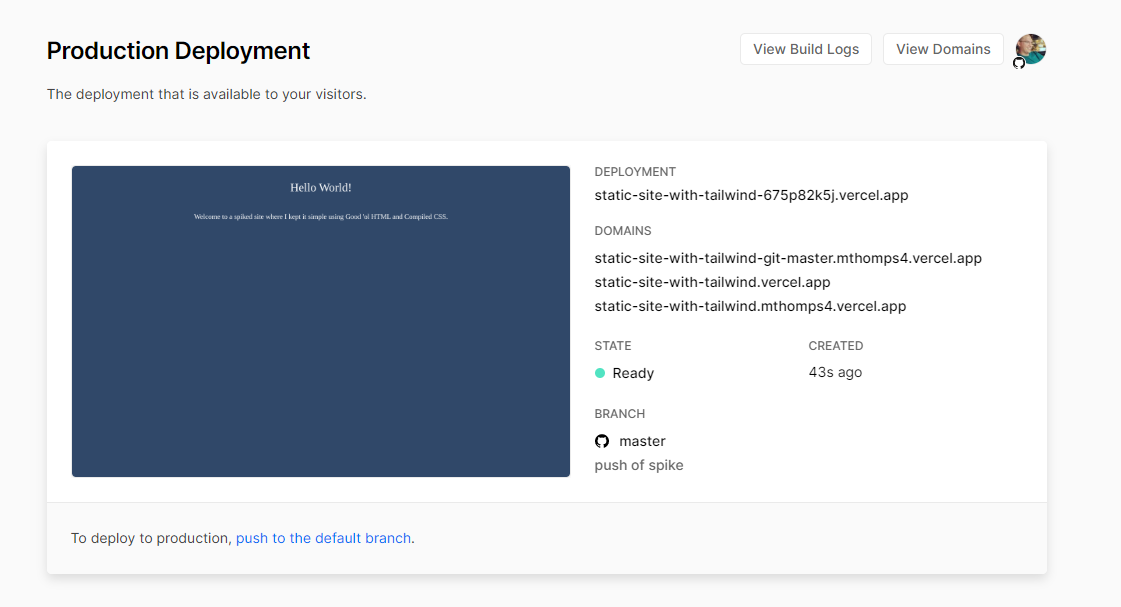
Done!





