astro ink
2.0.0 (2023-12-18)


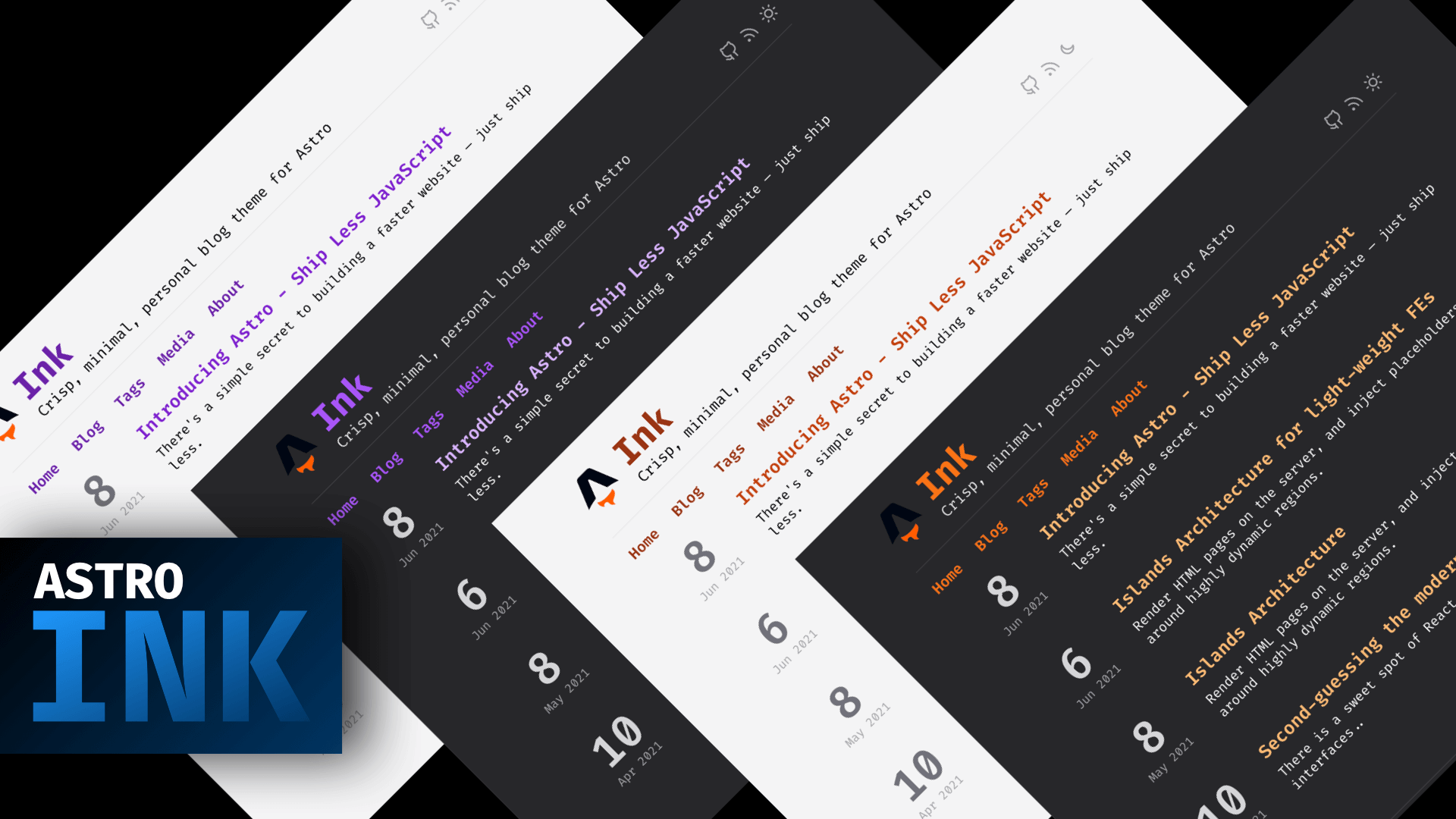
It's hugely inspired by Hugo's Ink theme and strives to remain light, while providing the basis for a beautiful, minimal blog.
2.x release) under the hood.tailwind.config.js. You can pass THEME_KEY with the dev or build script/commands ex: THEME_KEY=purpleheart astro build/dev to change the color theme being used. All the available themes can be found in tailwind.theme.config.js. To customize the blog section, add any of the Tailwind Typography's prose-{color} classes as referred here/blog directory by visiting your-site.netlify.com/admin ex: astro-ink.netlify.app/admin with your Netlify credentials. It needs Netlify Identity(https://app.netlify.com/sites/your-site/settings/identity#registration
) and Git Gateway(https://app.netlify.com/sites/your-site/settings/identity#services) enabled./src/drafts directory with a future date in the YYYY-MM-DD format, and let a specially crafted Github Action take care of auto-publishing it on your specified date. You can configure the check interval in Github Action..env file(local development), un-comment the connection code here and deploy. Your site's powered with a dynamic views counter. See .env.example to understand the different environment values you need to configure.ytChannelId constant. Optionally, disable the image thumbnails from your YT channel's video listing by setting USE_MEDIA_THUMBNAIL to false.USE_AUTHOR_CARD to true inside config file.USE_POST_IMG_OVERLAY to true inside config file.Just clone this template, and start working from your clone. You have all the common NPM commands at your disposal like dev, build, etc. Refer package.json to see a list of all the available commands.
Note: Use npx degit one-aalam/astro-ink to clone the template without any of the git history
Note: This template genrates server (SSR ready) output by default. If you want static builds
output to static from server in astro.config.jsadapter: vercel()USE_VIEW_STATS to false inside config.tsNote: Before running npm run dev for the very first time -
.env file by running mv .env.example .env (if you're on a Linux distro or Mac)SITE_URI variable as SITE_URI=http://localhost:4321 (where 4321 is the port at which your project is running)know a site built with Astro Ink? Let me know on Twitter
This theme was initially built with first an alpha, and then a beta version of the Astro Framework. If you're just starting with Astro, you can actually learn Astro while building this very theme by following a series of blogs I've written that teaches you Astro ground-up!
Head over to aalam.in/blog and know





