COMTool
v3.4.1

English | 中文
A cross platform serial debug tools written by python
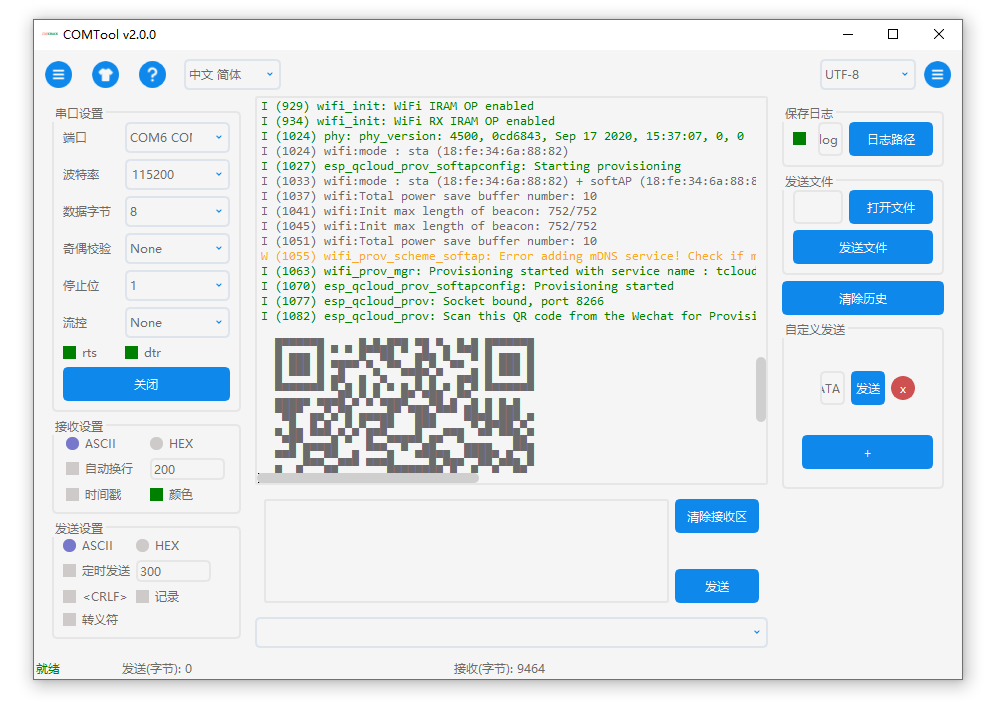
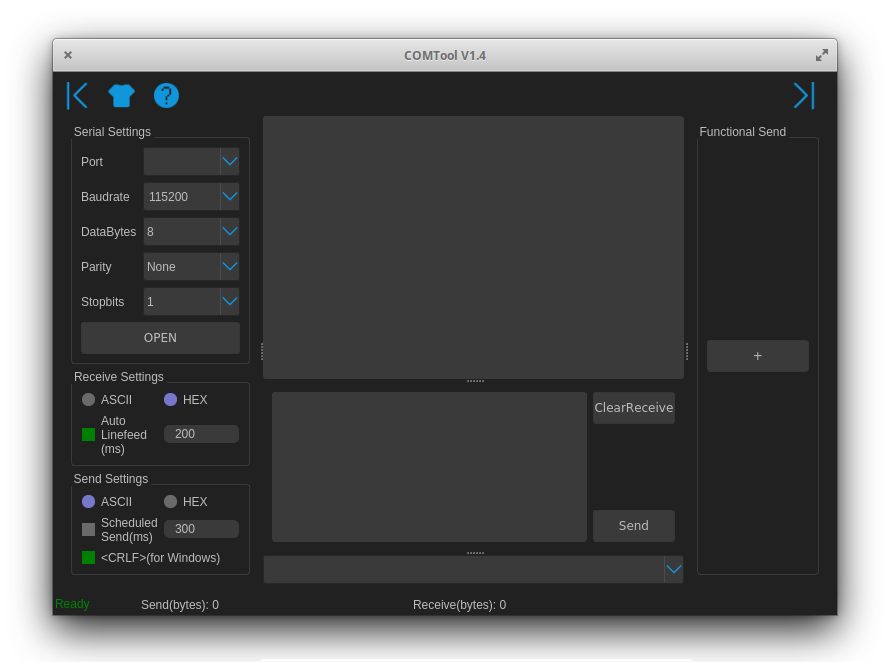
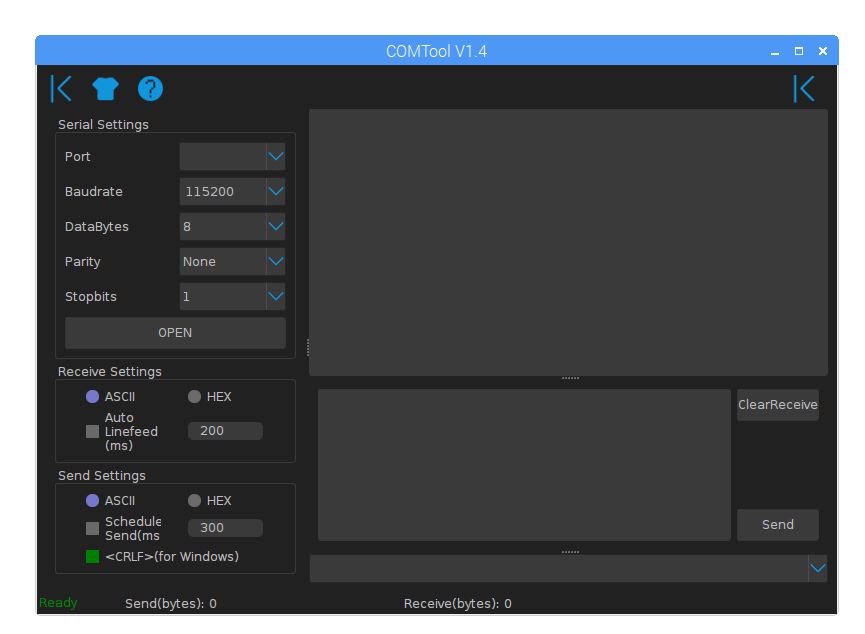
| Windows | Linux | Raspberry Pi | macOS |
|---|---|---|---|
 |
 |
 |
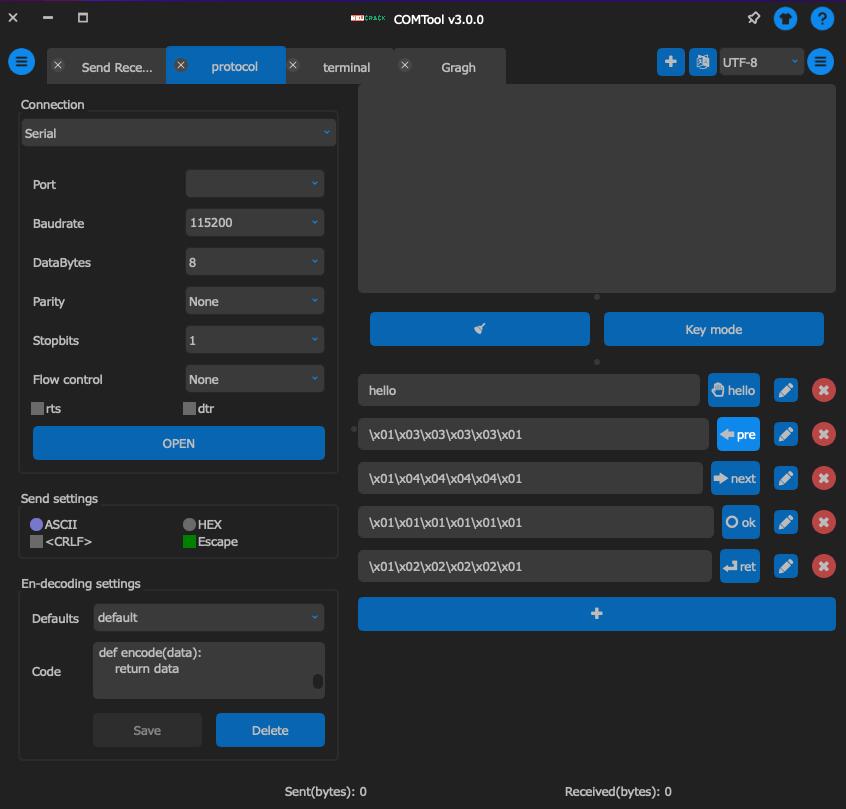 |
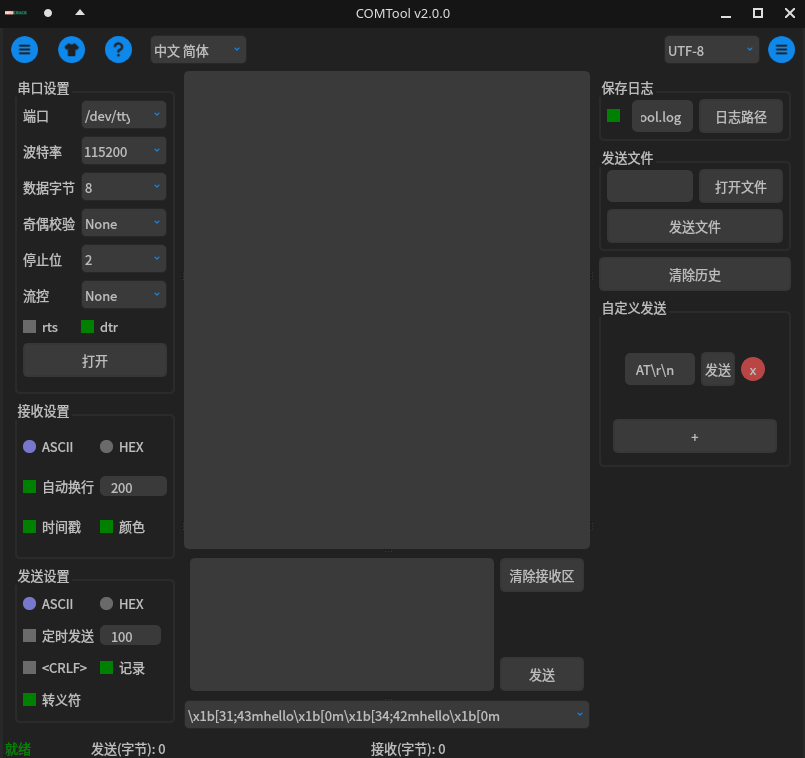
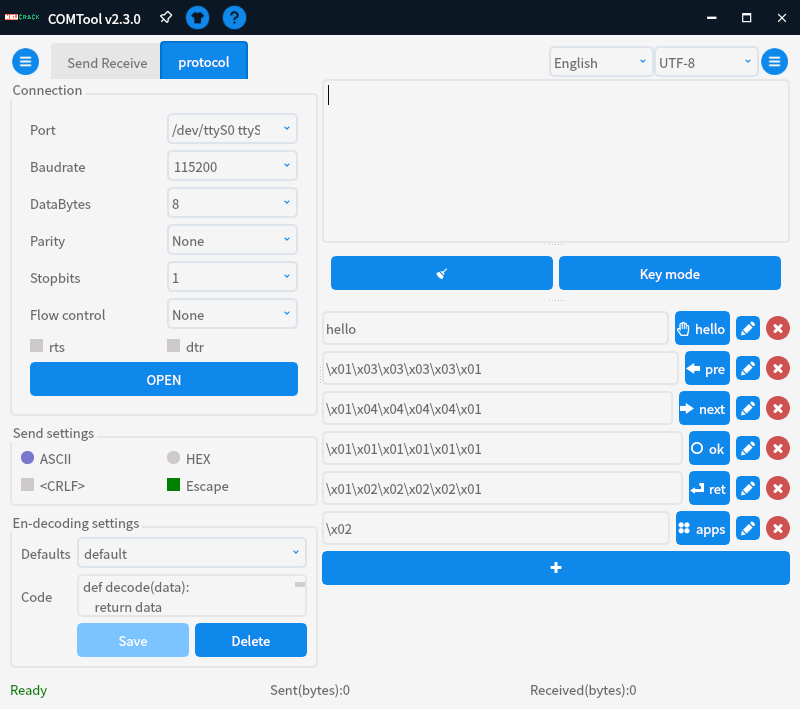
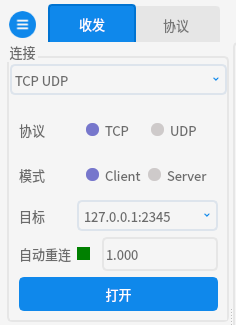
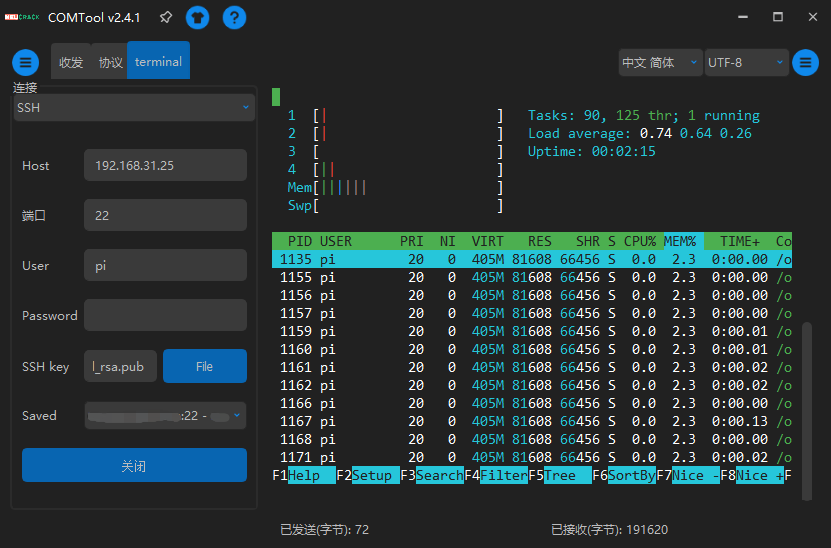
| White theme | Dark theme | protocol plugin | TCP/UDP | Terminal | Graph |
|---|---|---|---|---|---|
|
 |
 |
 |
 |
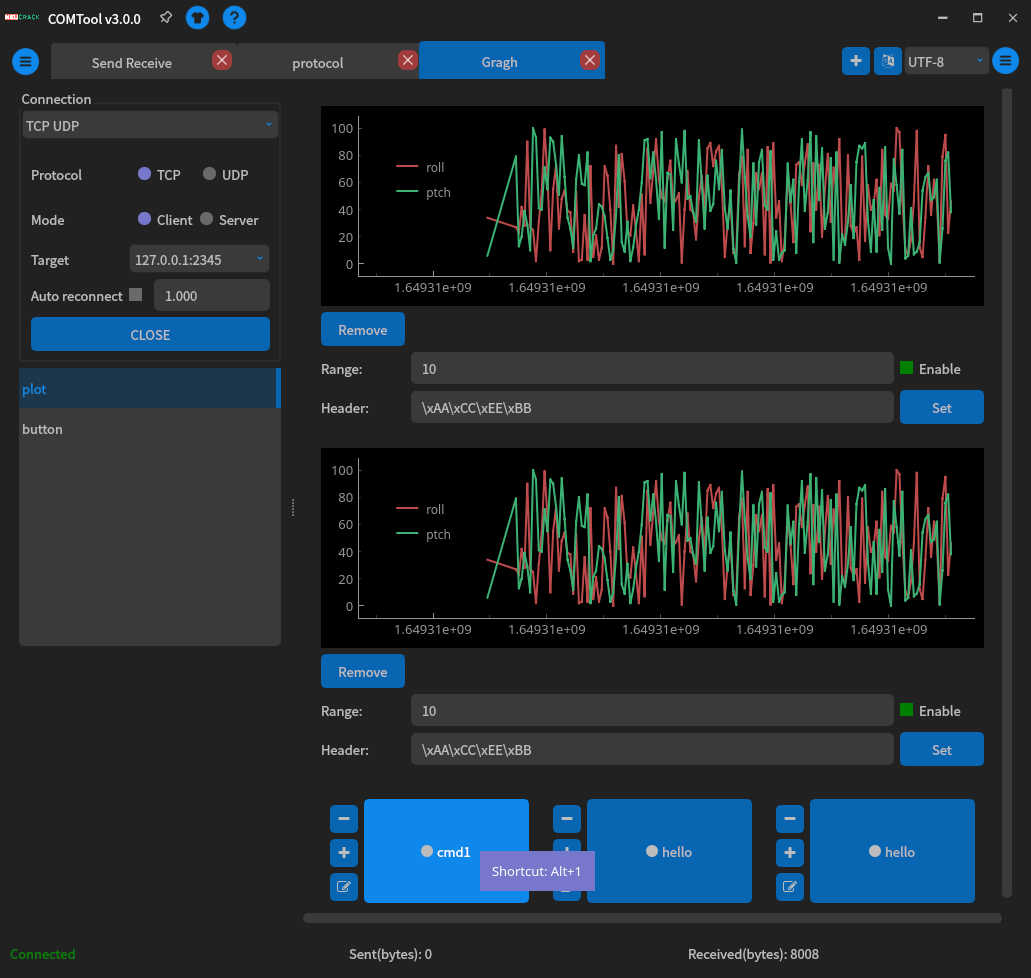 |
screenshot maybe the old version, the latest may not the same totally! But better performance、more easy to use and more elegant
ASII,GBK(Chinese),UTF-8,UTF-16 etc.)x1b[33;42mhellox1b[0mhello2)r n t x etc.r n t x etc.There are two ways to install COMTool:
.zip file, and click comtool.exe to runAnd you can install by scoop, maintained by StudentWeis
scoop bucket add Nightly https://github.com/StudentWeis/Nightly
scoop install comtool
Linux has too much version, so we only compile binary for ubuntu. Other distribution please install from pypi or source code. If you have any idea to pack cross platform binary like flatpak or appimage, you can contribute a pull request or add an issue to tell me how to
Arch Linux and its derivative distributions can install from AUR(maintained by taotieren):
# Release version
yay -S python-comtool
# Development version
yay -S python-comtool-git
Download release at release page, and extract files from .zip file, and click comtool to run
Add current user to dialout group to avoid sudo command
sudo usermod -a -G dialout $USER
grep 'dialout' /etc/group
reboot #must reboot to take effectOpen terminal, install dependencies with package manager:
sudo apt install git python3-pyqt5 python3-numpyUse package manager to install pyqt5 numpy etc. This way makes install easier. If you meet some error when install with
pip, you can try to install with package manager first. To find the package name, the trick is to usesudo apt-cache search package_name | grep package_nameto search package name, then install it.
Then install other packages with pip:
git clone https://github.com/Neutree/COMTool.git --depth=1
cd COMTool
pip3 install . --verbose
# 或者
# python setup.py bdist_wheel
# sudo pip3 install dist/COMTool-*.*.*-py3-none-any.whl --verbose
sudo commandsudo usermod -a -G dialout $USER
grep 'dialout' /etc/group
reboot #must reboot to take effectthen enjoy by command
comtool
If you want to open multiple comtool, just right click dock icon, then click New Window.
or you can open terminal and type
open -n /Application/comtool.app
or
cd /Applicatioin/comtool.app/Contents/MacOS
./comtool
Because the program is not signed by the developer, it will warn when you open it for the first time. You need to go to
Settings -> Security and Privacy -> Generalto see the promptcomtooland clickOpen anyway.
If your program is download from here, it's ok, the error caused by pack issue, all the source code and pack script is here, even the pack progress is totally automated with github action, no one manually pack.
If you remain have concern, just download source code to run with python or pack yourself.
Of course, if you find a better pack way, please open issue to tell us.
For developers or the binary not support your platform's, use this way to install
Install Python3 first
sudo apt install python3 python3-pip, macOS brew install python3 python3-pipEnsure you have pip
pip3 --version
# or
pip --version
If no this command, install by
python3 -m ensurepippip3 install comtool
comtoolfor Chinese, you can use tuna mirrors to download faster by:
pip install -i https://pypi.tuna.tsinghua.edu.cn/simple comtoolpip3 install git+https://github.com/Neutree/COMTool
git clone https://github.com/Neutree/COMTool.gitcd COMTool
pip install .
or build your own wheel binary
pip3 install wheel
python setup.py bdist_wheel
pip install dist/COMTool-*.*.*-py3-none-any.whl
comtool
pip, you can try to install with package manager first, then install with pip again. e.g.sudo apt install python3-pyqt5 python3-numpy cython3
To find the package name, the trick is to use
sudo apt-cache search package_name | grep package_nameto search package name, then install it.
sudo commandsudo usermod -a -G dialout $USER
grep 'dialout' /etc/group
reboot #must reboot to take effect/usr/share/applications folder(may need root user to do this)/usr/share/applications/comtool.desktop, change icon path Icon=/usr/local/COMTool/assets/logo.ico to actual icon path, you can also use your love iconpip3 install pyinstaller
python pack.py
cd dist
lsIt's better to create a virtual environment before pack to decrease the size of binary
pip install virtualenvvirtualenv venvsource venv/bin/activate# linuxvenv/Scripts/activate# windows If you encounterrunning scripts is disabled on this system, you can temporarily allow the current terminal to execute scriptsSet-ExecutionPolicy -Scope Process -ExecutionPolicy RemoteSignedThenpip install pyinstallerandpython pack.py
Linux:
sudo apt install python3 python3-pip
Windows: dowload python3
pyserial and PyQt5 etc.(list in requirements.txt)cd COMTool
pip3 install -r requirements.txt
On Raspberry, python3-pyqt5 can be install by apt command:
sudo pip3 install --upgrade pyserial
sudo apt install python3-pyqt5
git clone https://github.com/Neutree/COMTool.git
Recommended PyCharm IDE or vscode to get start
How to run:
Generate translate binary files first(.mo)
python COMTool/i18n.py finish
Then execute main program
python COMTool/Main.py
see docs/plugins.md
apt install python3 python3-pip
pip3 install -r requirements.txtAdd locale in i18n.py
locales=["en", "zh_CN", "zh_TW", "ja"]
append your language to this list, locales can be found here or wikipedia, zh_CN for example means China Mainland, corresponding language is simplified Chinese characters, zh_TW means China Taiwan, and language is traditional Chinese characters, you can also only use zh to use simplified Chinese characters.
python i18n.py prepareThis command will generate .po files in locales folder
Then translate .po files, this is a standard translate file format which named gettext
to make program read faster, the text files .po should be convert to binary file .mo, just run command:
python i18n.py finishand then you can see locales/<locale>/LC_MESSAGES/messages.mo file
Run application, you will see the new translation
Create a PR to merge your changes to this repo
In the assets/qss directory under the source code or binary program directory, copy a file from style-dark.qss or style-light.qss, the file name is style-xxx.qss, here xxx is the name of the theme, so that the software can detect the theme.
Then modify the qss file according to your preferences. The syntax of qss is similar to css, but the support is not complete. Whether the css syntax can be used depends on the actual effect, haha.
Add theme code is welcome!(PR)
In addition, the software has not been deliberately optimized for the theme, and the class and id may have been written casually, so there is no guarantee that future codes will be fully compatible with current qss.
Create issue here
LGPL-3.0 License
And used these open source projects as libraries:
If this project helps you, you can buy me a cup of coffee