pinghsu
v1.6.2

English
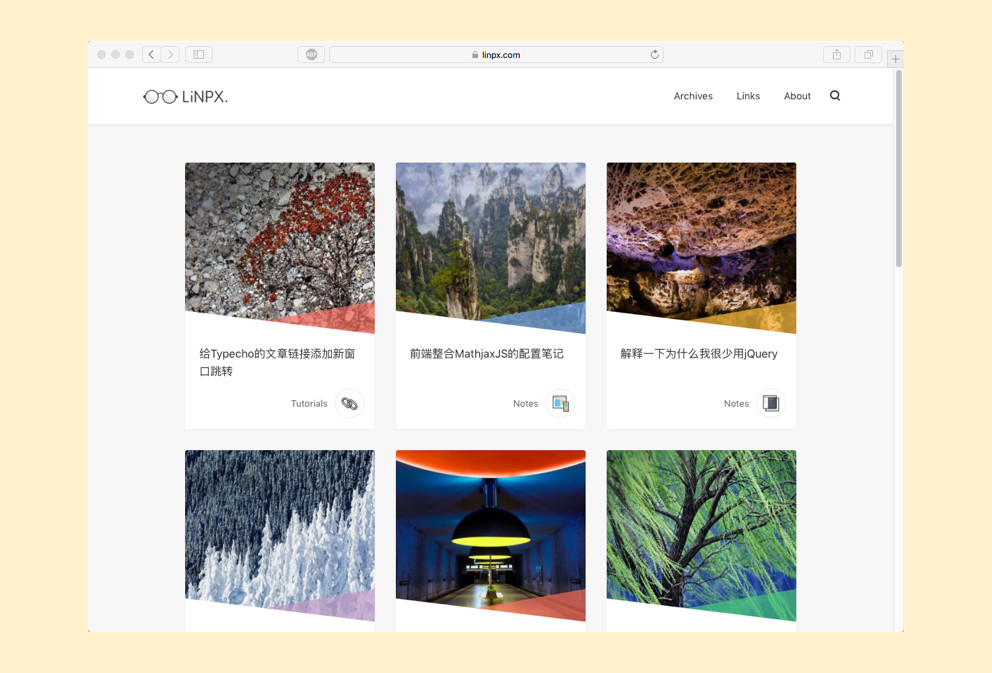
Topic introduction
Pinghsu is a Typecho theme made with front-end performance optimization in mind while taking into account design aesthetics and visual communication. The theme name is taken from the Hong Kong-style English of the author's name and the last character of his girlfriend's name. He struggled with Hsuping or Pinghsu, and finally chose Pinghsu, which means everything is Ping first and Hsu last, that is, he must listen to his girlfriend.
Download address
https://github.com/chakhsu/pinghsu
Theme preview
https://www.linpx.com
| Home page - three columns | Home page - single column |
|---|---|
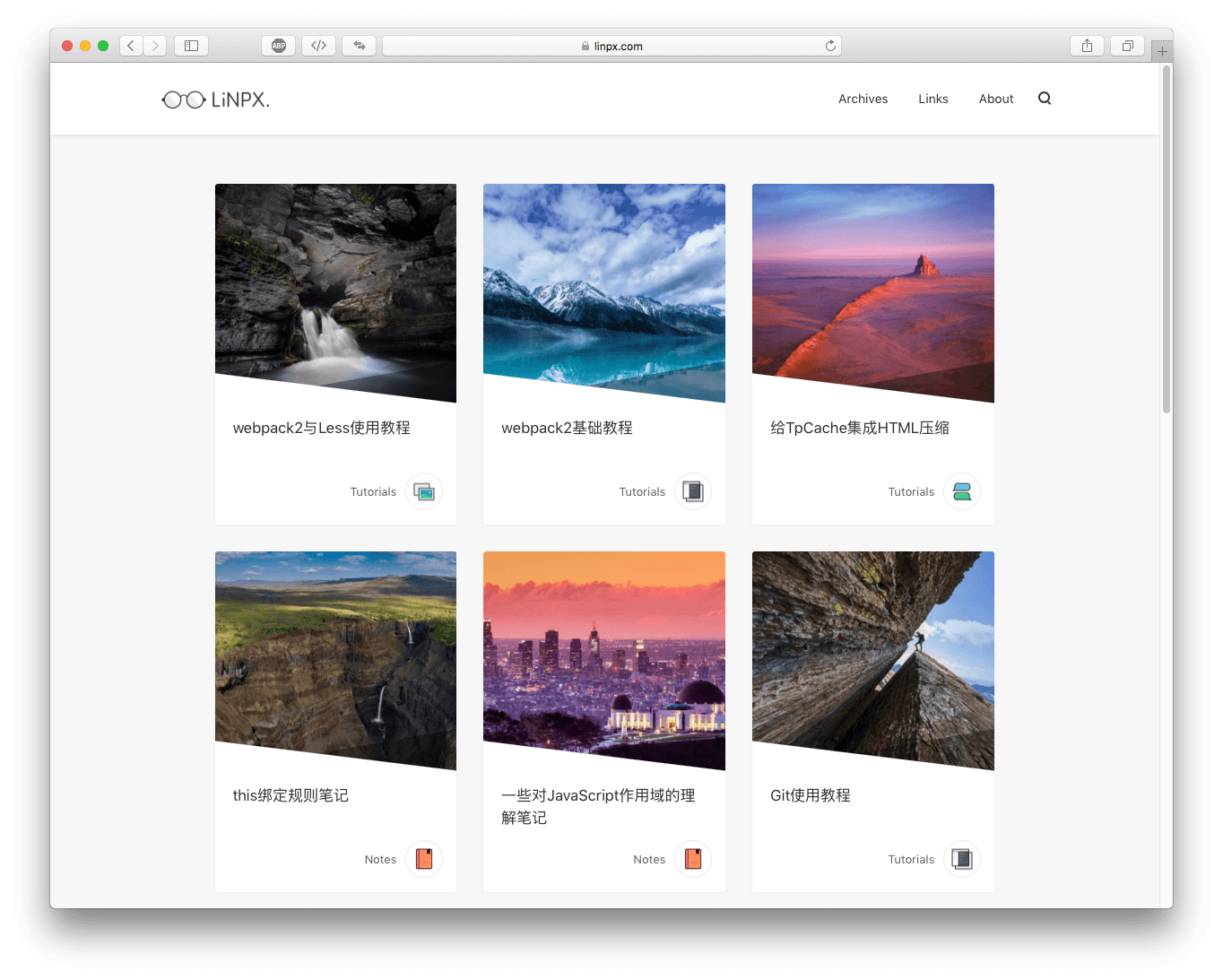 | 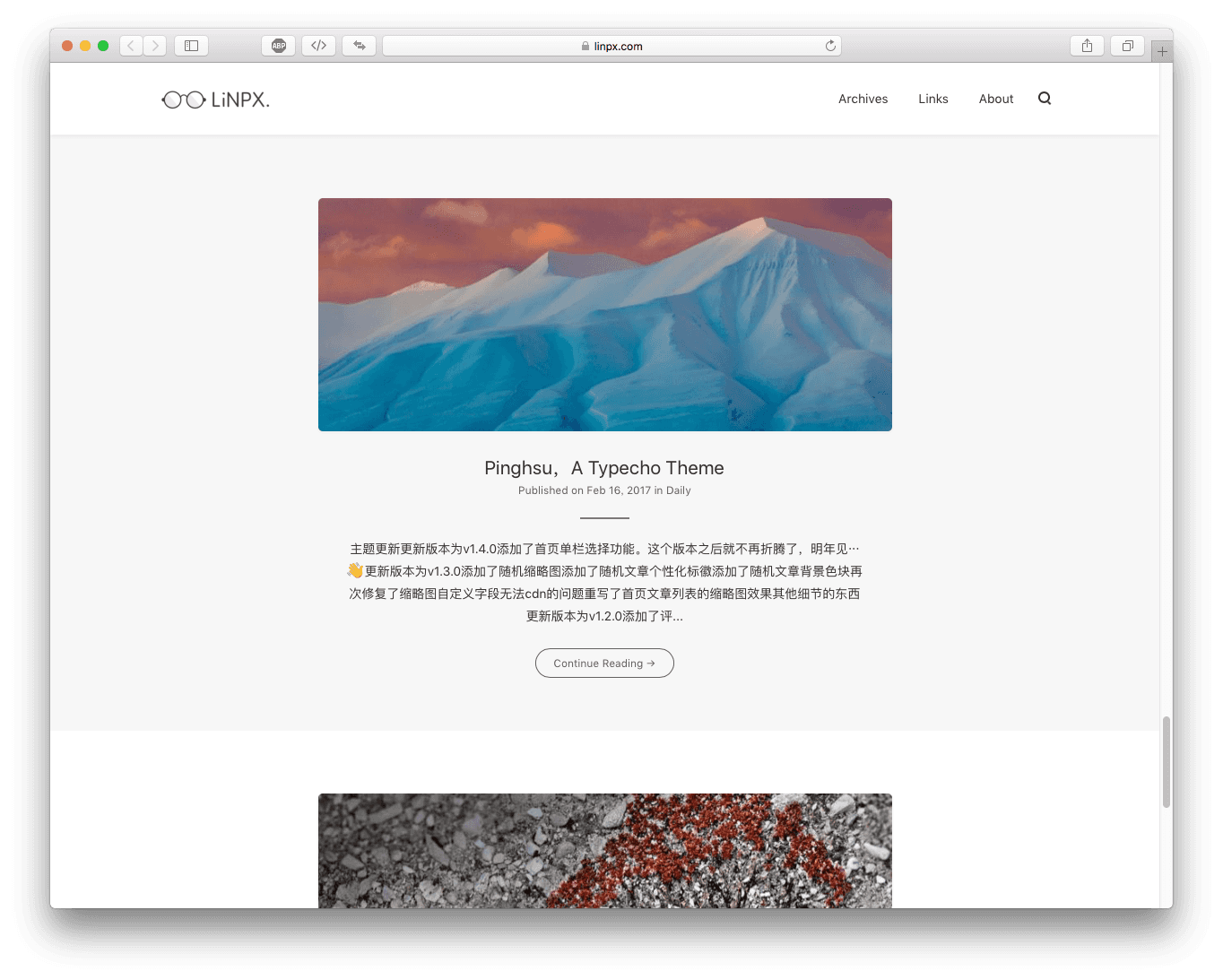 |
| Article content page - title picture | Article content page - Table of contents |
|---|---|
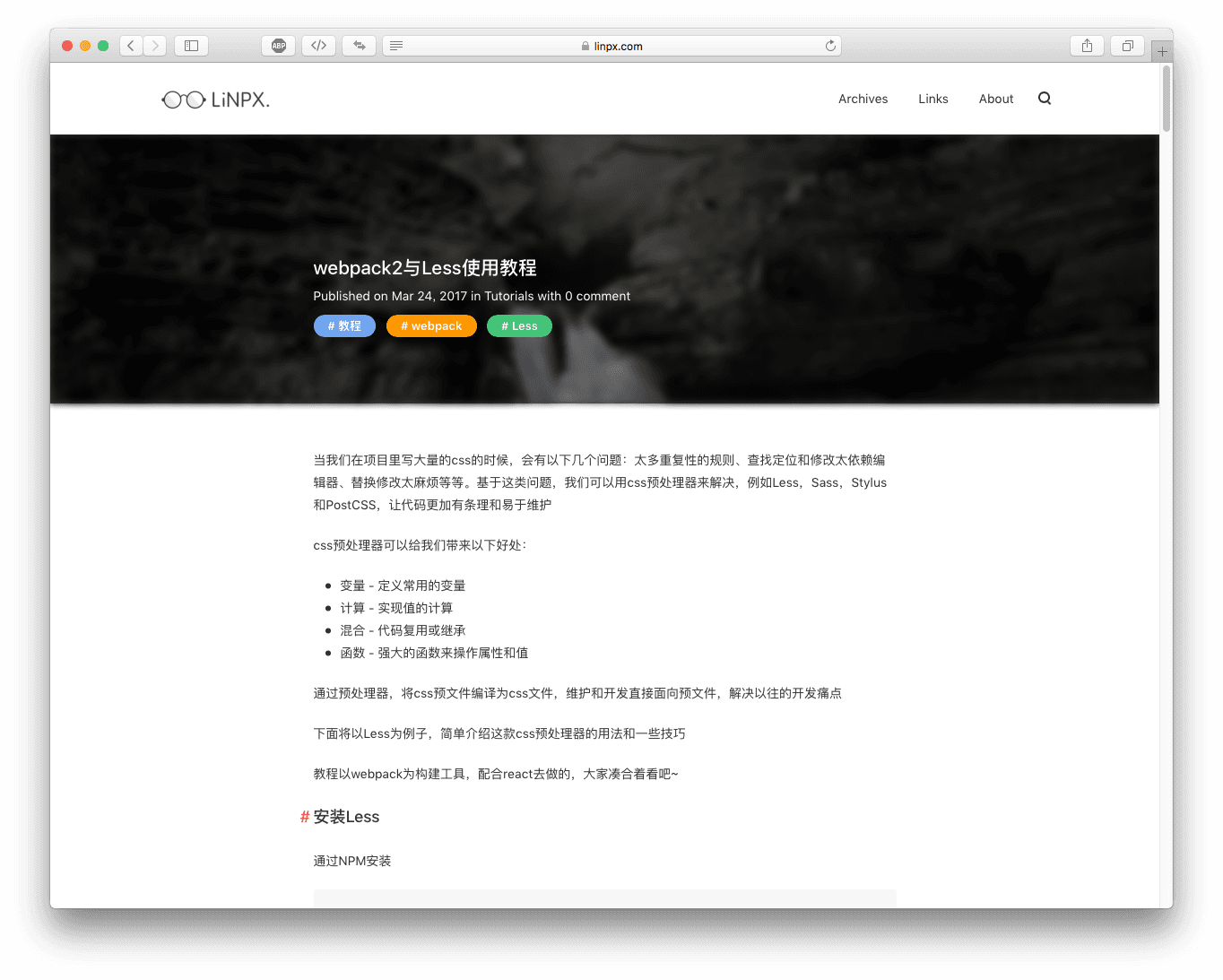 | 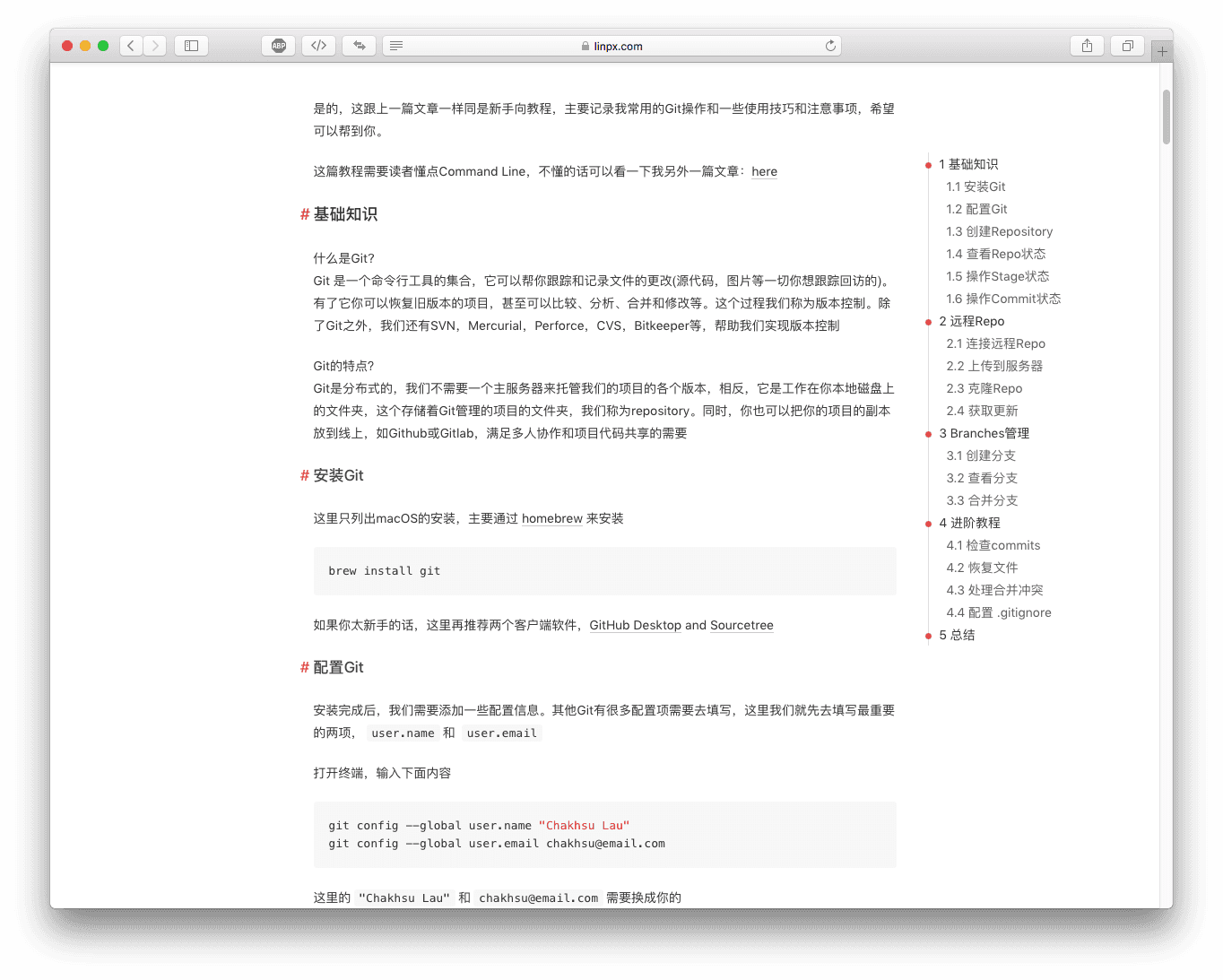 |
| Page content page | Content Page - Comments |
|---|---|
 |  |
| Category page | Template archive page |
|---|---|
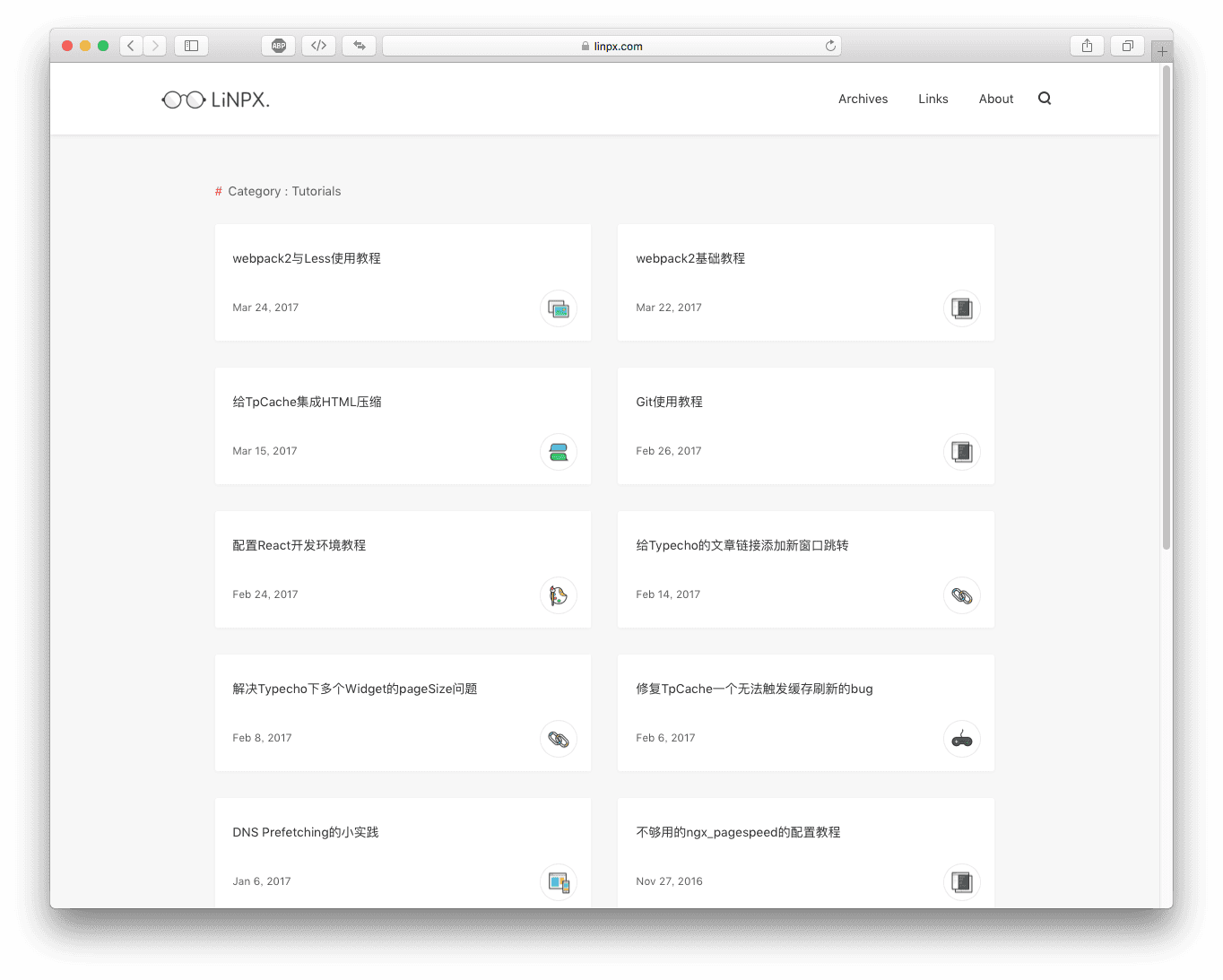 | 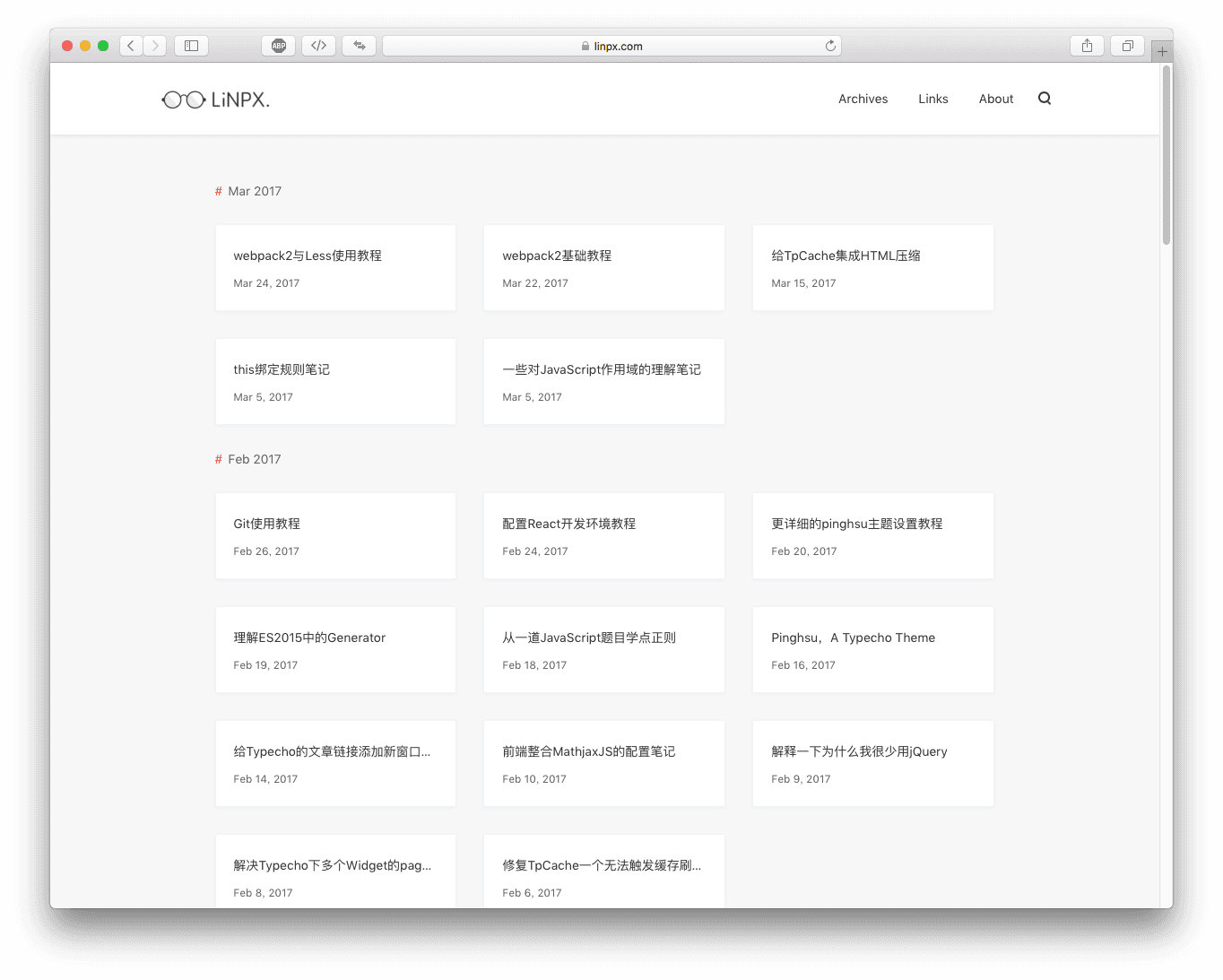 |
| search page | 404 |
|---|---|
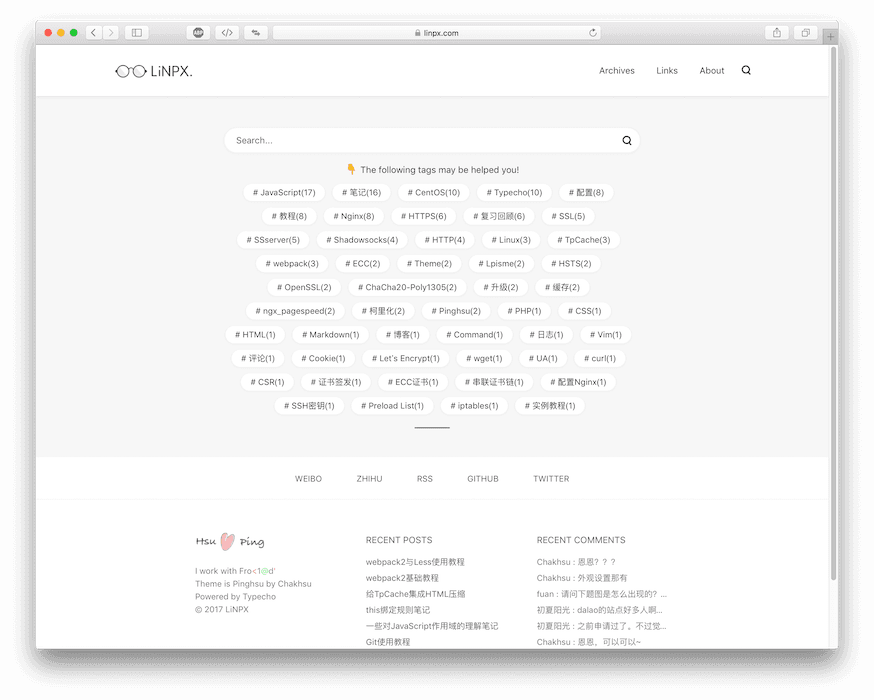 | 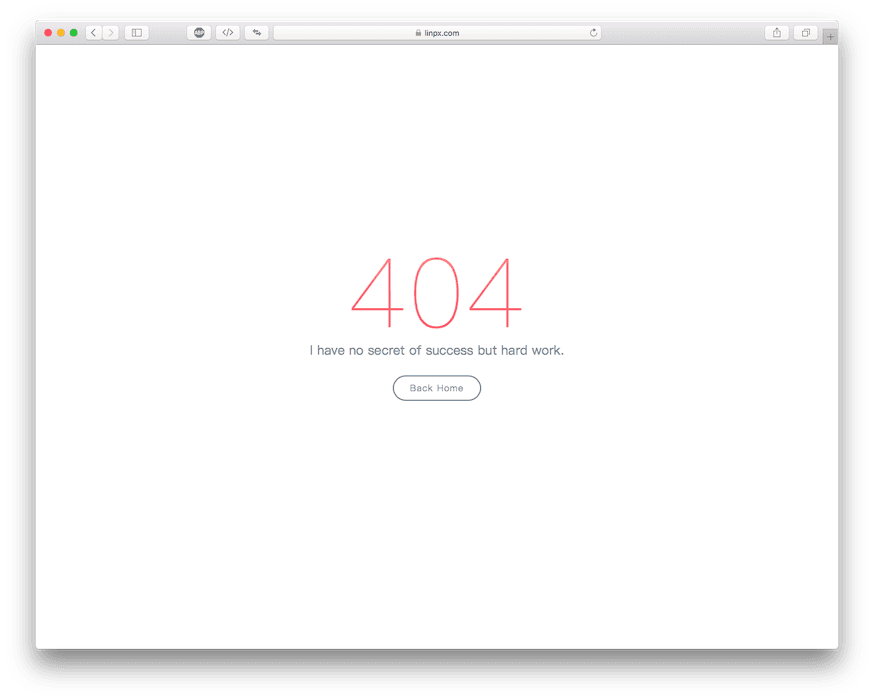 |
| Mobile terminal - Home page | Mobile terminal - article page | Mobile terminal-category page |
|---|---|---|
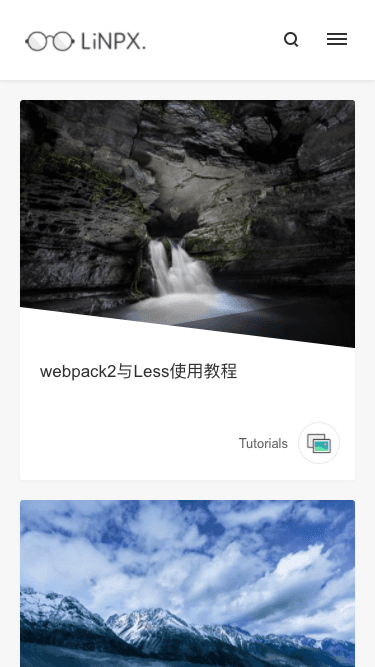 | 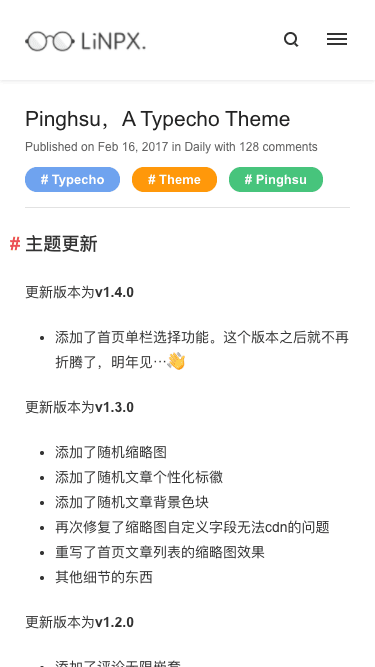 |  |
Note : The current theme is only tested under the typecho development version and PHP7.0. There are not many tests in other situations.
Go to Github to download, click "Download ZIP" to download, unzip and rename the folder to pinghsu , upload it to /usr/themes , and enable the theme.
If you need to update the theme, download the latest file first, then overwrite the original file to complete the update. Some newly added functions need to be enabled in the background to take effect.
Appearance settings are mainly divided into four parts, namely logo and icon settings, function switches, social button settings, and image CDN mirroring
The precautions for use are clearly written in the settings. If you encounter something you don’t understand, you can leave me a message for feedback.
Here are some additional points
archiveStandalone search page
See here for how to set it up: Here
Article thumbnail
There are four ways to set thumbnails for articles, custom field thumb , the first picture in article attachments, pictures within articles, and default thumbnails.
Priority order: Custom field thumb -> First picture in attachment -> Article picture -> Default thumbnail -> Random picture -> None
Thumbnail size, the height should be at least 250px, the width should be greater than the height, the recommended height is 400px
Personalized logo
The personalized logo appears on the home page, category page, tag page, author page and related articles.
The setting method is to fill in the custom fields in the article editor. The supported fields are as follows
book , game , note , chat , code , image , web , link , design , lock
Personalized color blocks
Personalized color blocks need to be turned on in the appearance settings before they can be activated. Color blocks appear on the homepage, category page, tab page, independent search page, etc.
The setting method is to fill in the custom fields in the article editor. The supported fields are as follows:
blue , purple , green , yellow , red
Friendly links
If you want to get a friendly link page like mine, because it is a typecho development version, it supports writing in the page <ul><li>
So you can directly inline a class="flinks" in <ul> , and then insert your friend link in <li> .
More setup tutorials: Here
This...Modern browsers are compatible...
All kinds of contributions (enhancements, new features, documentation & code improvements, issues & bugs reporting) are welcome.
All forms of contributions are welcome, including but not limited to optimizations, added features, documentation & code improvements, reports of issues and bugs.
Open sourced under the MIT license.
Open source under the MIT license.








