vue cryptoicon
0.18.1

Schöne Pixel Perfect 400+ Kryptowährung und 10+ Fiat -Währungssymbol in einer Reihe von Stilen und Größen
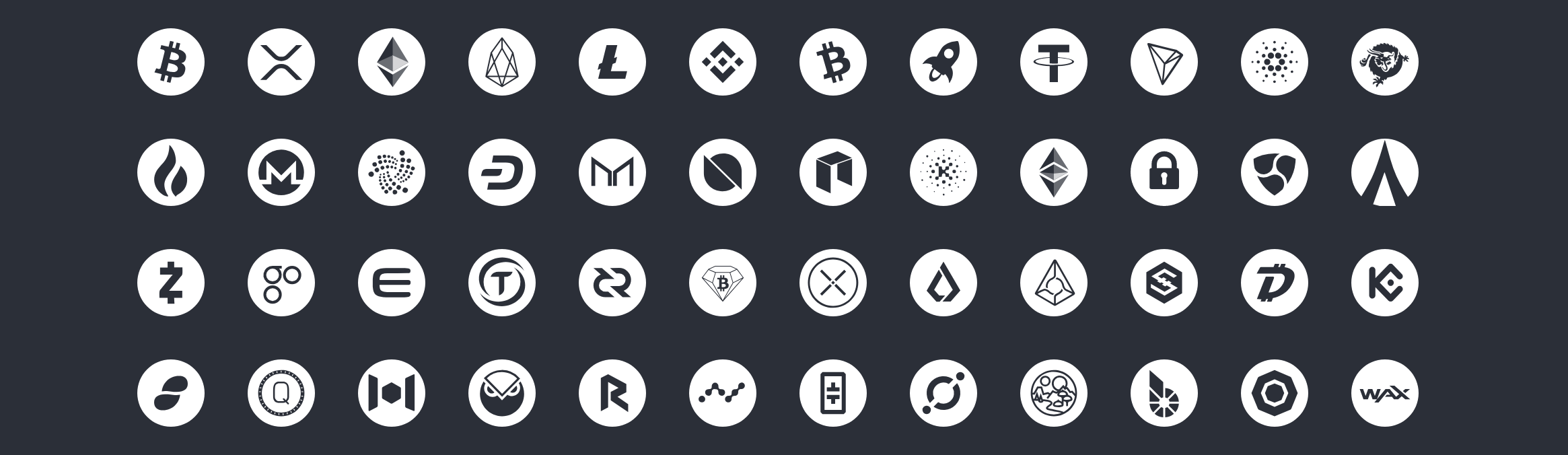
Installieren mit NPM.
npm install vue - cryptoicon // yarn add vue-cryptoicon Um in Ihrem Projekt zu verwenden, importieren Sie einfach Vue-Cryptoicon und installieren Sie es in VUE.
main.js
 import Vue from 'vue' ;
import Cryptoicon from 'vue-cryptoicon' ;
// For all icons
import icon from 'vue-cryptoicon/src/icons' ;
Cryptoicon . add ( icon ) ;
Vue . use ( Cryptoicon ) ;

// selective icons
import { Btc , Eth , Xrp , Eos , Bnb , Tron } from 'vue-cryptoicon/src/icons' ;
Cryptoicon . add ( [ Btc , Eth , Xrp , Eos , Bnb , Tron ] ) ;
Vue . use ( Cryptoicon ) ;
App.vue
 < template >
    <!-- Bitcoin color icon-->
    < cryptoicon symbol =" btc " size =" 24 " />
    <!-- Bitcoin blue color icon-->
    < cryptoicon symbol =" btc " size =" 24 " color =" blue " />
    <!-- Bitcoin  black (#000)  icon-->
    < cryptoicon symbol =" btc " size =" 24 " color =" #000 " />
</ template > | Name | Beschreibung | Typ | Standard | Akzeptierte Werte |
|---|---|---|---|---|
symbol | Kryptowährungssymbol | String | - - | Gültig und verfügbar |
color | Farbe des Symbols | String | Farbe | Sechser- oder Farbname |
size | Größe des Symbols | Number | 24 | Positive Ganzzahl |
Sie können den Standardwert von size und color in main.js ändern
Vue . use ( Cryptoicon , { size : '50' , color : 'black' } ) ; MIT -Lizenz.
Atomlabors für SVG -Symbole








