Purple React
1.0.0

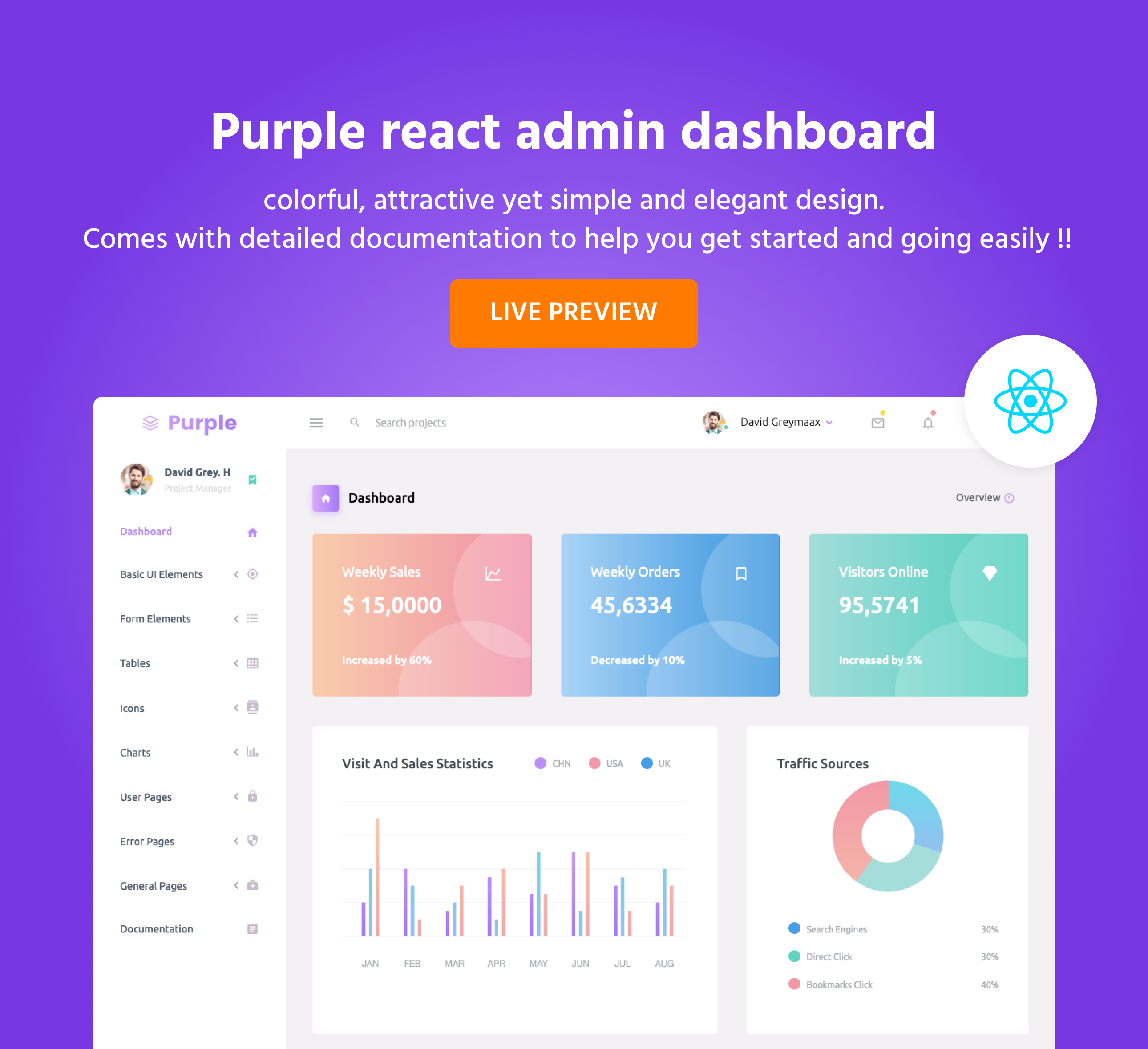
Purple Admin React Free ist vollgepackt mit wesentlichen Komponenten, UI-Elementen und integrierten Beispielseiten, um Ihr Projekt anzukurbeln.
Wir freuen uns, dieses Dashboard mit Ihnen zu teilen und freuen uns auf Ihr Feedback!
Besuchen Sie: https://www.bootstrapdash.com/demo/purple-react-free/template/demo_1/preview/dashboard
.React-Bootstrap
.Materialdesign-Ikonen
.Reagieren
.Chart.js
Chrome (neueste Version)
FireFox (neueste Version)
Safari (neueste Version)
Oper (neueste)
IE10+
Purple Admin React kostenlos wird unter MIT-Lizenz veröffentlicht. Laden Sie es herunter, verwenden Sie es, teilen Sie es und lassen Sie Ihrer Kreativität freien Lauf.
Im Download finden Sie die folgenden Verzeichnisse und Dateien, die gemeinsame Assets logisch gruppieren und sowohl kompilierte als auch minimierte Varianten bereitstellen. Sie werden etwa Folgendes sehen:
 purple-react-free/
  ├── template
    ├── demo_1
        ├── src/
            ├── app/
            ├── assets/
                ├── images/
                ├── styles/
            ├── index.js
        ├── public/
        ├── .gitignore
        ├── CHANGELOG.md
        ├── package.json
  ├── CHANGELOG.md
  ├── documentation
  ├── LICENSE
  ├── README.md
 # Click the Clone or Download button in GitHub and download as a ZIP file or you can enter the command
$ git clone https://github.com/BootstrapDash/purple-react-free.git in your terminal to get a copy of this template.

# After the files have been downloaded you will get a folder with all the required files

# You can install all the dependencies in the template by running the command 'npm install'. All the required files are in the node modules.

# You can serve the template with the command 'npm start'.

# Now that your project has now kick-started, all you need to do now is to code, code, and code to your heart's content. # We love your contributions and we welcome them wholeheartedly. We believe the more the merrier. To contribute make sure you have a Node.js and npm installed. Nachdem Node und NPM installiert wurden, führen Sie die folgenden Schritte aus, um einen Beitrag zu leisten.
1 - Fork and clone the repo of Purple React Admin.
2 - Run the command ' npm install ' to install all the dependencies.
3 - Enter the command ' npm start ' . This will open Purple React Admin in your default browser.
4 - Make your valuable contribution
5 - Submit a pull request.
...
Do you need a template with more features and functionalities ? Get more with our collection of the premium template with more plugins, eye catching animations, UI components, and sample pages all fitting together with a high-quality design. Visit https://www.bootstrapdash.com for more admin templates.







