earthearth2022
1.9.1

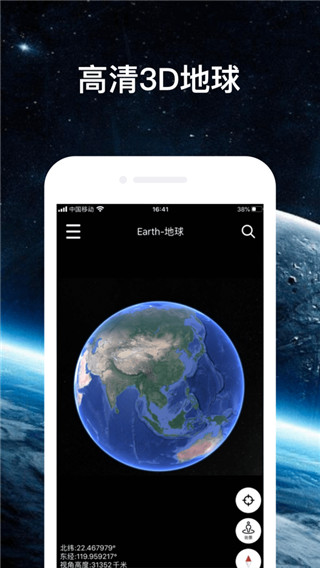
earth2022 supports astronomical information system globe functions, such as viewing climate data, ocean current changes, viewing friends' locations, compass, etc. , and give users a better experience from all aspects. Directly enter the latitude and longitude of your location to quickly enter the street view mode and view the surrounding environment at a glance. It meets the needs of all walks of life for three-dimensional astronomical mapping and can help users complete terrain surveying and mapping work more accurately and efficiently, thus greatly improving work efficiency.
1. Map mode: teaches you to recognize each country block on the world map;
2. Day and night mode: interpret the cool day and night characteristics of the earth’s rotation;
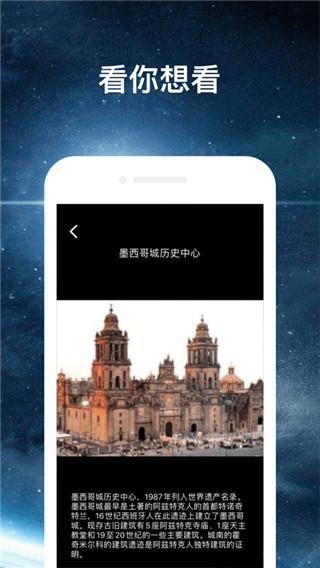
3. Science popularization signs: View the popular science features of various places on the earth, such as giant pandas, Potala Palace, Tianjin Allegro, etc.
4. Multi-ball mode: Geography class can show students the difference between land plates and oceans;
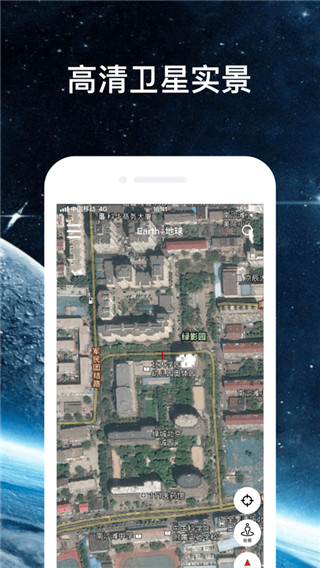
5. Satellite mode: Satellite maps require loading time. Please wait patiently for Google Earth data slices to load when using it.
1. Provide comprehensive and accurate maps of 220 countries/regions;
2. Bus routes and maps of more than 15,000 cities and towns;
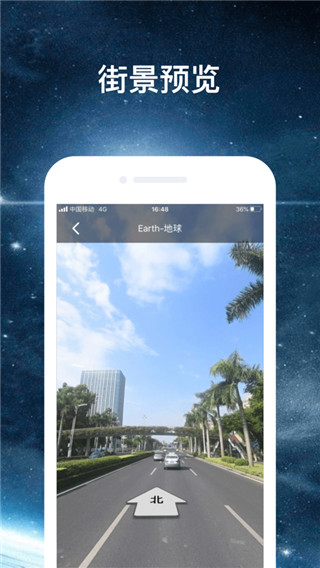
3. Provide street views and indoor images of restaurants, museums and other places;
4. Provide real-time traffic information, accident reports and automatic rerouting functions to help you find the best route;
5. Provide detailed information on more than 100 million locations;
6. Can provide GPS voice navigation for driving, cycling and walking routes.
1. Satellite layer and road network navigation map
It integrates Google Maps, Google Maps, Hybrid Maps, Sky Maps, Baidu API, Tencent Street View, Amap POI and Arcgis, making it faster and clearer than traditional Ovi interactive maps.
2. Latitude and longitude
No need to use ourplay or Google space, enter the latitude and longitude to quickly locate the street view ground;
3. Geographical planning
You can import Kml and kmz files, submit CAD files, measure and other subsequent GPS toolbox functions.
4. Geographic science popularization
Day and night mode can show the dynamic effect of the Terminator line of the new three-dimensional satellite Earth;
5. Satellite navigation
Find the roof of your hometown home via satellite navigation with compass for correct orientation;
6. Massive data
Global historical image data has 70TB of high-definition map data for a single year, and big data supports Google Space;
7. Orbit
When positioned, the experience flight path will drop onto the world map surface.
1. [How to navigate]
1. Open the Earth Earth app, enter the software, and click the magnifying glass button in the upper right corner of the software;
2. Enter the destination we want to go to, and we can start navigation.
2. [How to see street view]
1. Open the software and click the function button icon in the upper left corner of the software;
2. In the new function pop-up page, click the [Select Image Source] function and select the image source we want to use;
3. Finally, click the [Street View] function button to view the street view.
3. [How to import data]
1. First we need to find the file we want to import, and then click the [Use other applications] to open the button;
2. Then, select our earth APP and open it to complete the file import.