
蝙蝠聊天怎么签到领经验值
- 作者:互联网
- 时间:2023-09-21 08:27:02
蝙蝠聊天是一款深受用户喜爱的多人聊天互动工具,那么蝙蝠聊天怎么签到领经验值呢?今天就为大家带来了蝙蝠聊天签到领经验值教程分享,希望可以帮到大家。

蝙蝠聊天签到领经验值教程
首先在手机打开【蝙蝠加密聊天】。

进入页面,点击【发现】。
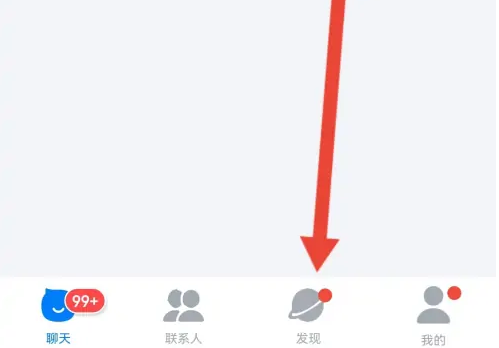
来到发现,点击【福利中心】。

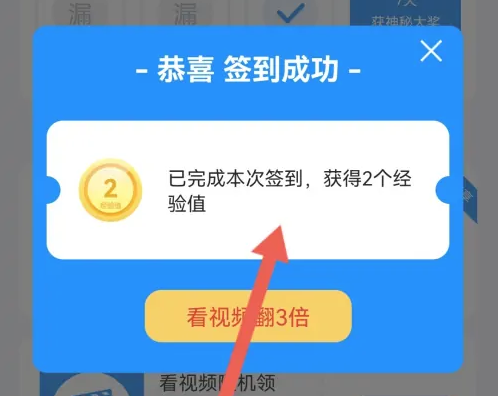
进入福利中心,然后点击【签】。

弹出签到成功,获得了经验值。
上一篇: 爆梗找茬王文艺汇演通关方法
下一篇: 爱发电怎么下载音频
相关阅读
- 无畏契约手游怎么设置 2026-02-11
- 秘塔网页版入口-秘塔官网登录一键直达 2026-02-11
- 幻想生活i矿物关底首领的分布位置点及掉落物 2026-02-11
- 12306火车票余票查询直达入口-12306特价火车票限时查询 2026-02-11
- 命运群星角色推荐榜榜单一览 2026-02-11
- 漫蛙入口热搜极速直达-漫蛙入口最热搜索一键直达 2026-02-11